A dedicated agreement record
Keep contract details in the agency workspace rather than using an unlabelled attachment as the only reference. The contract directory helps your team find the agreement it needs.
Organise the contract, share it through a private review path, and keep the signing context findable when your team needs the agreement.
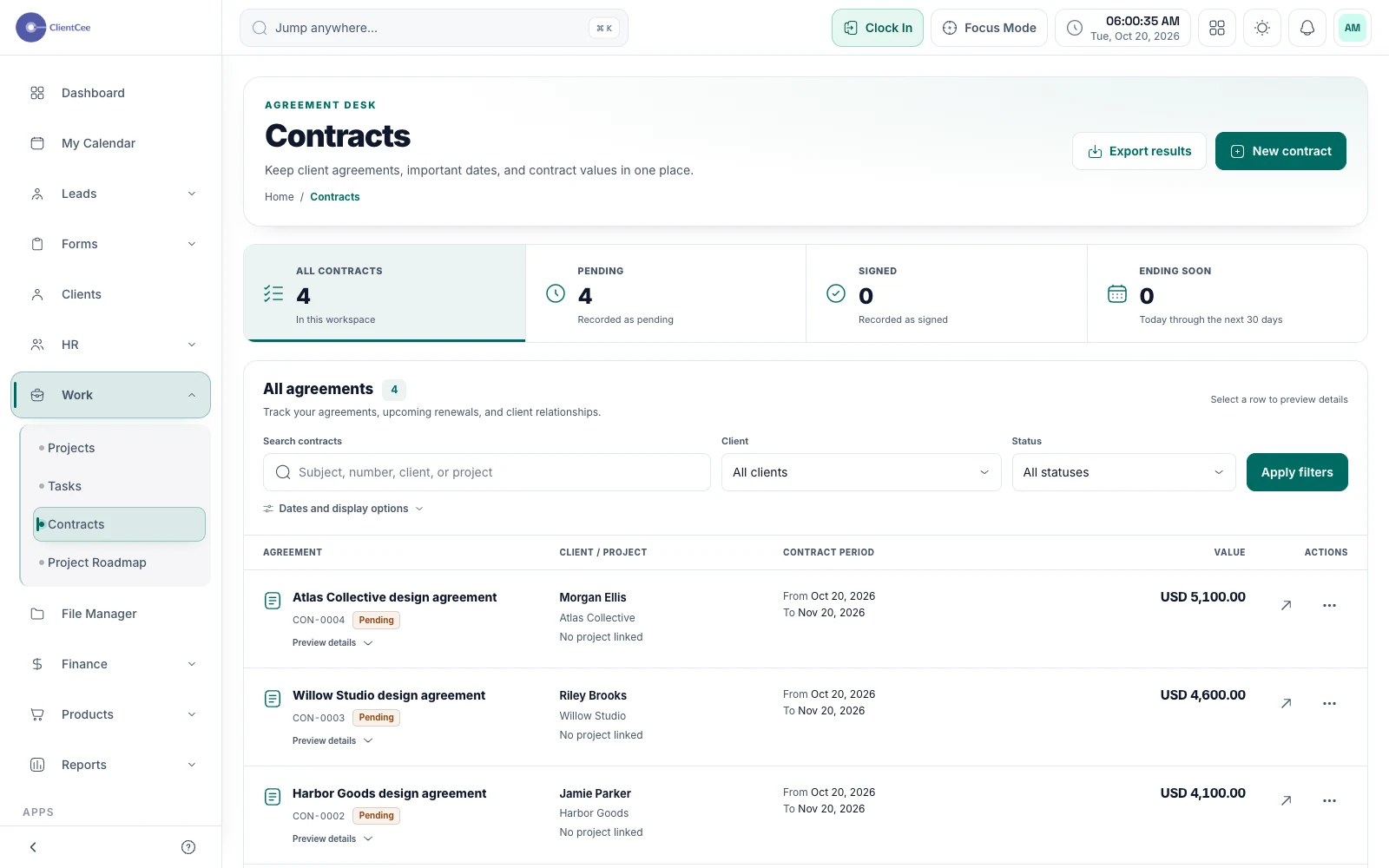
ClientCee's contract management supports preparing contract records, private sharing, client comments, and signing. Agencies can organise agreements and signature records while clients use the shared contract experience to read and respond.
Inside the feature
Keep contract details in the agency workspace rather than using an unlabelled attachment as the only reference. The contract directory helps your team find the agreement it needs.
Shared contract pages use signed, expiring URLs. Clients can read the agreement and sign it when the contract is ready.
Use contract comments and signature records to understand what happened around the agreement. Keep that context available to the authorised people handling the engagement.
A practical workflow
Confirm the parties, scope reference, and terms through your agency's review process.
Use the contract sharing flow and tell the client which agreement they are being asked to read.
Review the signing state and any open comments before telling delivery that the engagement is ready.
A client relationship can include more than one engagement. Give each agreement a clear name and keep the relevant commercial reference with it. At kickoff, make sure the delivery owner knows which agreement defines the work they are about to coordinate.
Private sharing and expiry are part of the review experience. If a client can no longer use a shared link, review the contract's current state and provide the appropriate new access through the sharing flow. Avoid circulating an old link as if it were permanent public access.
Common questions
ClientCee includes a shared contract page for reading and signing, subject to the agreement's current state and the private link's validity. The client panel also provides a route to relevant contracts.
Contract sharing uses private links that can expire. Use the current sharing flow when a client needs renewed access rather than treating a copied URL as permanent.
The agency contract workflow includes signature receipts and signature images for authorised access. Review the contract record when you need the signing context.
Keep the work connected
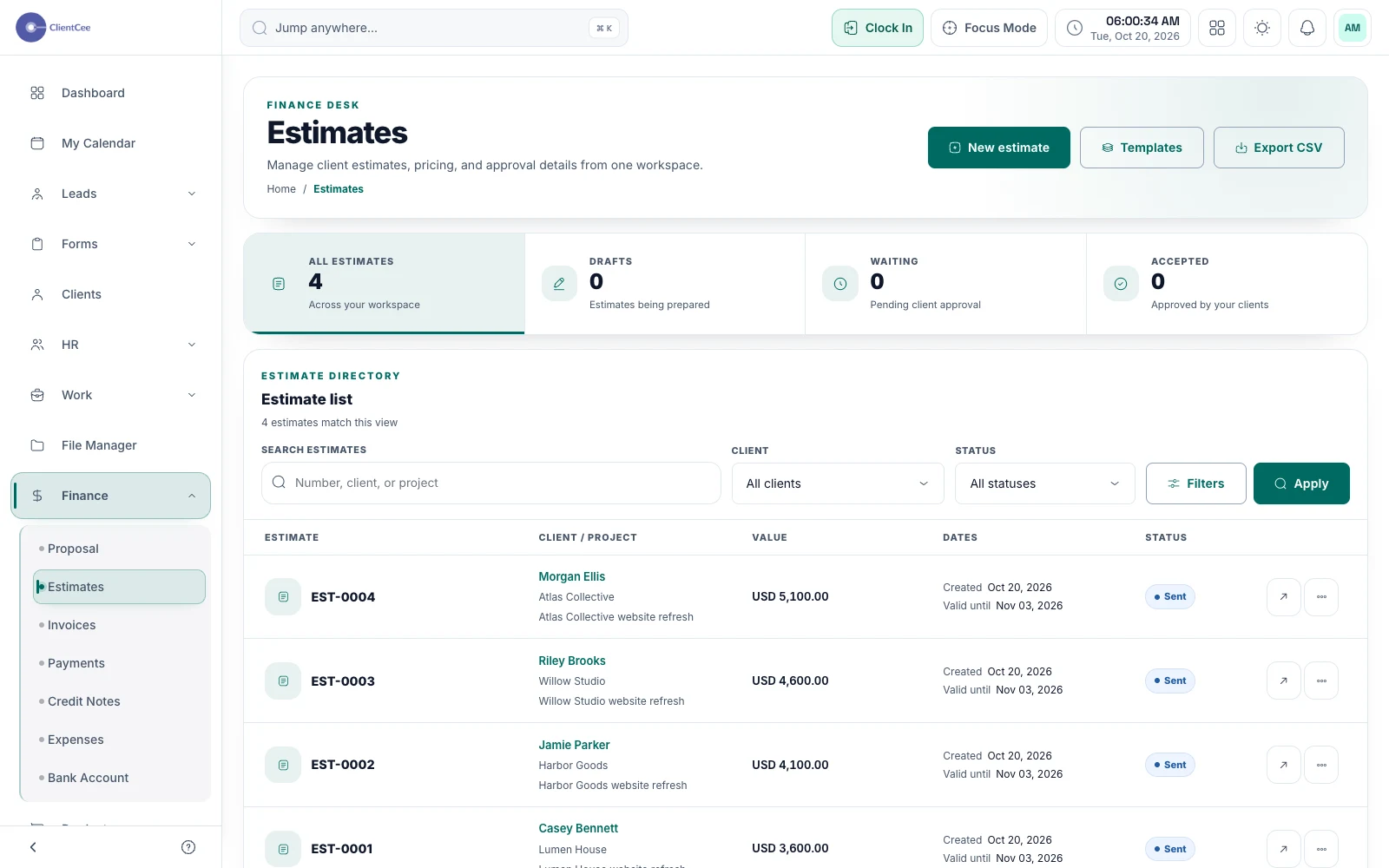
Prepare a clear offer, share it with the client, and keep the decision with the commercial record your team needs next.
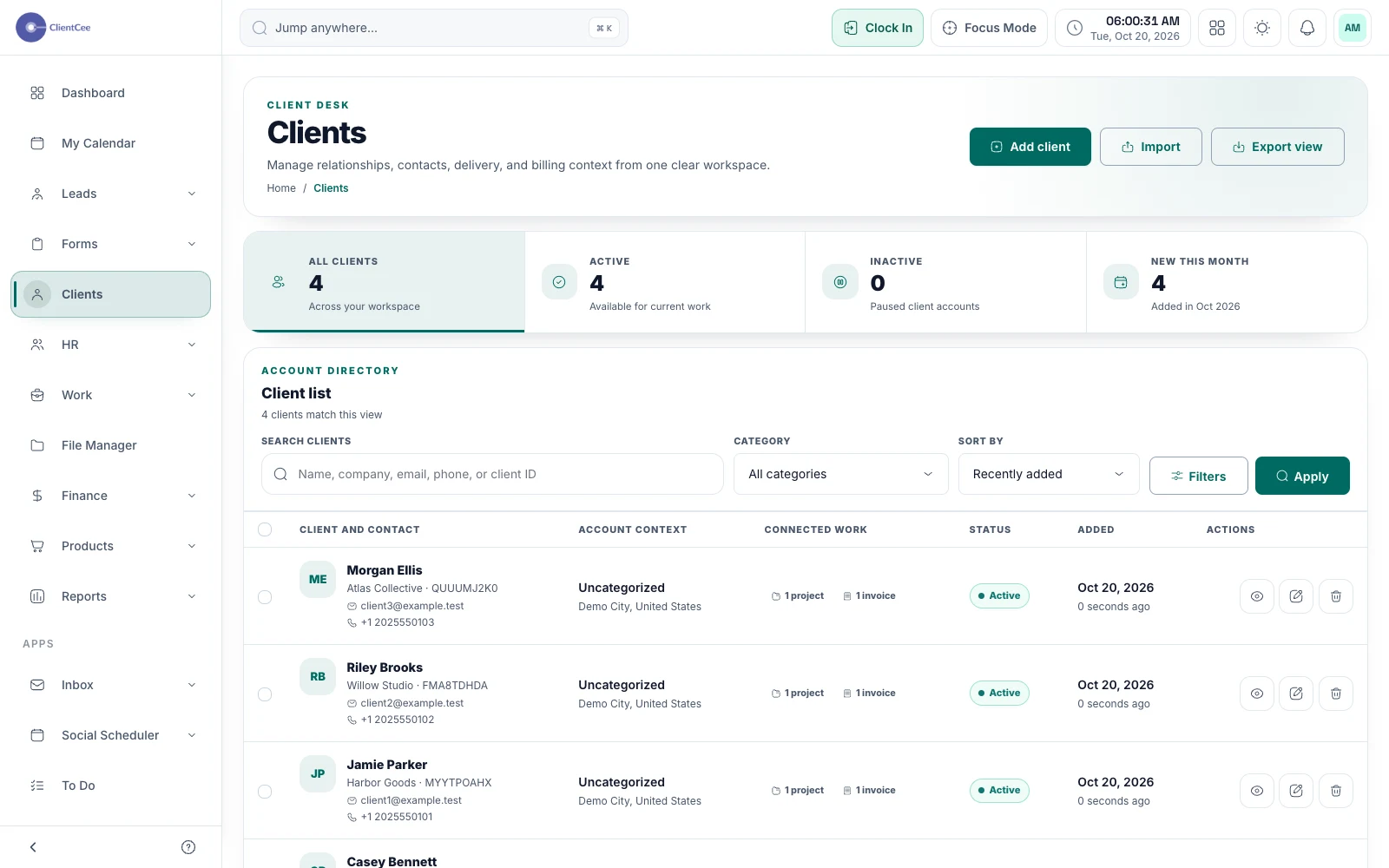
Give your agency a shared place for client information, then follow the relationship into projects, commercial records, and the client portal.
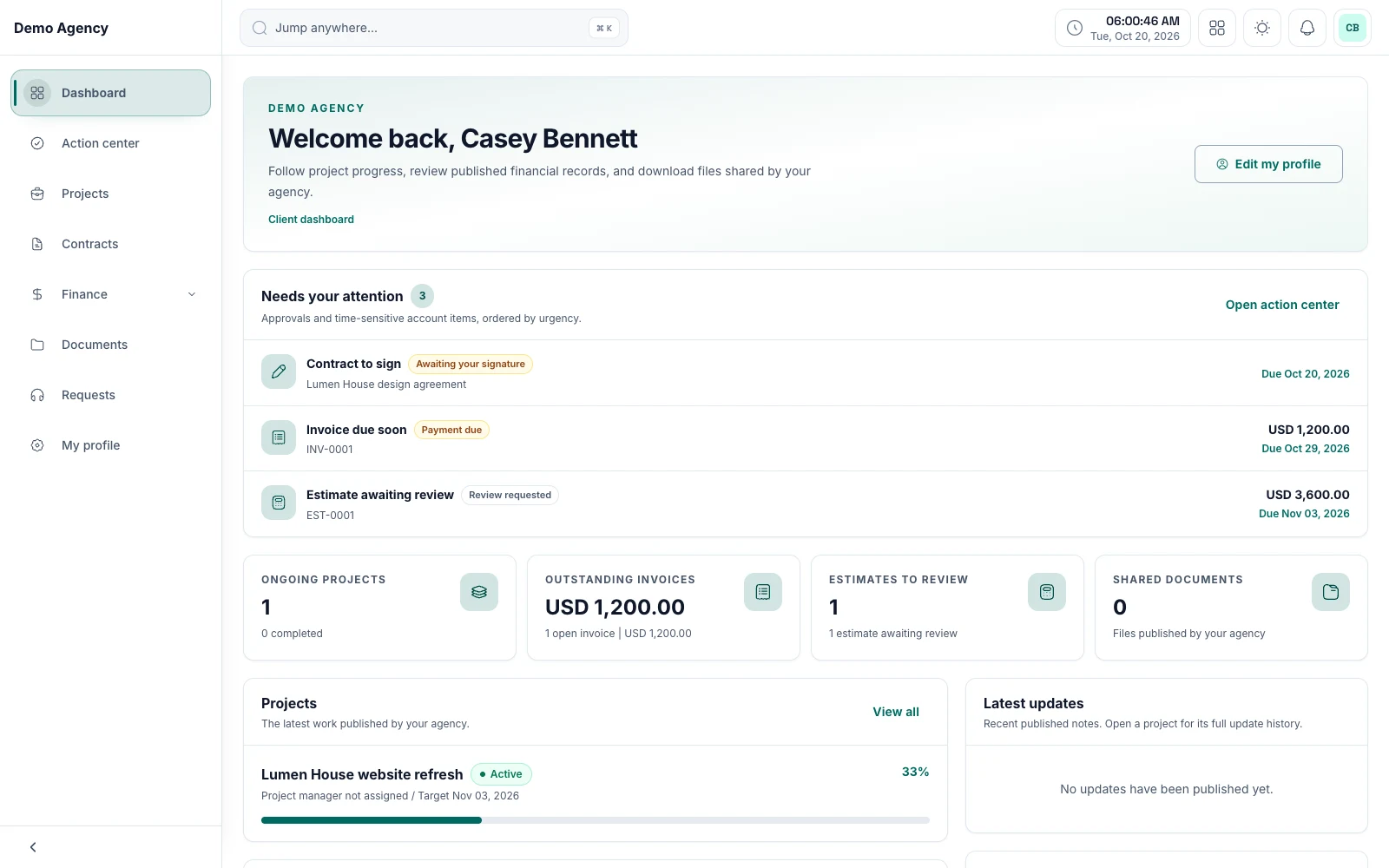
Keep shared work, review requests, and commercial information within reach, with a client experience built around the relationship.
Put it into practice
A client onboarding checklist for agencies