Present the work and its price
Use proposals and estimates to describe the engagement and its commercial details. Check the scope and line items before sharing a version with the client.
Prepare a clear offer, share it with the client, and keep the decision with the commercial record your team needs next.
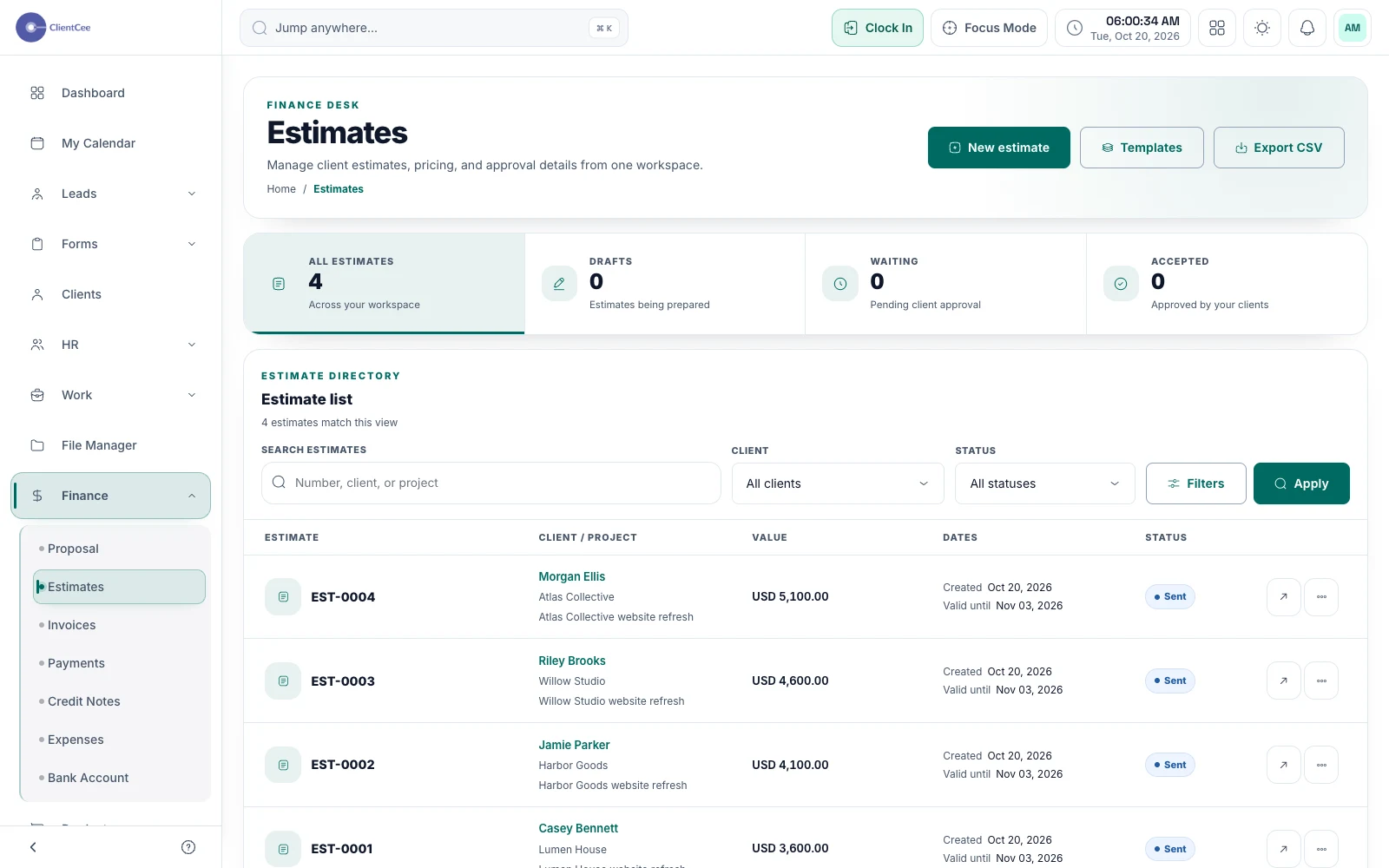
ClientCee includes proposals and estimates for presenting agency work and pricing. Share supported records for client review, track the resulting decision, and use the agreed commercial context when coordinating the next project or billing step.
Inside the feature
Use proposals and estimates to describe the engagement and its commercial details. Check the scope and line items before sharing a version with the client.
Share proposals and estimates for a client decision. Estimates also have a change-request path, helping you distinguish a question about the offer from an acceptance.
Download estimate PDFs, reuse templates, duplicate an offer, or create an invoice from an estimate. Review the result and agreed terms when moving from an estimate into billing.
A practical workflow
Confirm the deliverables, line items, and terms with the person responsible for the engagement.
Send the appropriate proposal or estimate and explain what the client should review.
Record or review the decision, resolve requested changes, and coordinate the next agreed commercial step.
A client who wants a different deliverable has not necessarily accepted the original offer. Keep the request and its commercial effect clear, then share the appropriate version for the next decision. This gives delivery a more reliable starting point.
Once the offer is agreed, your team still needs a delivery owner, client approver, required assets, and an initial milestone. Use the commercial record as context for that handoff instead of asking the delivery team to reconstruct the sales conversation.
Common questions
An estimate focuses on the priced work, while a proposal can present the wider engagement. ClientCee provides both record types. Choose the one that supports the commercial decision you are asking the client to make.
The client-facing estimate flow includes a request-changes action. Review that response and update the offer through your agency's process before treating it as agreed.
ClientCee lets you create an invoice from an estimate. Check the resulting invoice and the agreed billing schedule before sending it; creating an invoice is a separate step from collecting payment.
Keep the work connected
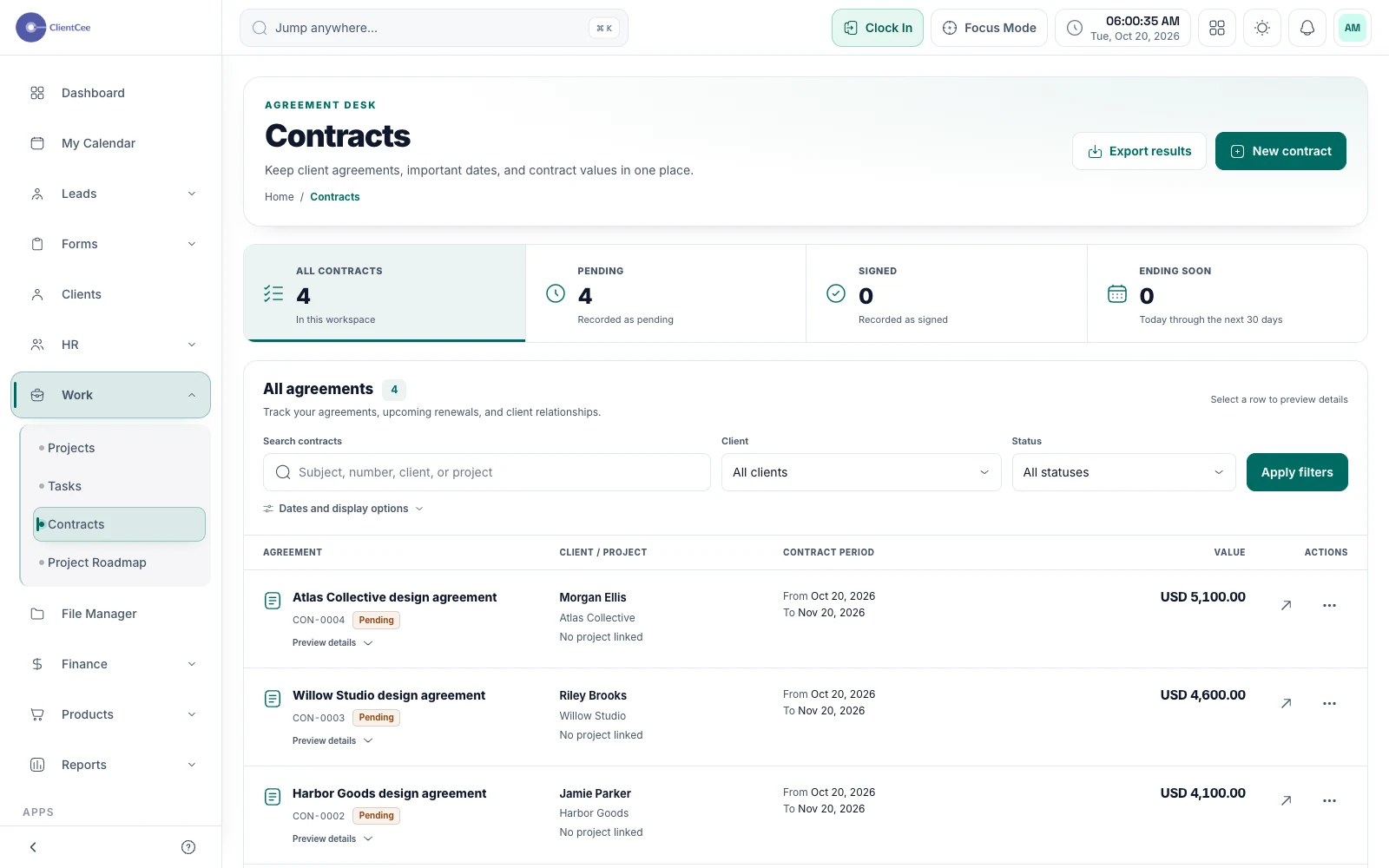
Organise the contract, share it through a private review path, and keep the signing context findable when your team needs the agreement.
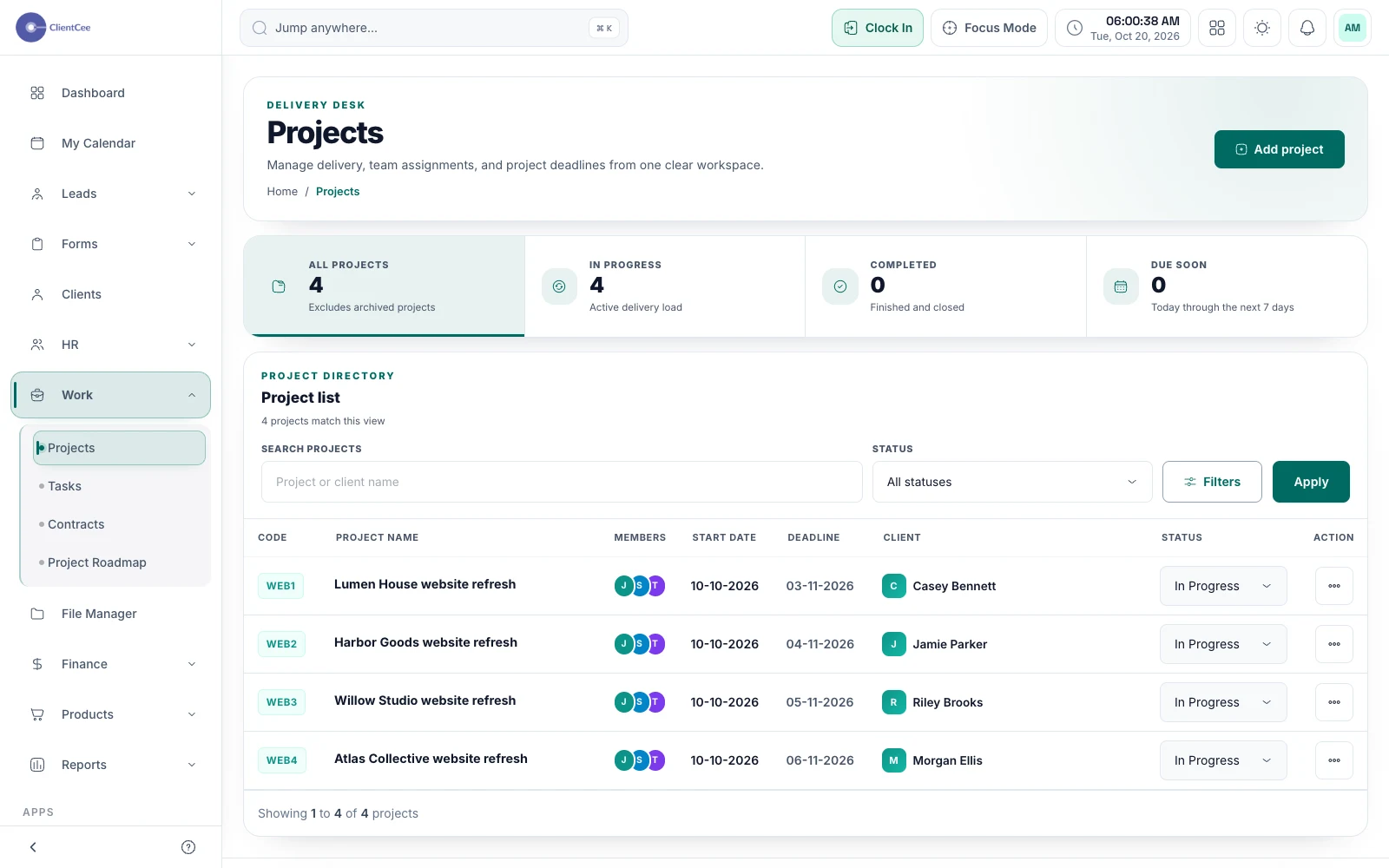
Connect the engagement, the people doing the work, and the tasks that need attention, with a clearer view for your agency and its clients.
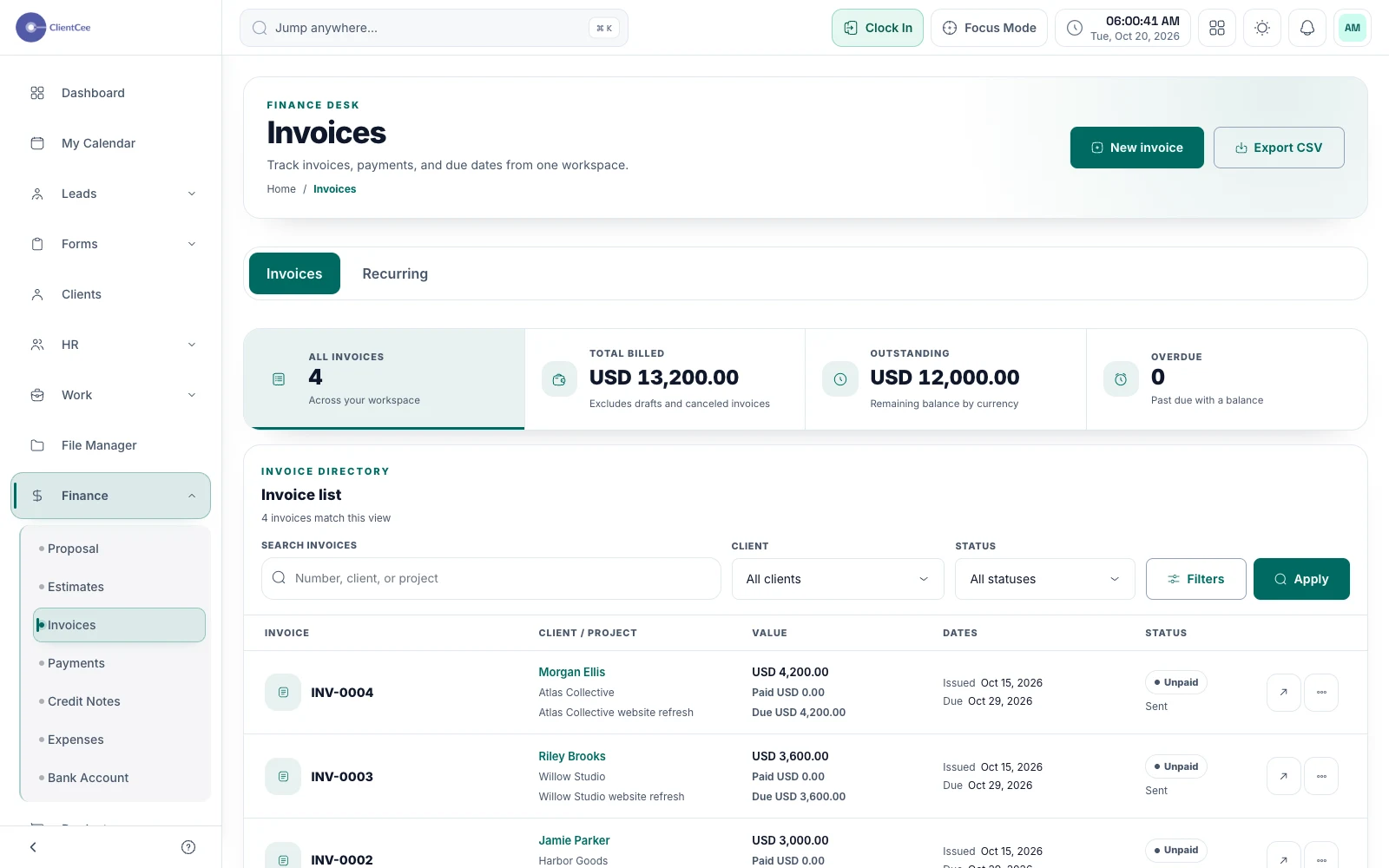
Prepare the invoice, offer the configured payment options, and keep the amount due and payment record visible to the people responsible for billing.