A record your team can find
Keep contact and business details in the client directory. Search and filter records instead of asking a teammate which spreadsheet contains the latest information.
Give your agency a shared place for client information, then follow the relationship into projects, commercial records, and the client portal.
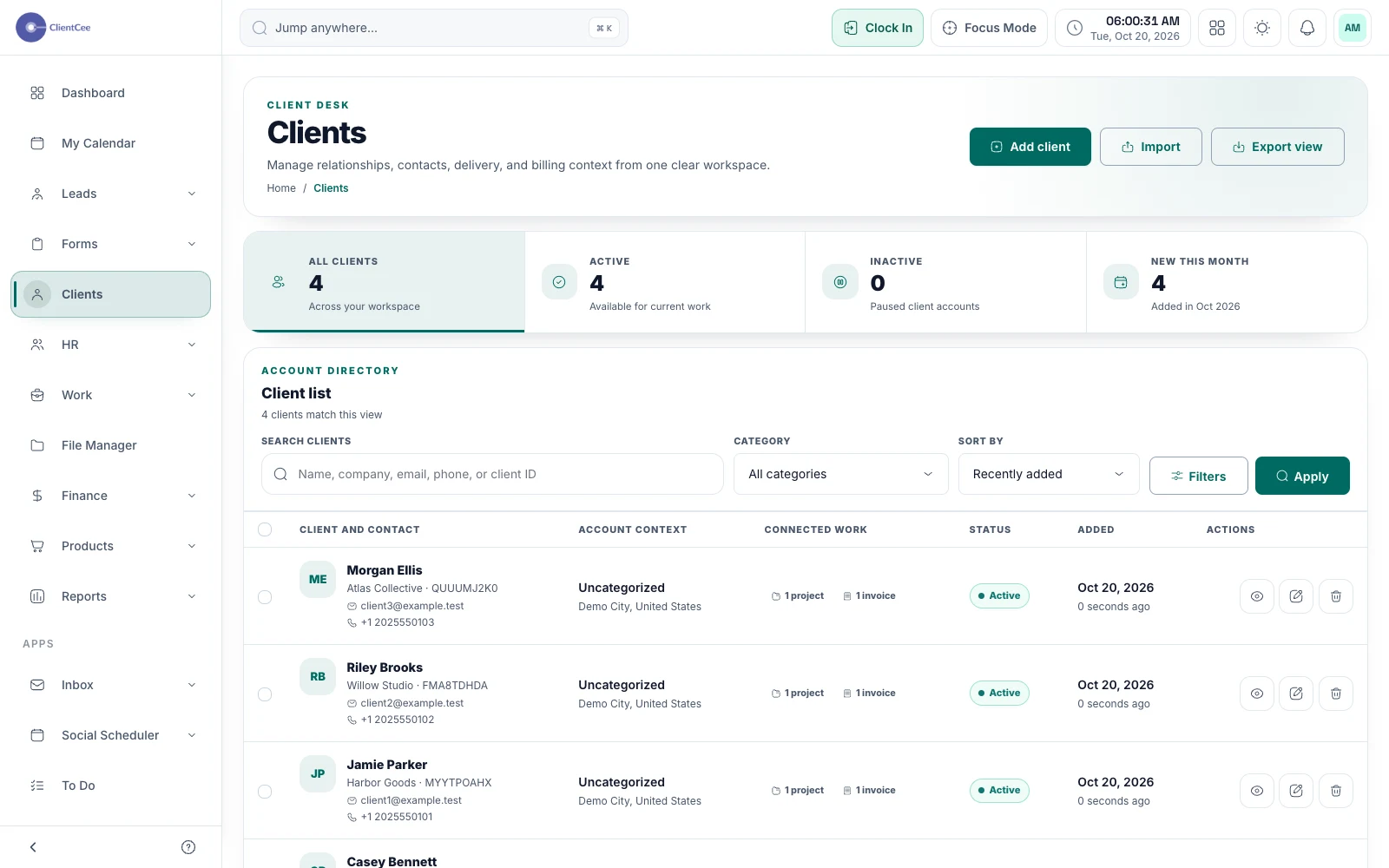
ClientCee's client management connects client records with the projects and commercial activity your agency manages. Use it to keep contact and business details findable, organise client work, and give authorised clients their own view through the portal.
Inside the feature
Keep contact and business details in the client directory. Search and filter records instead of asking a teammate which spreadsheet contains the latest information.
Open the relevant client context when organising projects, estimates, or invoices. Keep the relationship attached to the work that follows the initial agreement.
Use the client panel for information shared with the client. The agency's internal view and the client's view serve different responsibilities.
A practical workflow
Check the business name, main contact, and billing information before using the record for active work.
Use the client when setting up the relevant project and commercial records, so the next person can identify the relationship.
Review contact changes and portal access as the engagement develops, especially when the client's approver changes.
A website client asks about an invoice while their usual contact is unavailable. With a consistent client record, another authorised teammate can find the relevant engagement and work out who should respond. That continuity depends on your team keeping the underlying details accurate.
The agency owner needs oversight, delivery needs project context, and the client needs the information shared with them. Start with the appropriate roles and client access instead of giving every participant the same view.
Common questions
Client management focuses on an established relationship and its work. Lead management organises opportunities and follow-ups before an engagement is agreed. ClientCee provides separate areas for those jobs.
ClientCee includes a dedicated client panel. Its available records and actions depend on the workspace's enabled modules, the client's relationship to those records, and access controls.
Treat the client record and project setup as separate decisions. Choose the relevant client when creating the engagement rather than assuming every new contact needs a delivery project.
Keep the work connected
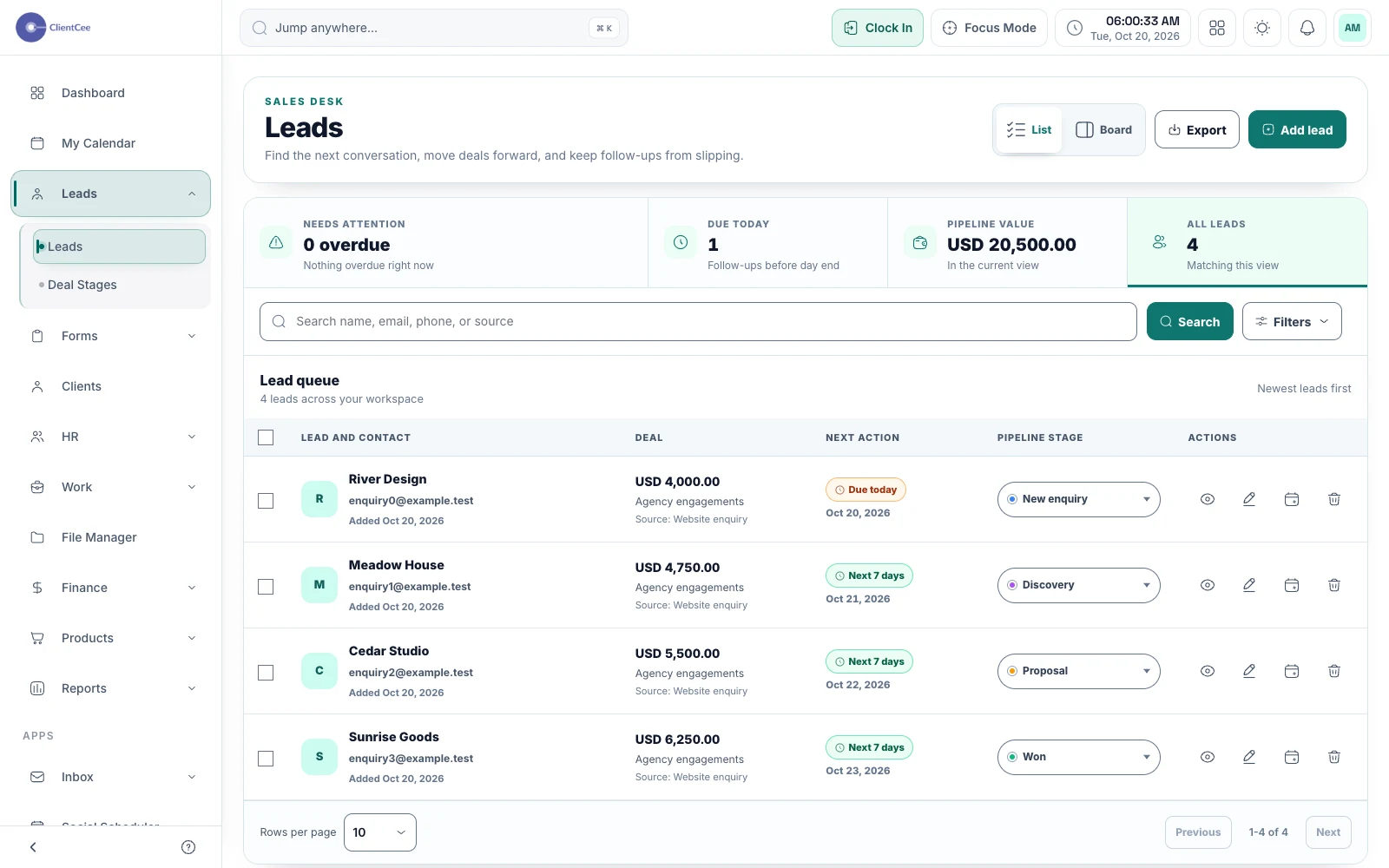
Keep enquiries, pipeline stages, and follow-up dates together, so your next client conversation starts with the right context.
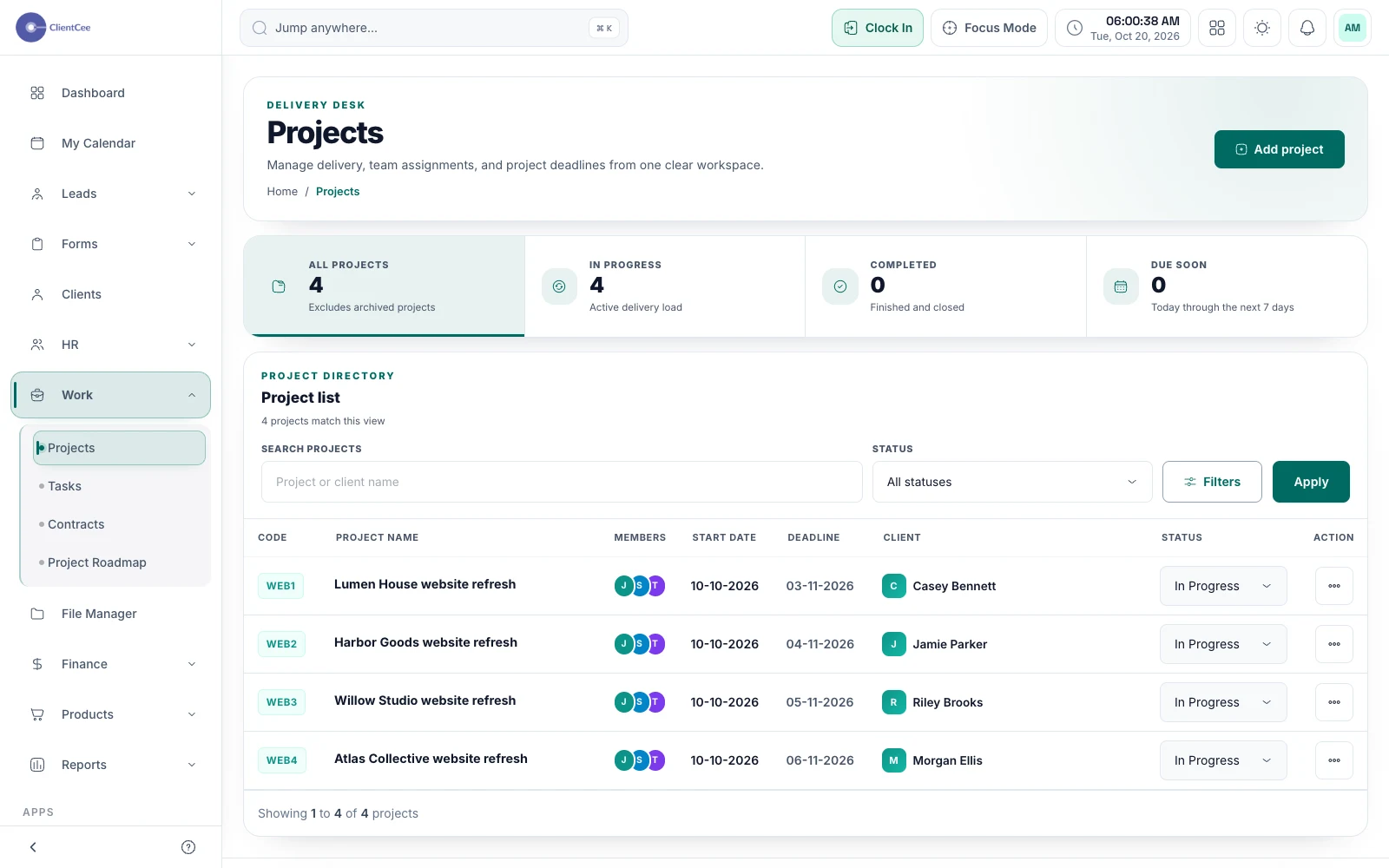
Connect the engagement, the people doing the work, and the tasks that need attention, with a clearer view for your agency and its clients.
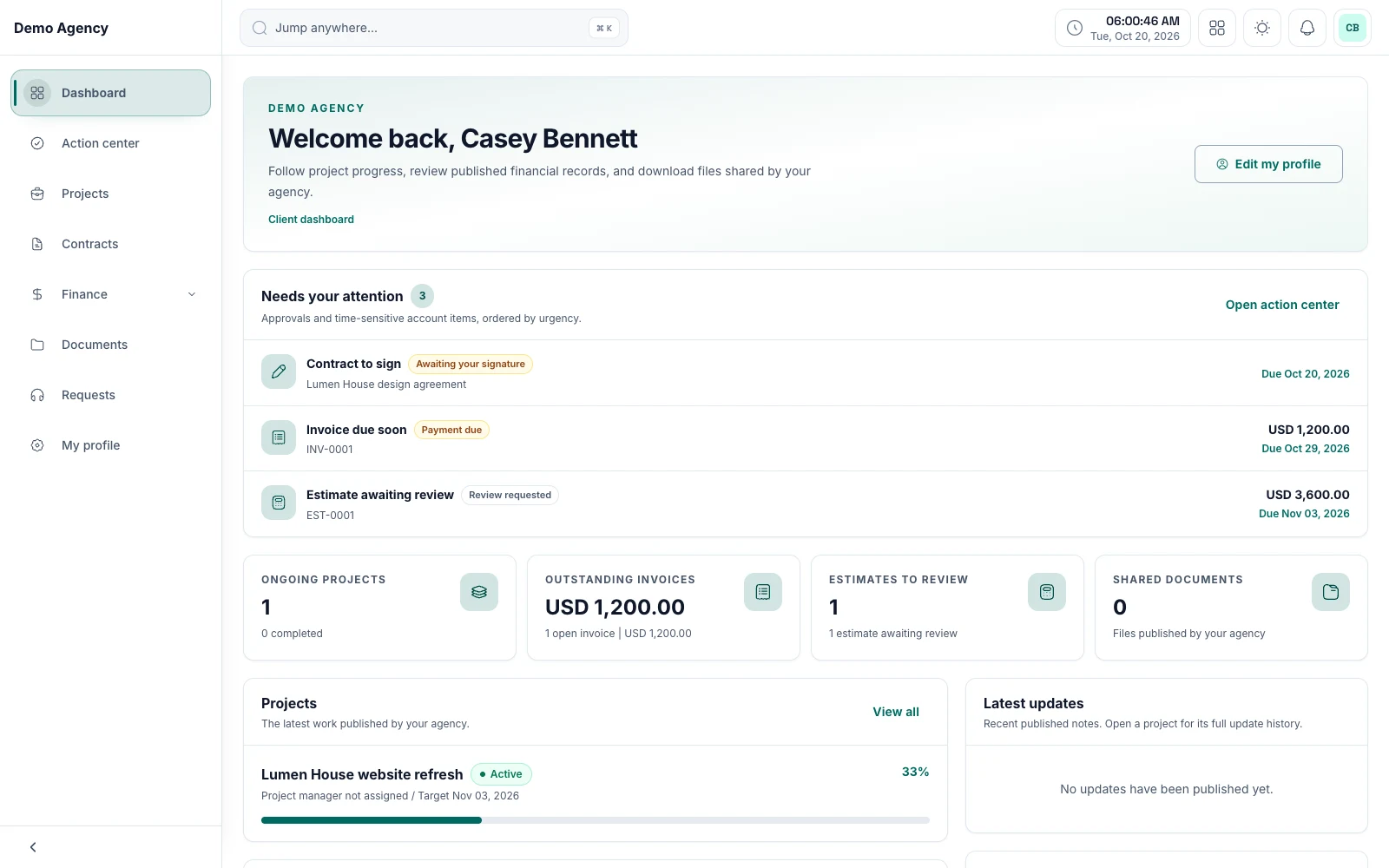
Keep shared work, review requests, and commercial information within reach, with a client experience built around the relationship.