Agency CRM featuresRun the business.
Keep the work connected.
Explore the tools behind a clearer agency day. From the first enquiry to delivery, billing, and the people who make it happen.
A relationship that keeps its context.
Your team coordinates the handoffs. ClientCee keeps the relevant records within reach.
Clients & sales
From the first enquiry to an agreement your delivery team can work from.
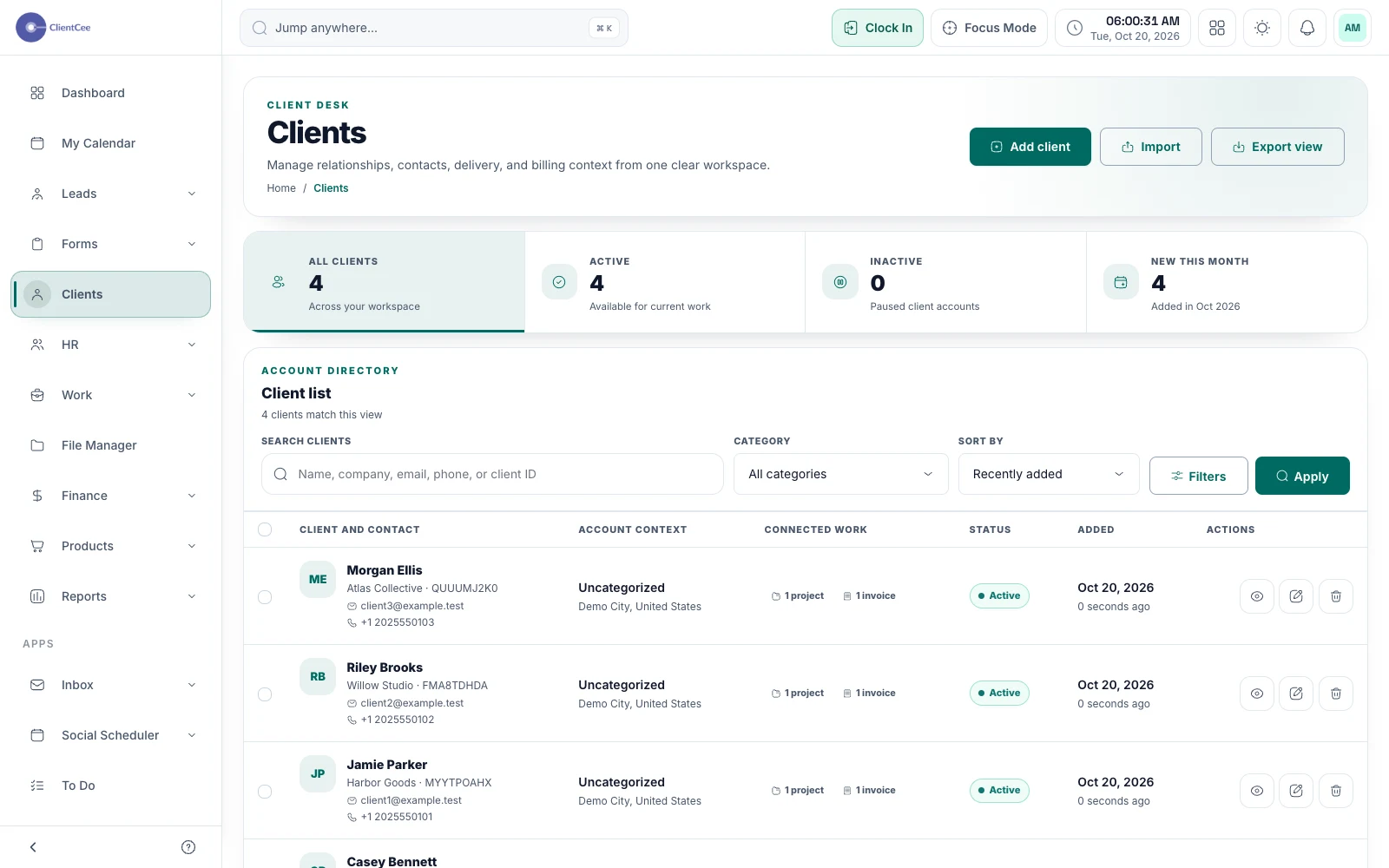
Client management
Give your agency a shared place for client information, then follow the relationship into projects, commercial records, and the client portal.
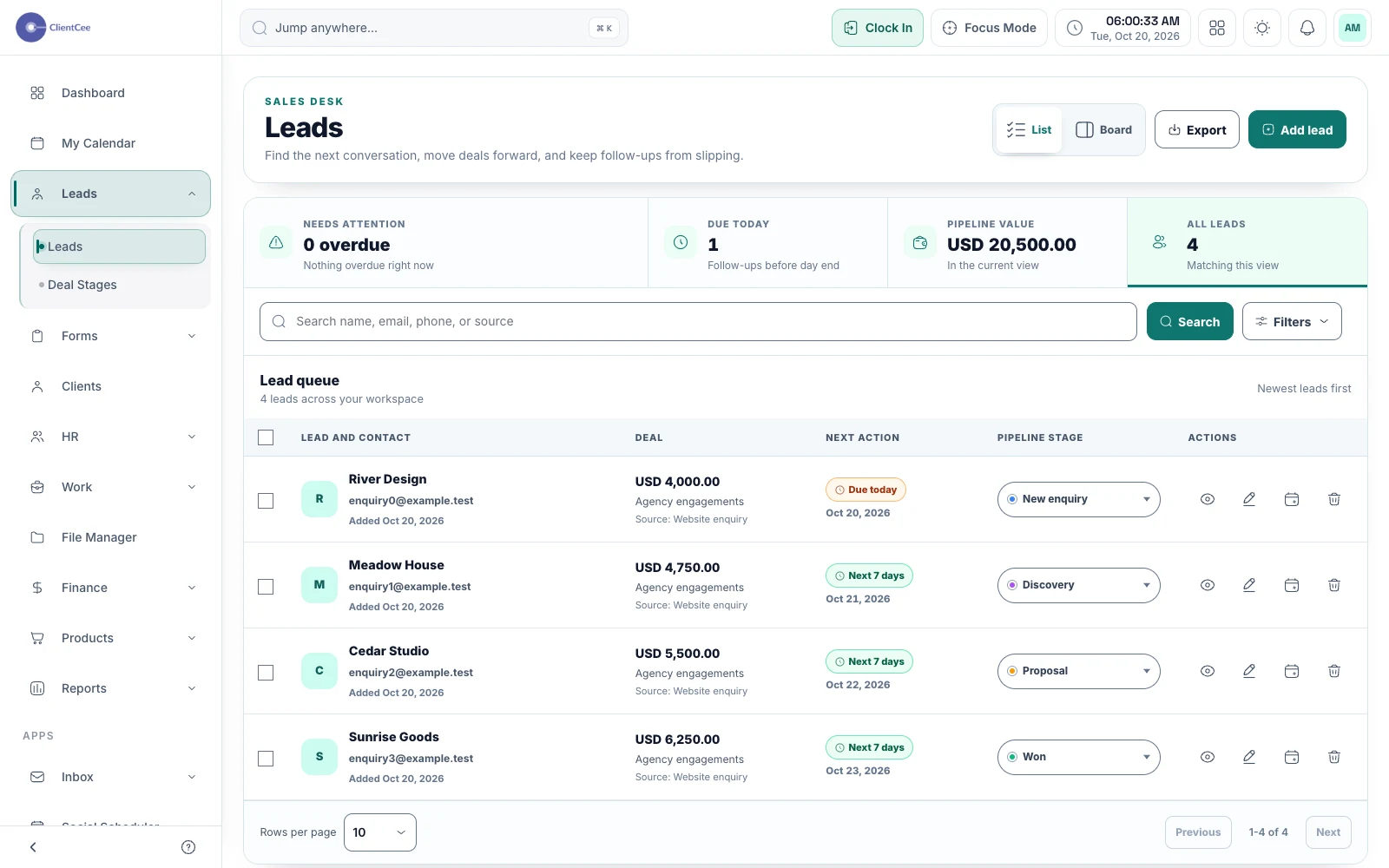
Lead management
Keep enquiries, pipeline stages, and follow-up dates together, so your next client conversation starts with the right context.
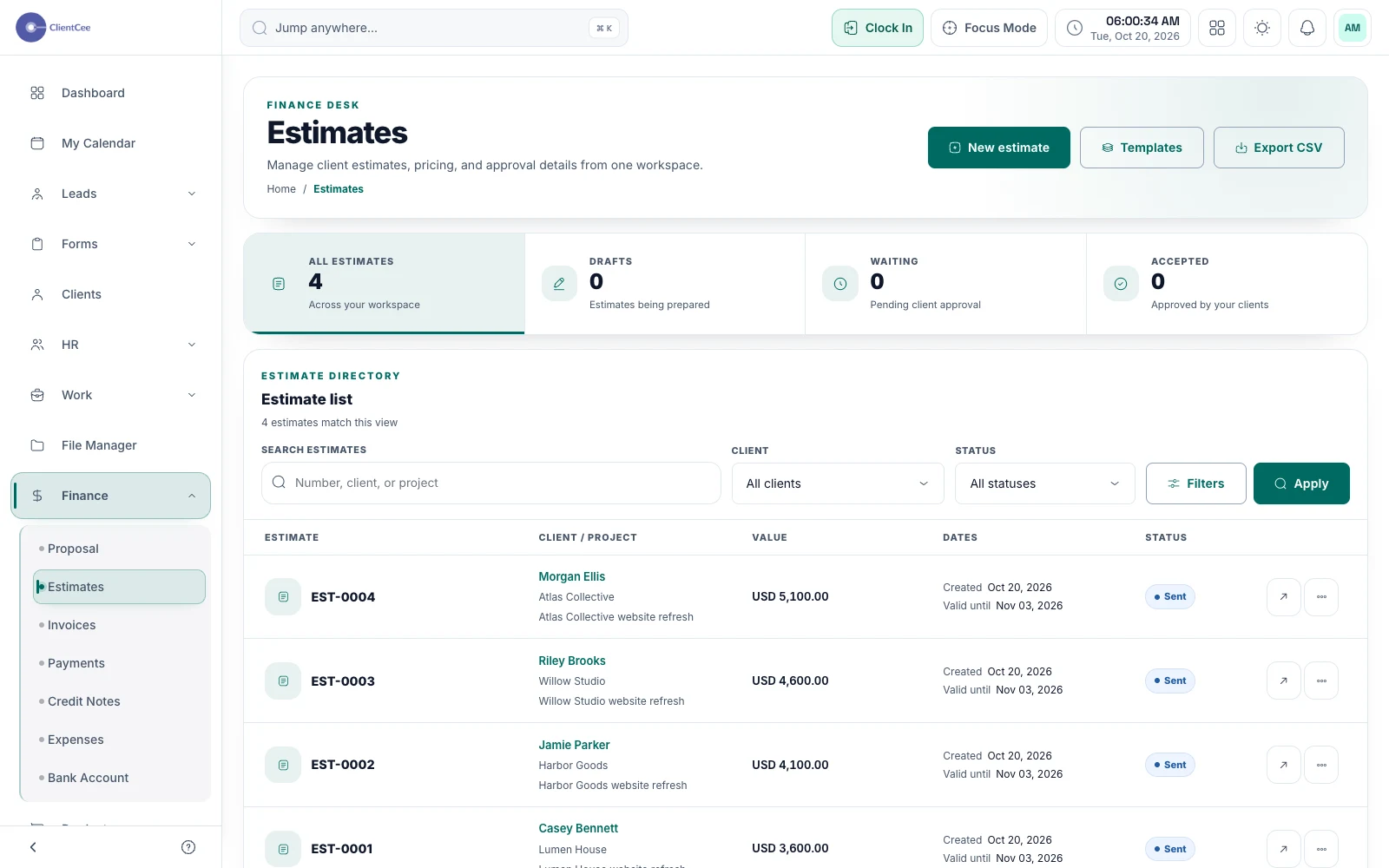
Proposals & estimates
Prepare a clear offer, share it with the client, and keep the decision with the commercial record your team needs next.
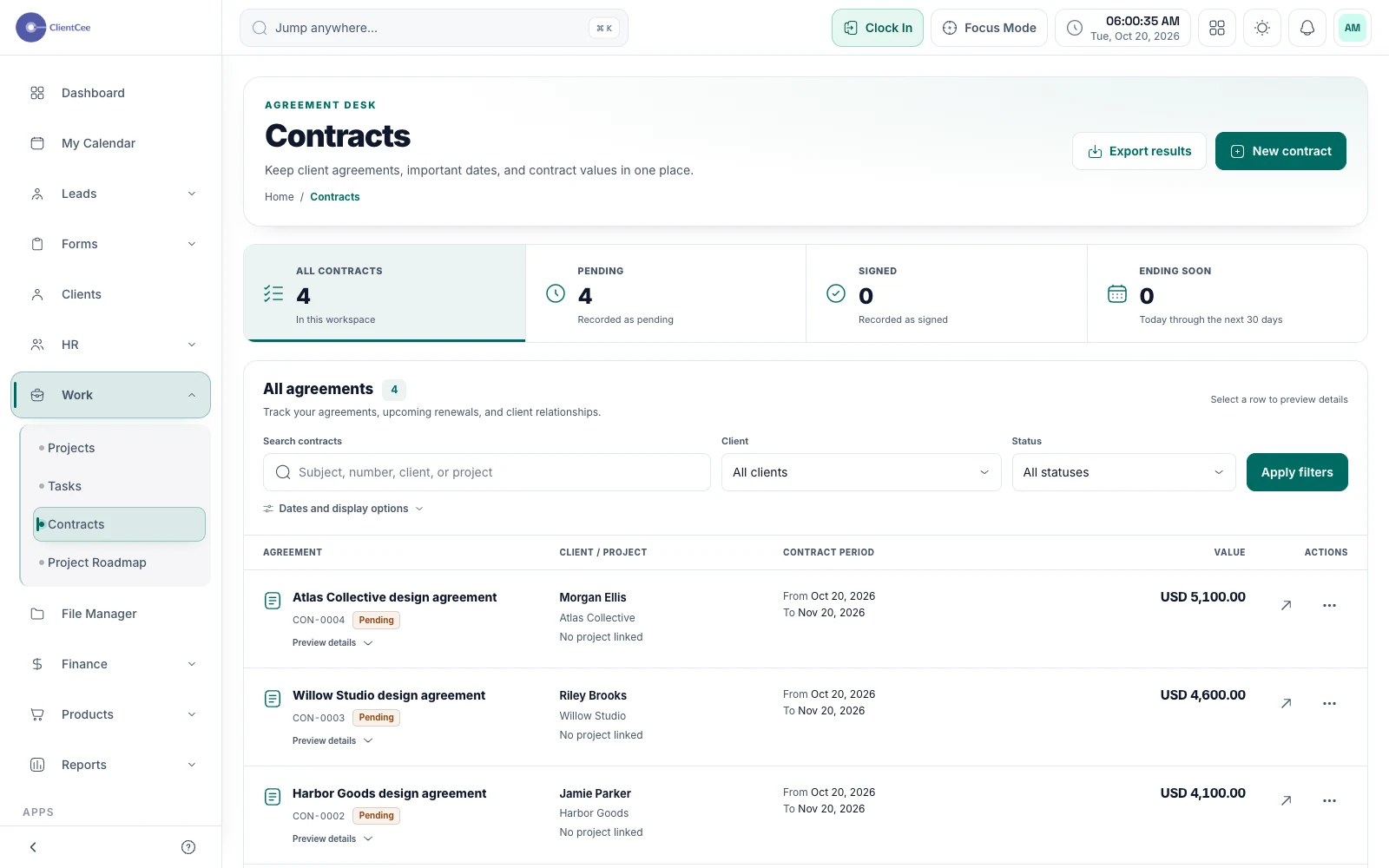
Contracts
Organise the contract, share it through a private review path, and keep the signing context findable when your team needs the agreement.
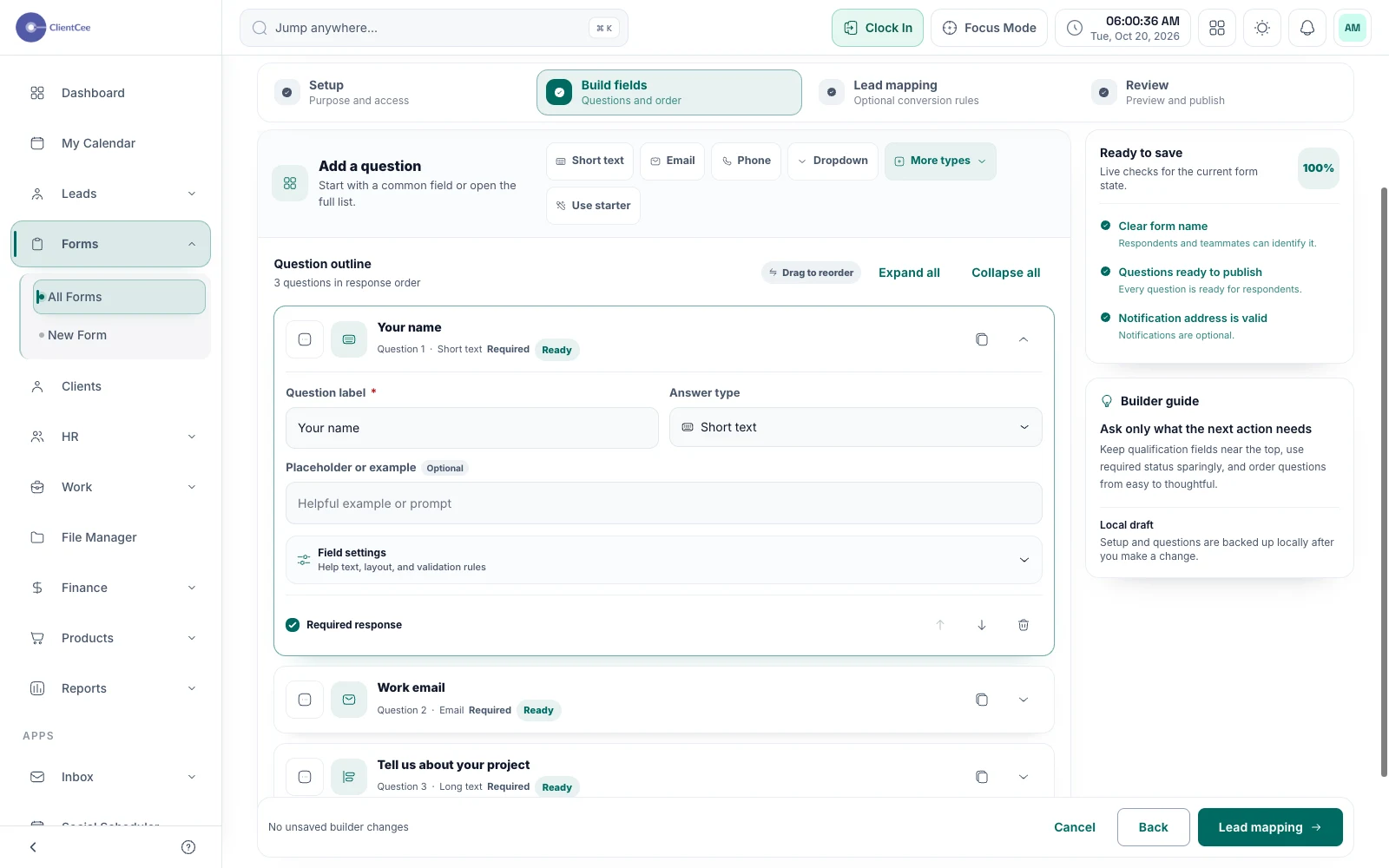
Forms & enquiries
Collect the information your agency needs, review responses in one place, and move the right enquiries into your lead workflow.
Projects & delivery
Give the engagement, the work, and the effort a shared context.
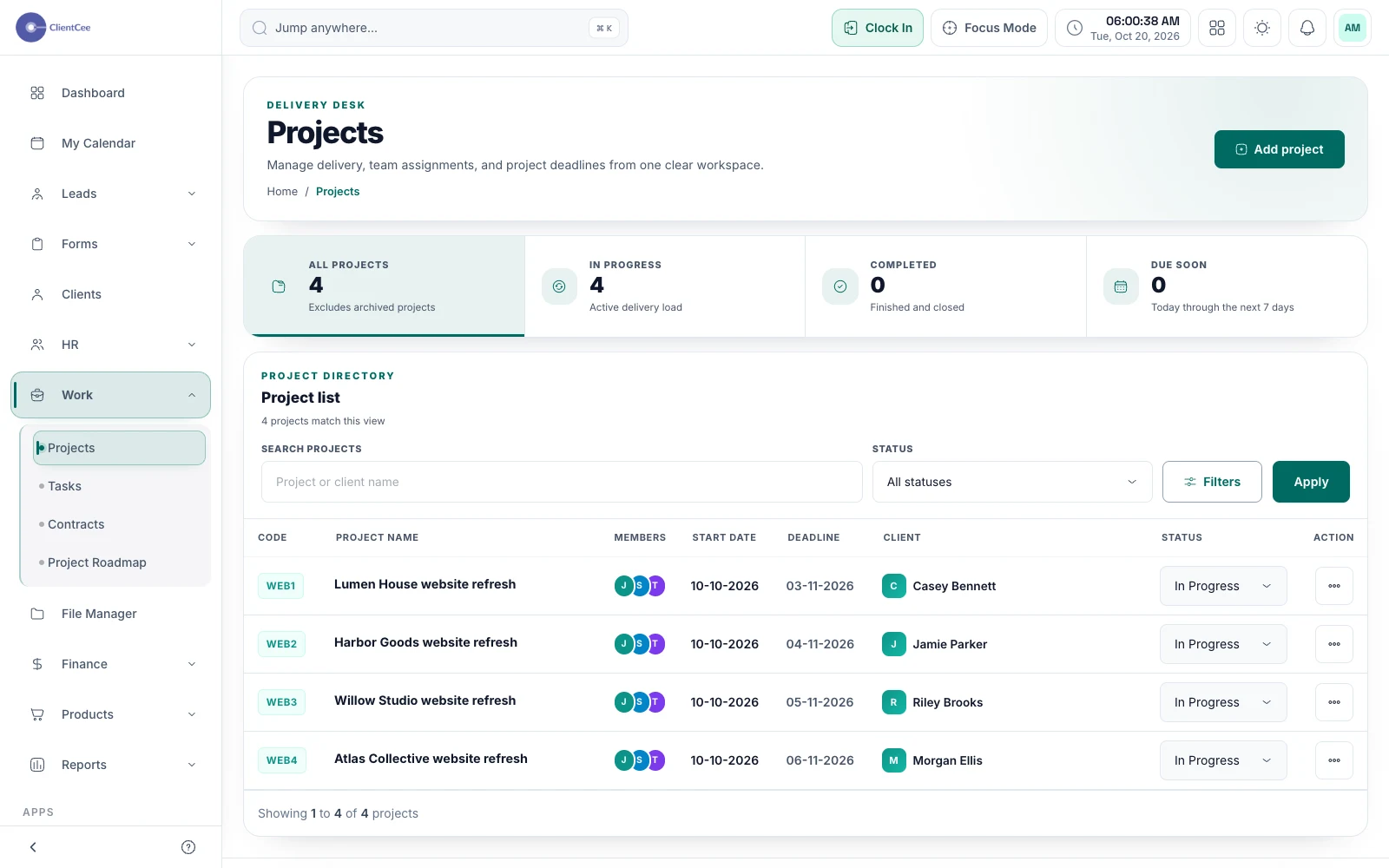
Project management
Connect the engagement, the people doing the work, and the tasks that need attention, with a clearer view for your agency and its clients.
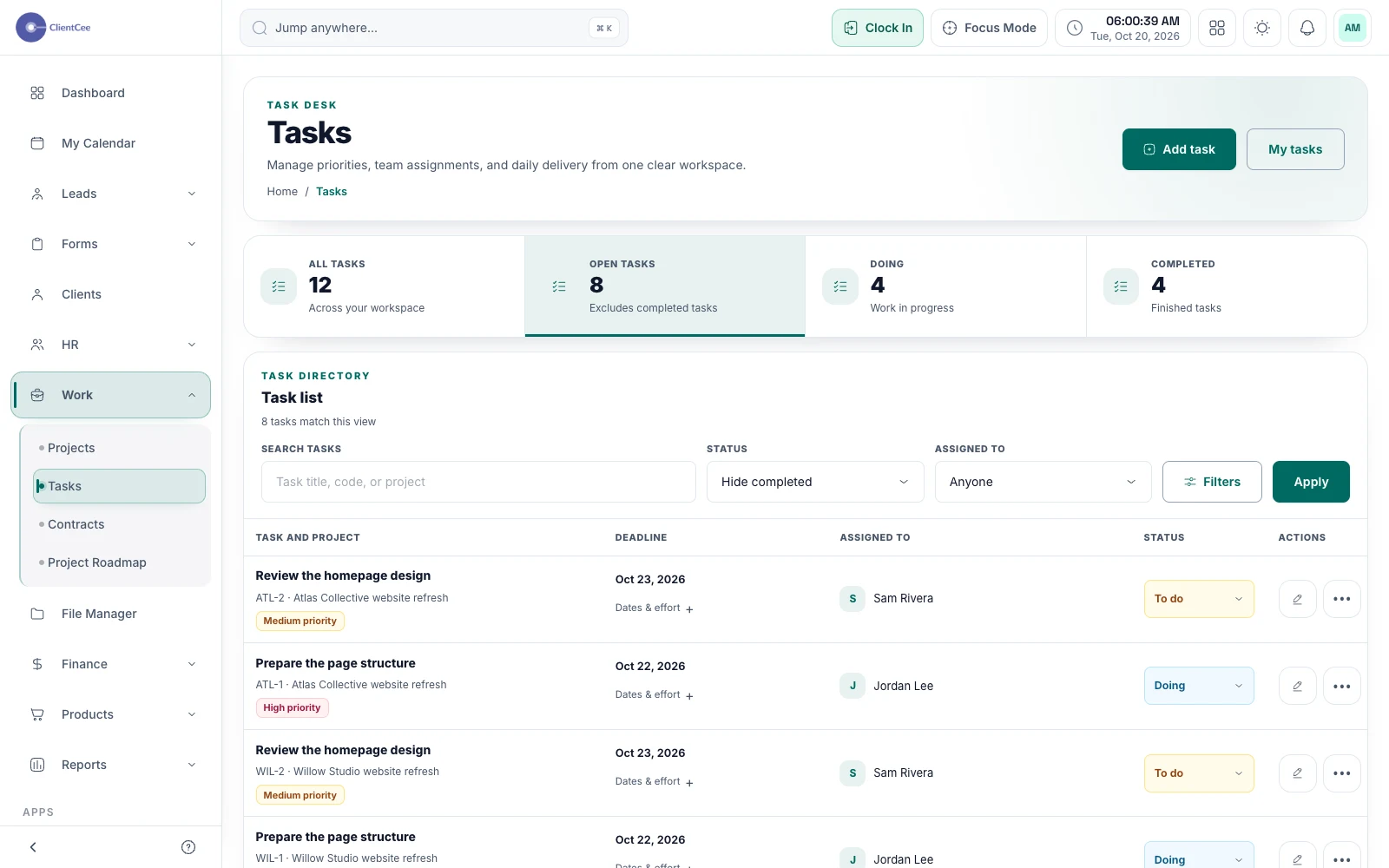
Task management
Turn broad project plans into manageable assignments, with subtasks, collaboration, and progress that your team can understand.
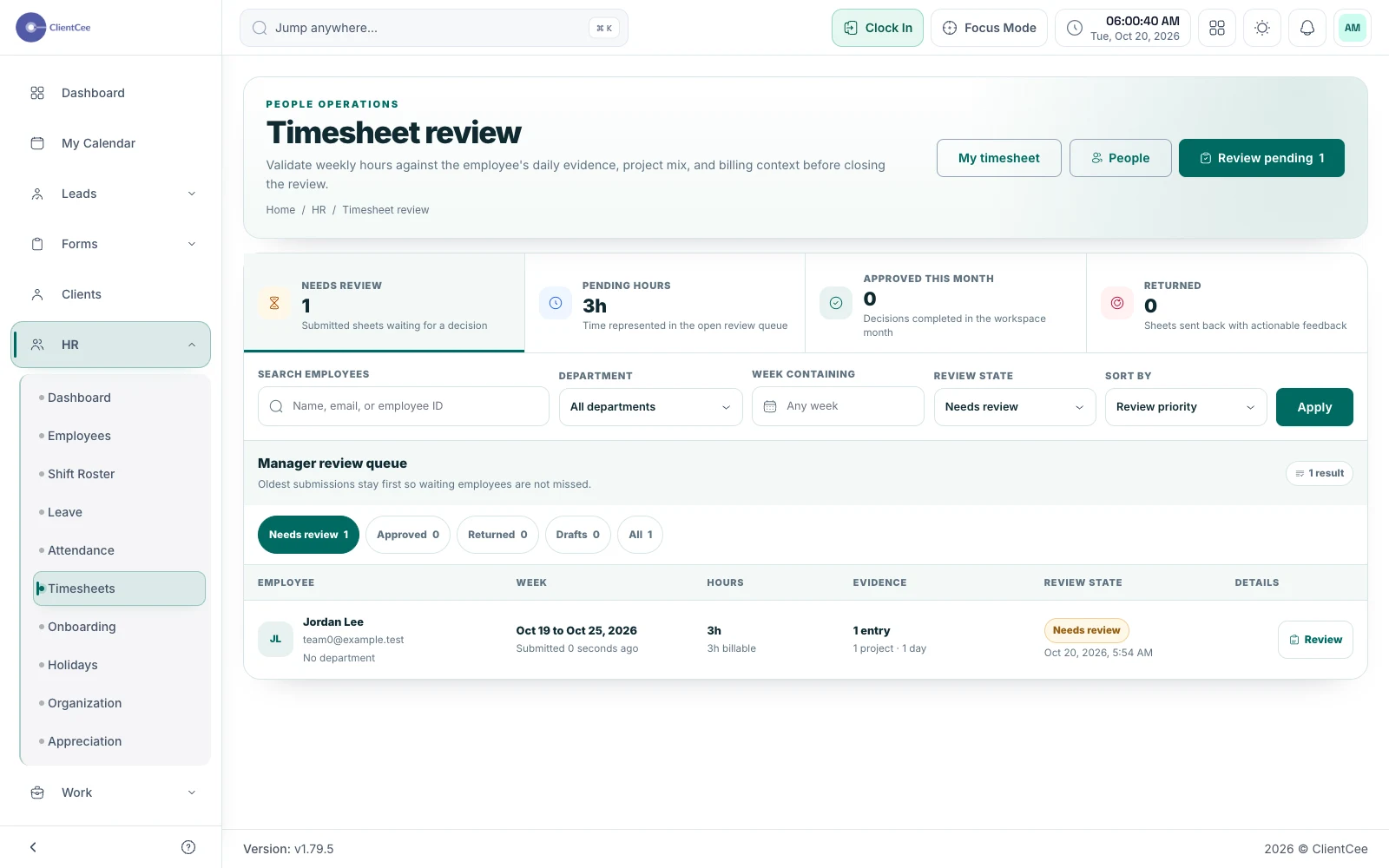
Time tracking
Give the team a place to record effort and give the reviewer enough context to understand it, without confusing a time entry with an invoice.
Billing & visibility
Keep commercial records and the questions behind the numbers in view.
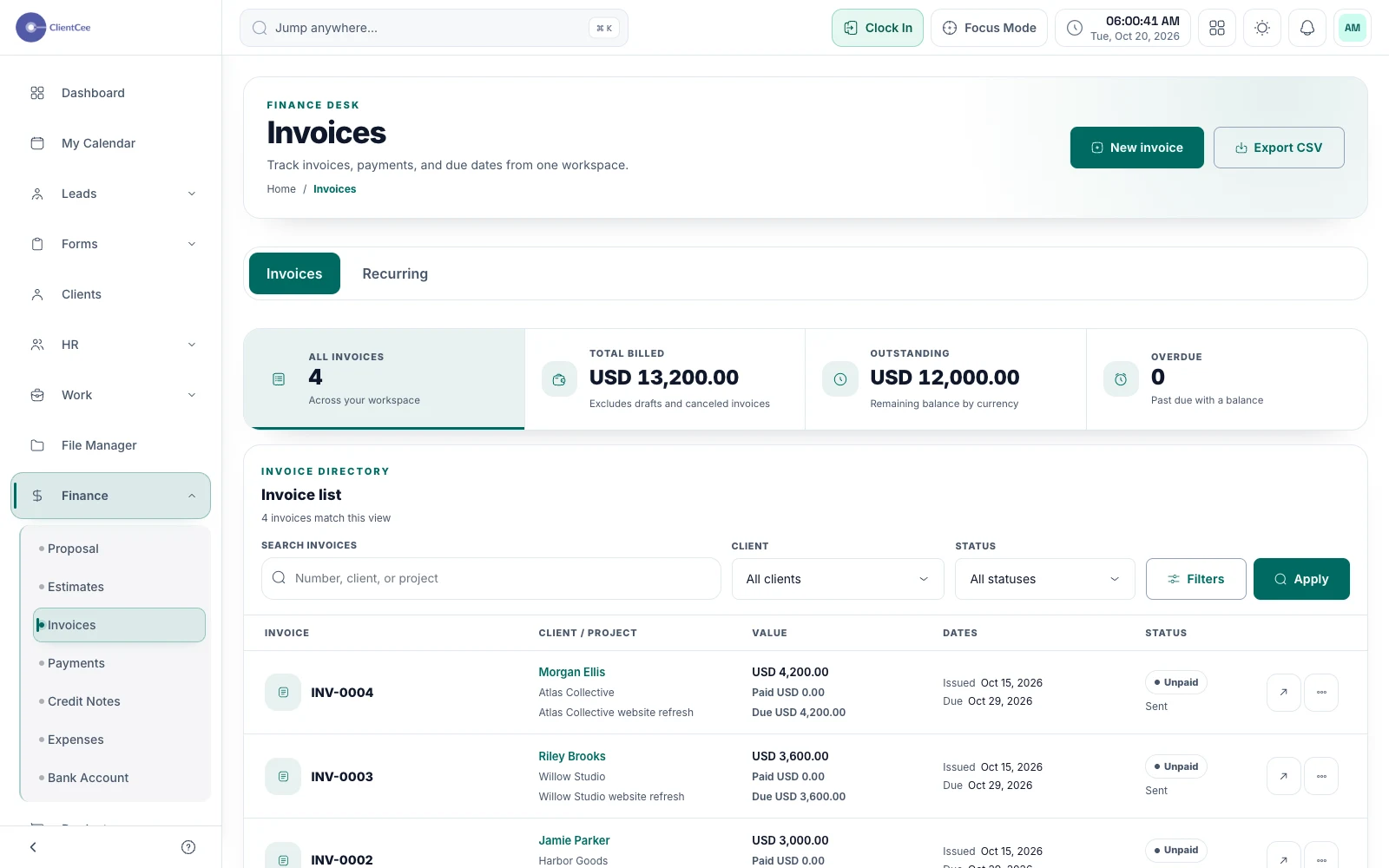
Invoicing & payments
Prepare the invoice, offer the configured payment options, and keep the amount due and payment record visible to the people responsible for billing.
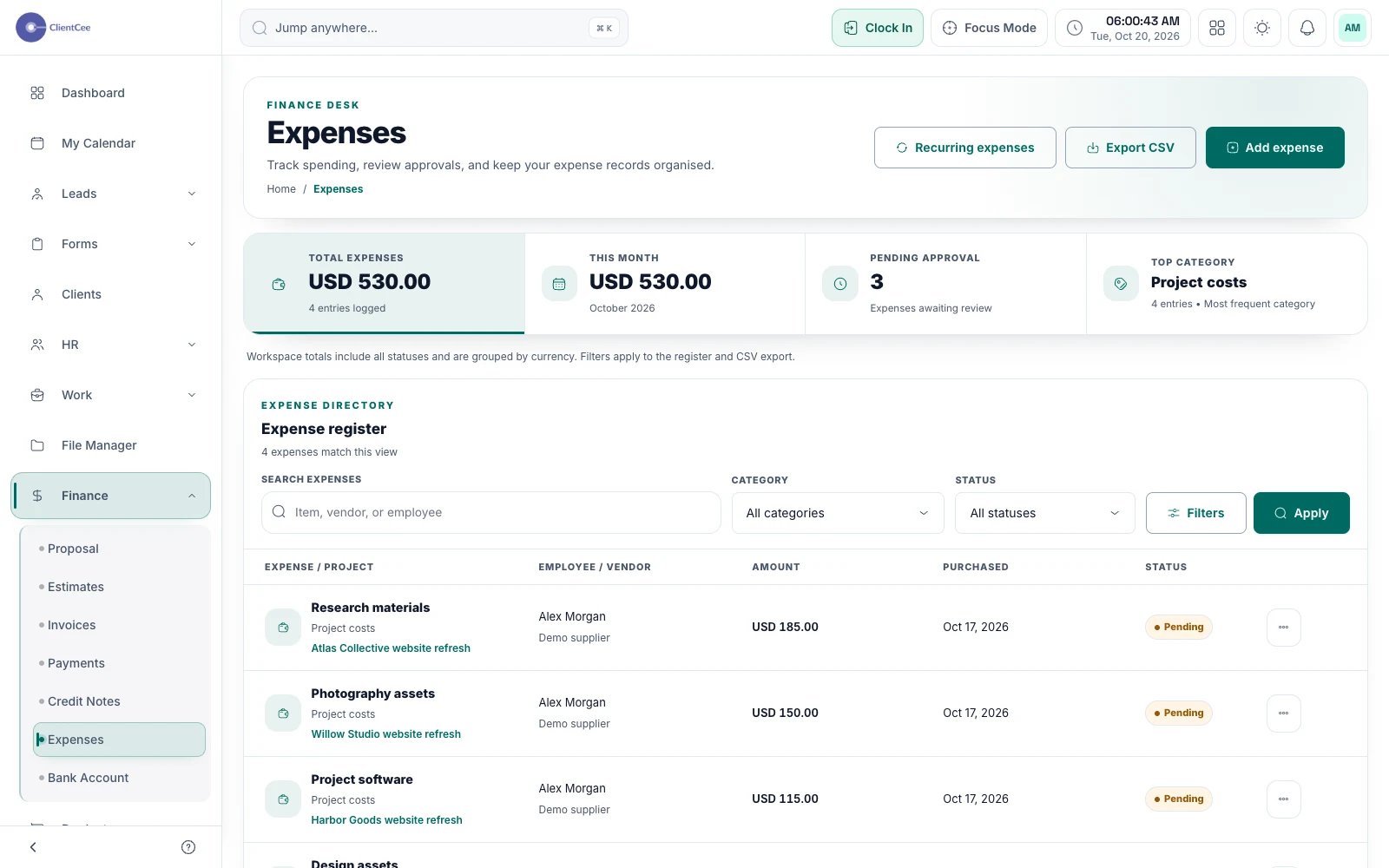
Expense management
Bring expense records into the same workspace as your client work, so costs have a reference when your team reviews the engagement.
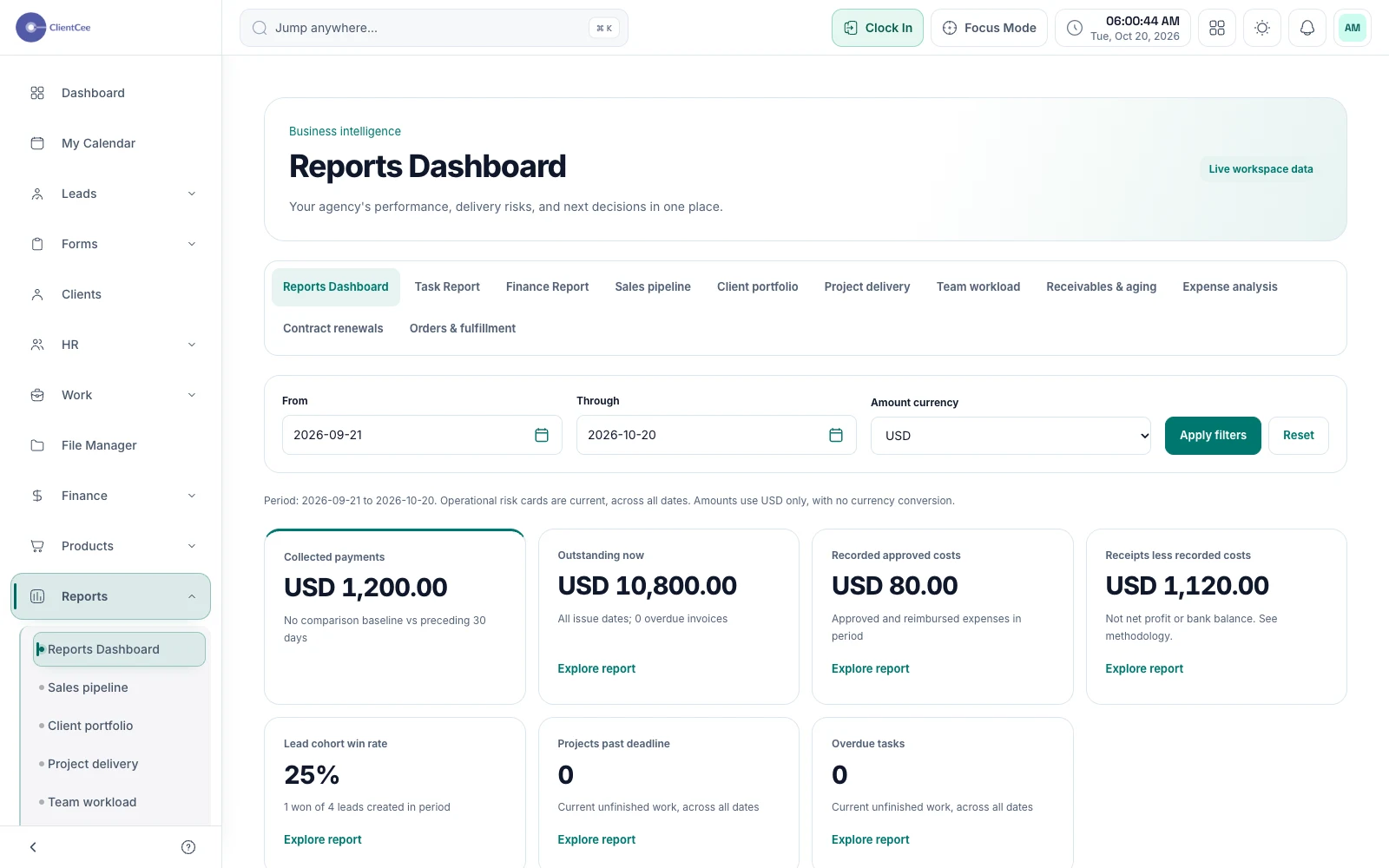
Reports & dashboards
Move from a headline number to the records behind it, with business reports and dashboards built around the agency information in your workspace.
People & client experience
Connect your team and clients through views suited to their responsibilities.
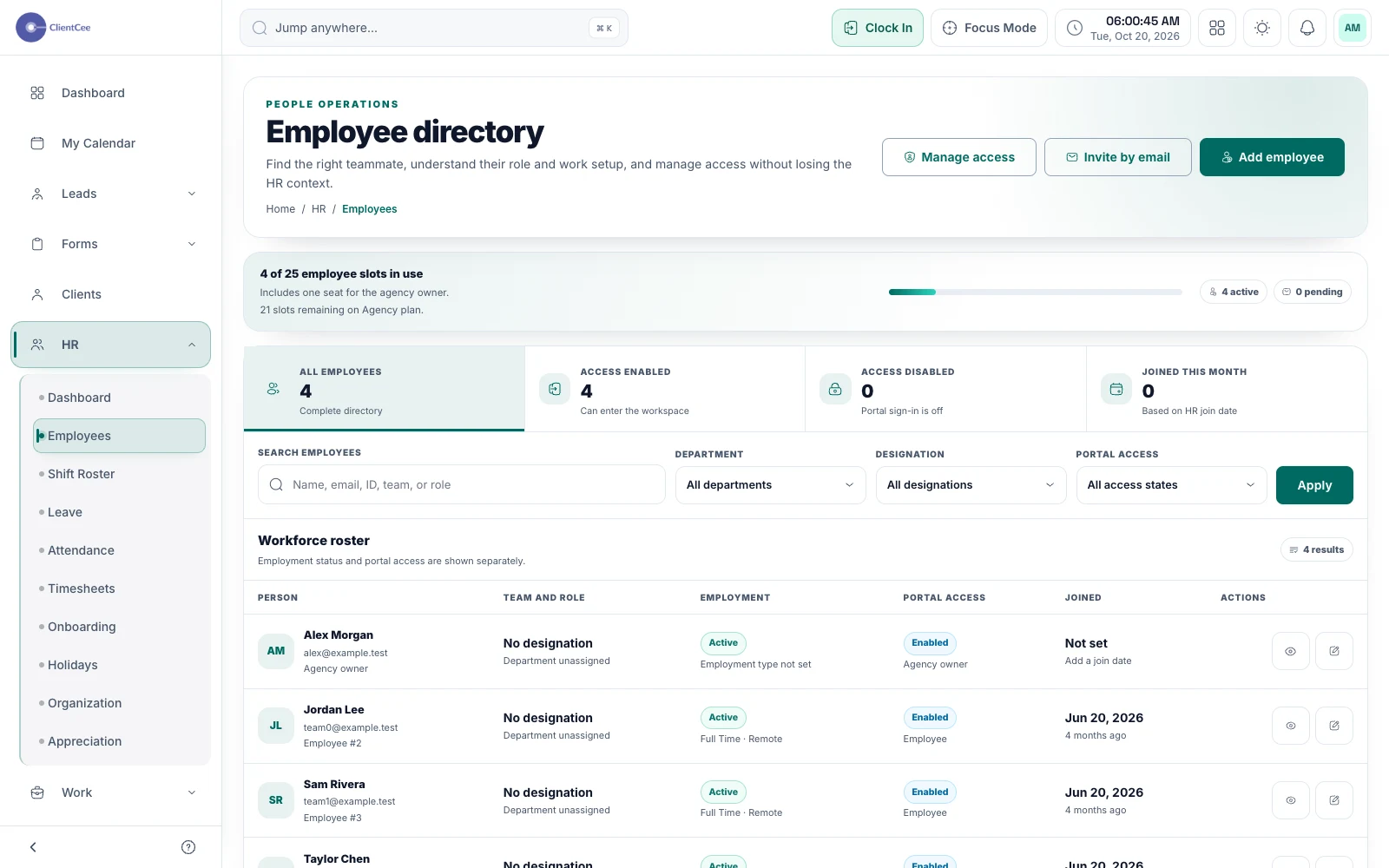
Team management
Bring employee information and day-to-day team workflows into the agency workspace, with access suited to each person's responsibilities.
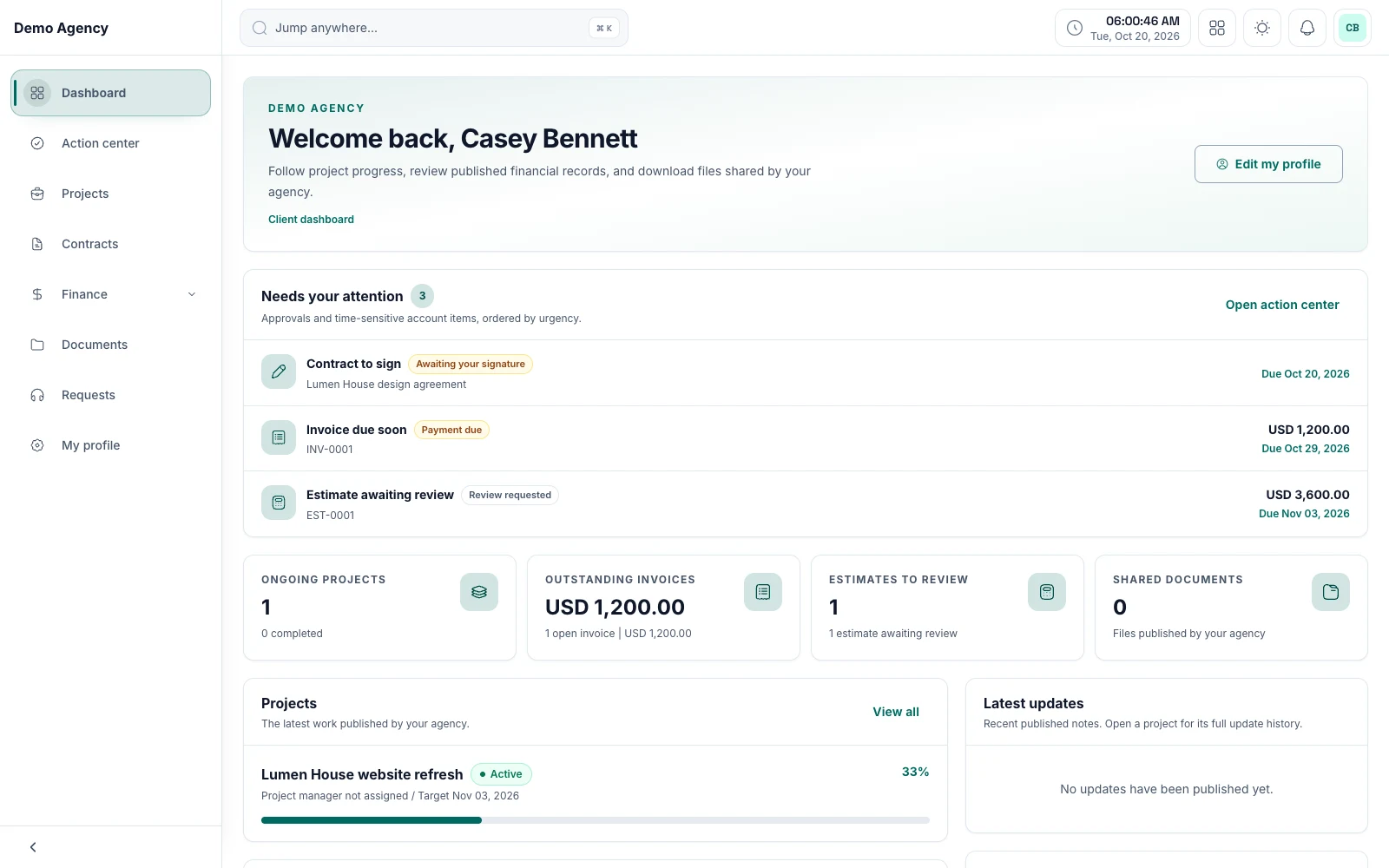
Client portal
Keep shared work, review requests, and commercial information within reach, with a client experience built around the relationship.
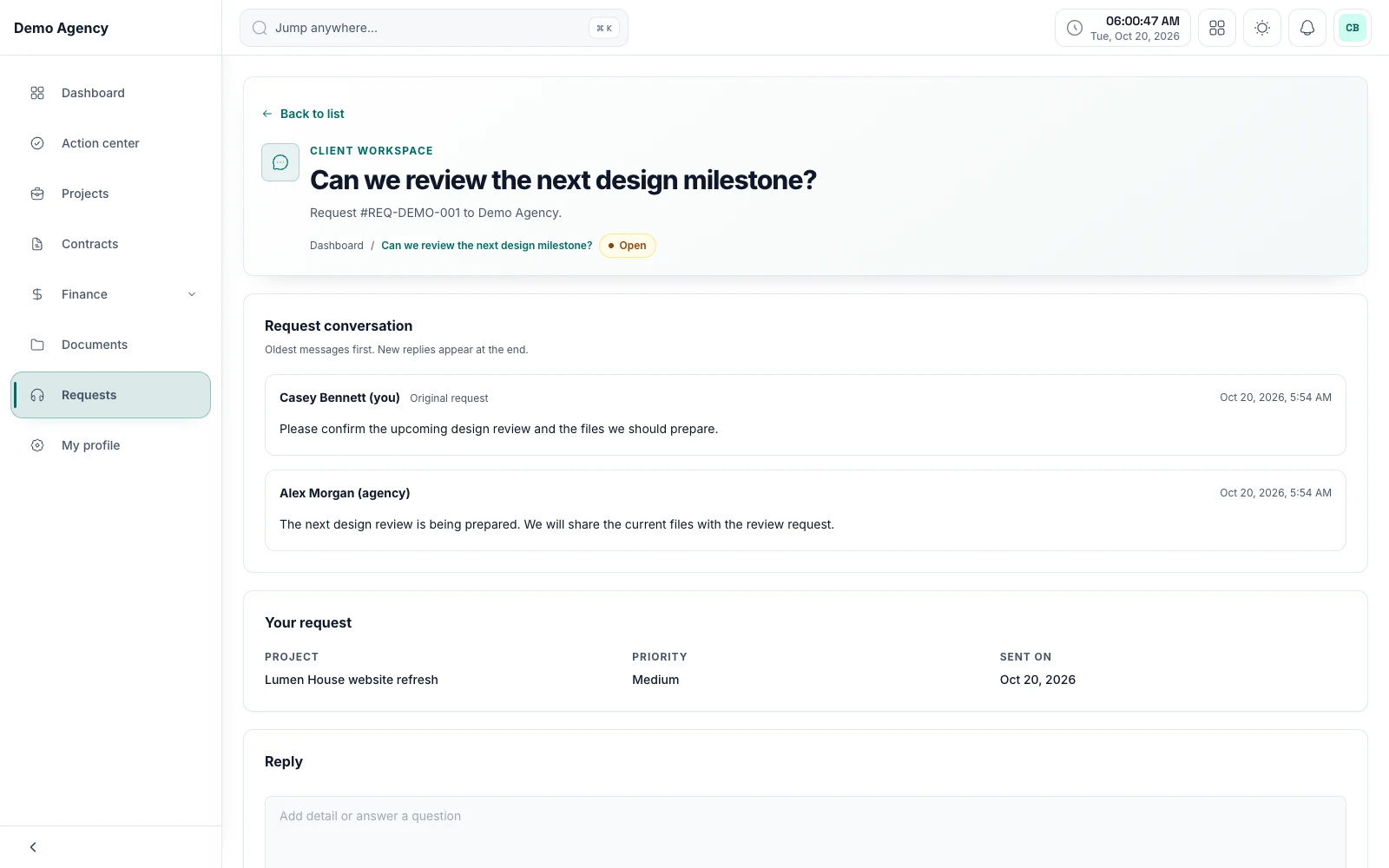
Support tickets
Keep the request, the replies, and the current status together, so your agency can understand what is still waiting for a response.
Common questions
An all-in-one
agency CRM, explained.
What is an all-in-one CRM for agencies?
An all-in-one agency CRM keeps the whole client journey in one workspace: leads, proposals and estimates, contracts, projects, tasks, time, invoices, and expenses, with a portal for your clients. ClientCee connects those records through the client relationship, so the context stays with the work from the first enquiry to the final invoice.
Can I create estimates, contracts, and invoices in ClientCee?
Yes. Prepare proposals and estimates and share them for client review, share contracts privately for comments and signing, and prepare invoices with PDFs, reminders, payment records, and supported online payment links. Online collection depends on the payment providers you configure.
How does ClientCee help with leads and prospects?
Lead management organises opportunities by pipeline, stage, source, and next follow-up, so you can see which enquiries need attention next. Form submissions can become leads with a convert-to-lead action.
Does ClientCee include a client portal?
Yes. Clients get a dedicated view of their relevant project information, shared documents, deliverable reviews, commercial records, and support requests. What each client sees depends on their access and the modules your agency enables.
Who is ClientCee for?
Service agencies, including digital marketing, web design, creative, and SEO agencies, from owners who work alone to growing teams. ClientCee has separate views for agency owners, employees, and clients, with access suited to each role.
How much does ClientCee cost?
ClientCee plans are billed in US dollars, monthly or yearly, and differ by the number of users, storage, and included tools. Larger agencies can ask for a custom plan. The pricing page lists current prices.