Shared work with context
Give clients a place to find the project information and documents shared with them. Keep the current item and the next requested action understandable.
Keep shared work, review requests, and commercial information within reach, with a client experience built around the relationship.
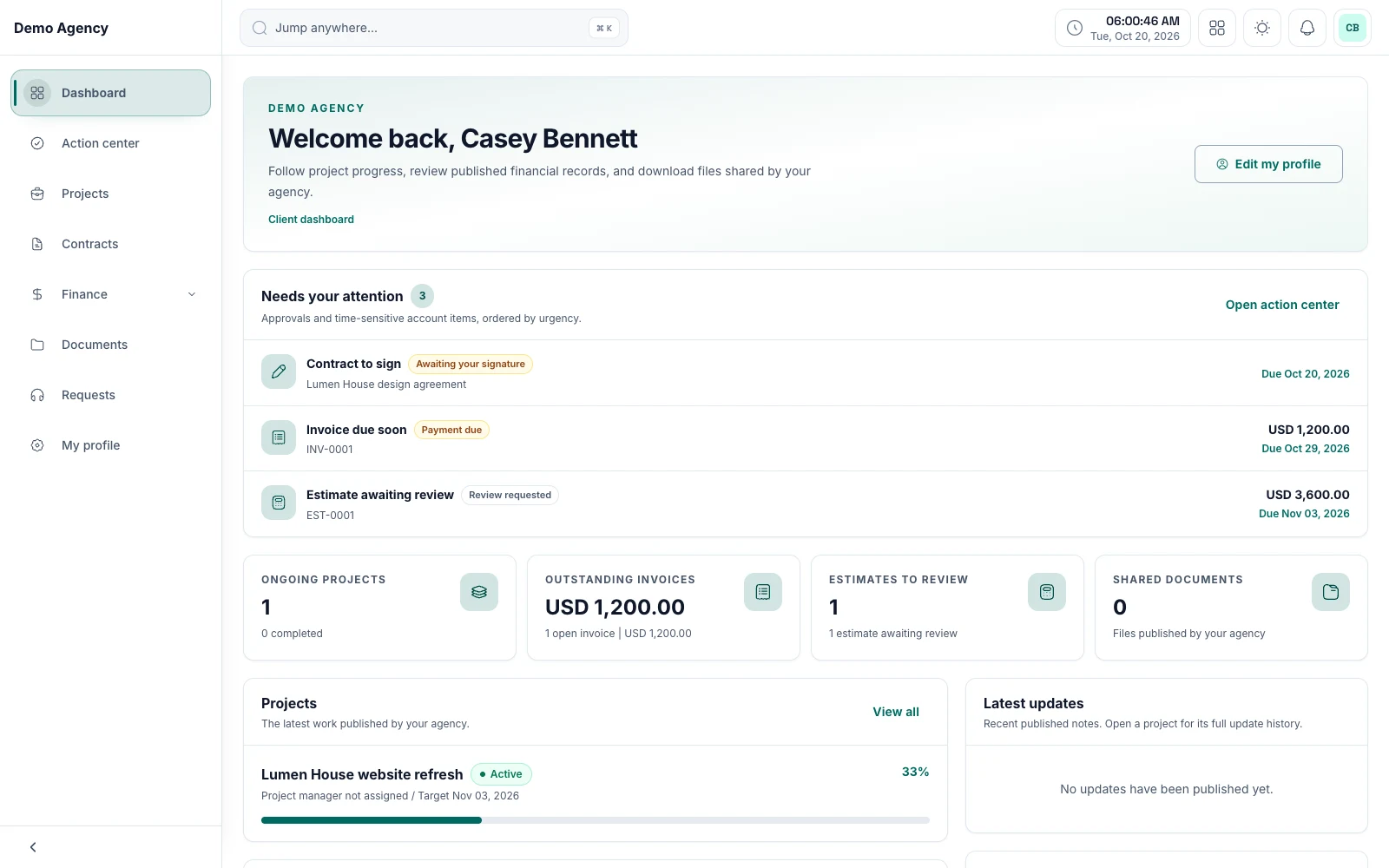
ClientCee's client portal provides a dedicated client-facing view of relevant project information, shared documents, deliverable reviews, commercial records, and support requests. The available records and actions depend on the client's access and the agency's enabled modules.
Inside the feature
Give clients a place to find the project information and documents shared with them. Keep the current item and the next requested action understandable.
The client experience includes deliverable review actions and estimate decisions, alongside the contract review and signing path. Explain what the client is being asked to assess.
Clients can access relevant invoices, payments, and support requests. They get a client-facing view rather than the agency's complete internal business dashboard.
A practical workflow
Check the client relationship, enabled modules, and intended visibility with a test account.
Show the client where to find a project update, a shared document, or a current review request.
Return relevant updates and decisions to the agreed place, with an agency owner ready to act on the response.
A routine progress update and a deliverable review request ask different things of the client. Use clear instructions so that the client knows when they can simply read and when the agency needs a decision. The portal is most useful when the surrounding communication is equally clear.
Review what a client account can see before rollout, including records reached through copied or bookmarked links. Keep internal team context and unrelated clients' information within the appropriate access boundary. A client-facing view is a distinct part of the agency workflow.
Common questions
Depending on the enabled modules and their access, clients can view shared project information and documents, review deliverables and estimates, access contracts and billing records, and use support requests.
No. The portal provides a client-facing experience for relevant shared information and actions. The agency dashboard serves the owner's wider business responsibilities.
Use the portal as a consistent place for the information and actions it supports. Your agency can still use other communication channels while keeping the important decision and next action findable.
Keep the work connected
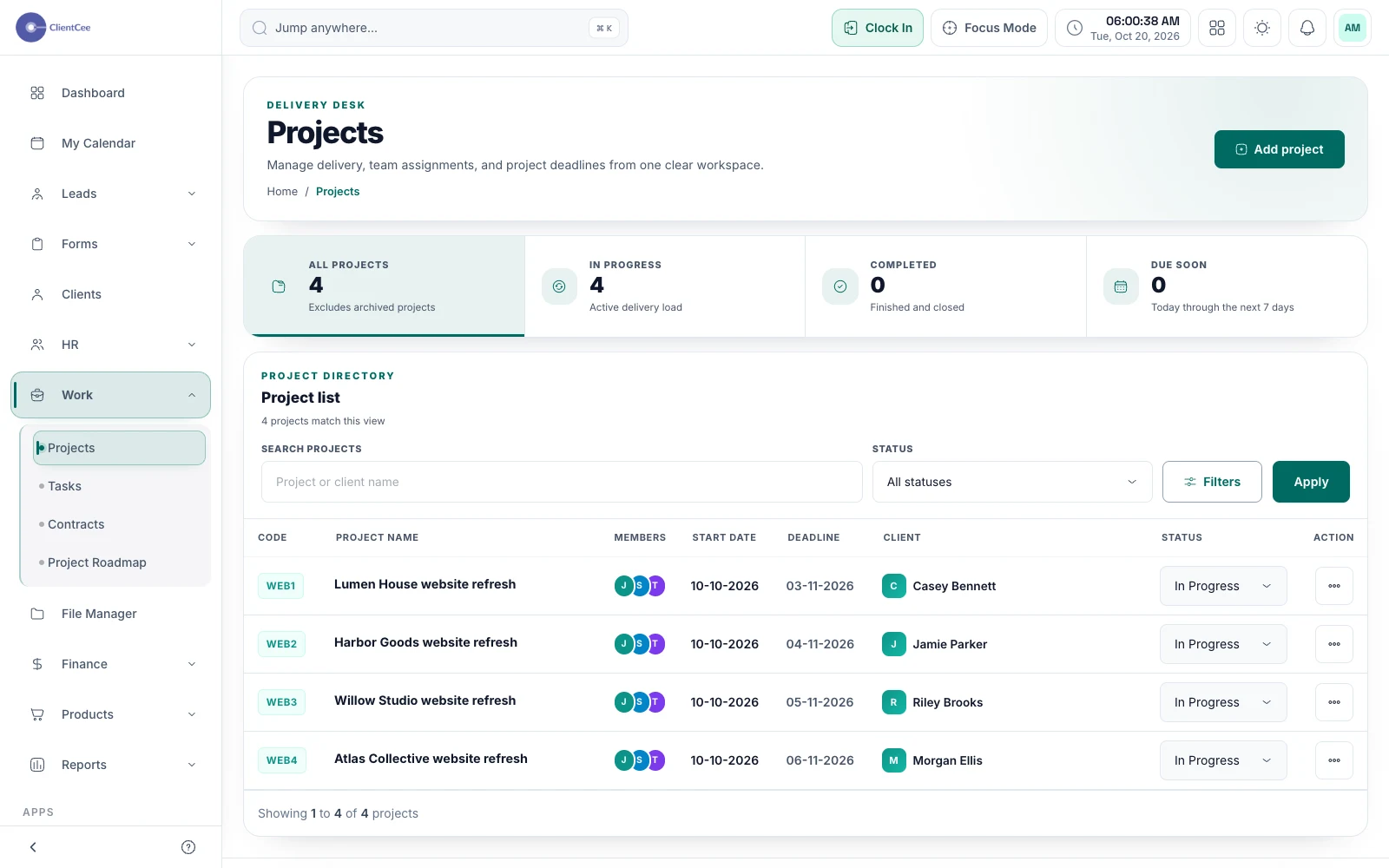
Connect the engagement, the people doing the work, and the tasks that need attention, with a clearer view for your agency and its clients.
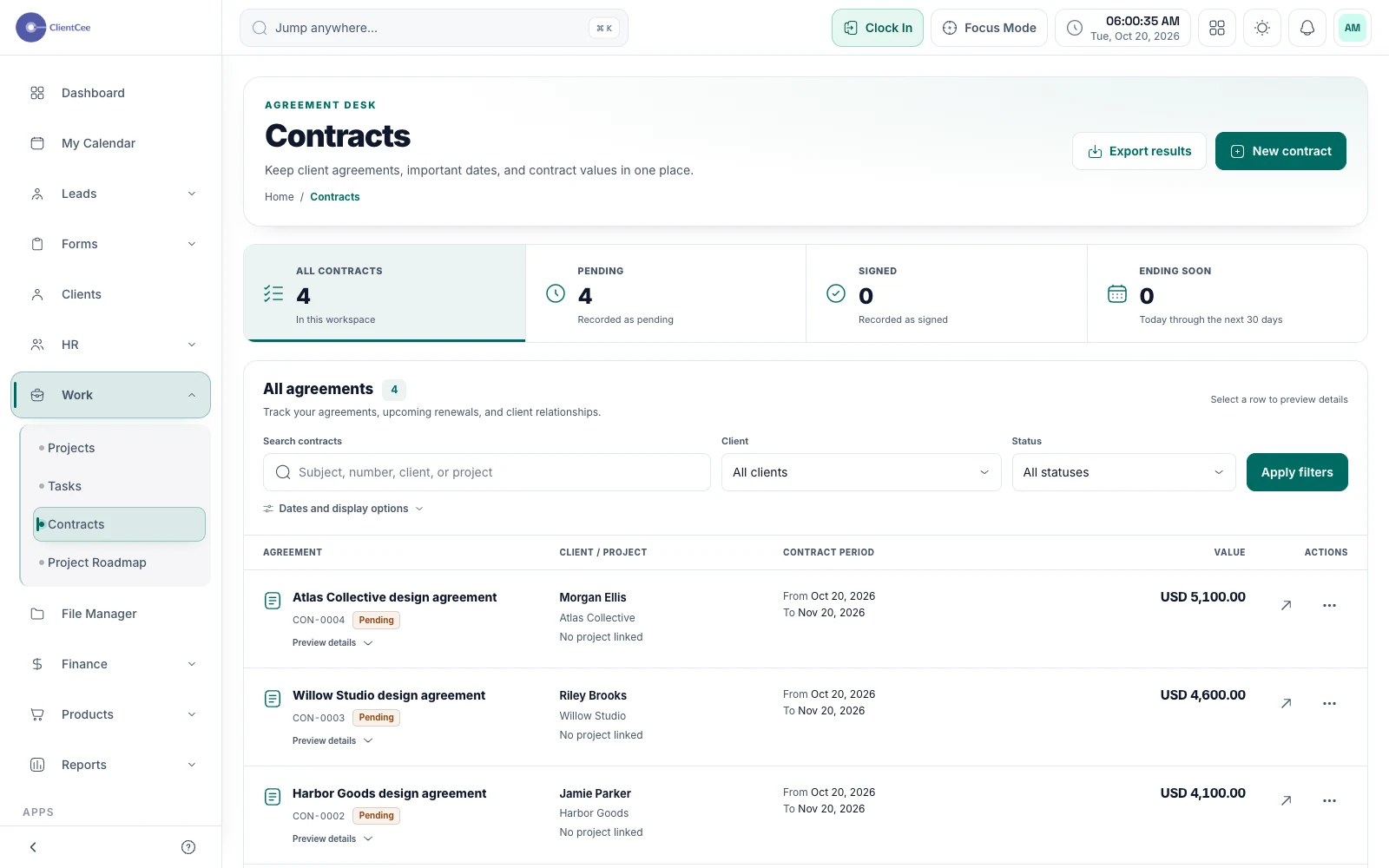
Organise the contract, share it through a private review path, and keep the signing context findable when your team needs the agreement.
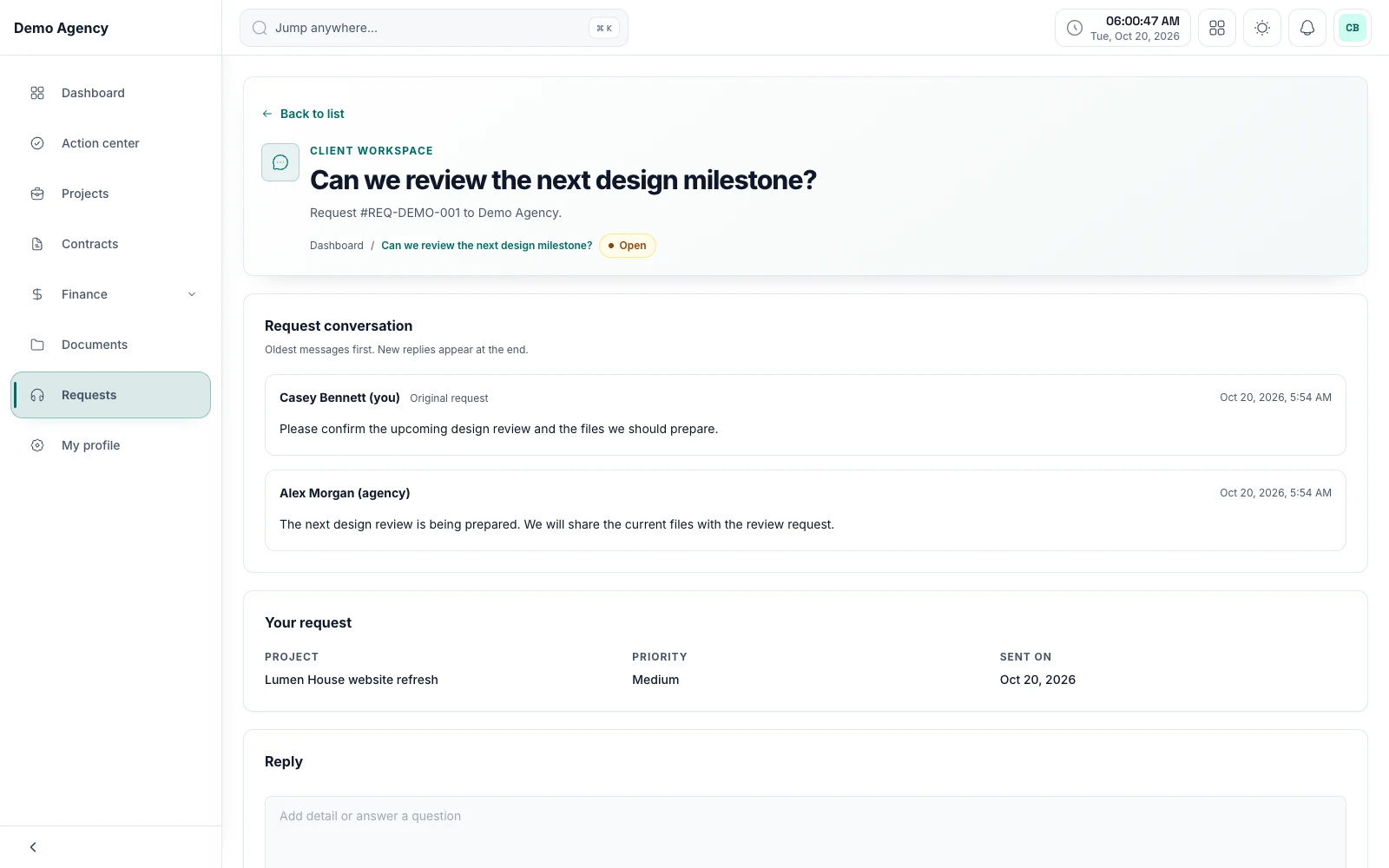
Keep the request, the replies, and the current status together, so your agency can understand what is still waiting for a response.