A request with a reference
Record a support question with its subject and details. Use project context when the request belongs to a particular engagement rather than leaving the conversation detached from the work.
Keep the request, the replies, and the current status together, so your agency can understand what is still waiting for a response.
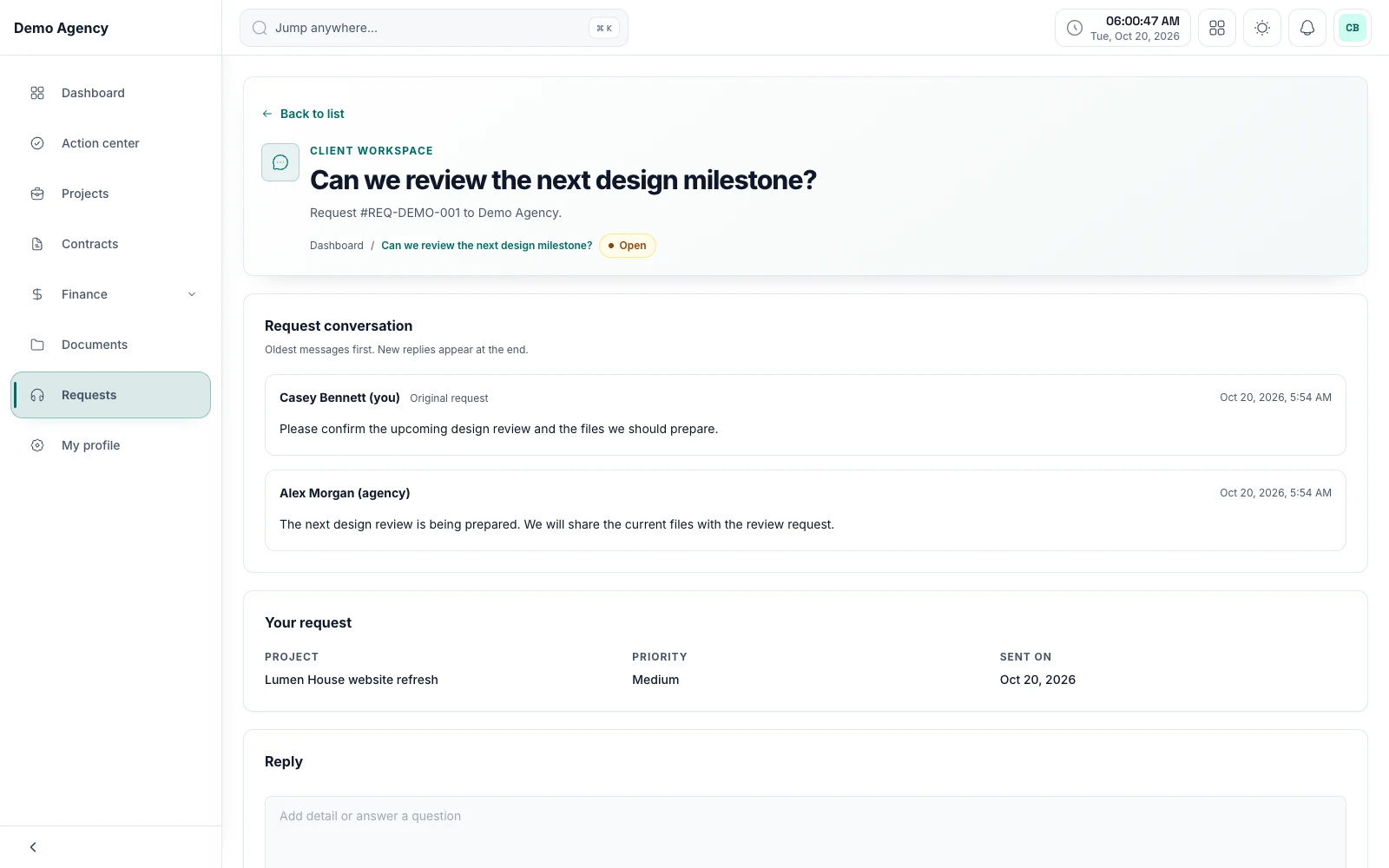
ClientCee includes ticket and request workflows with conversations and status updates. Agency, employee, and client experiences provide the relevant request views, helping your team keep a support question and its response history together.
Inside the feature
Record a support question with its subject and details. Use project context when the request belongs to a particular engagement rather than leaving the conversation detached from the work.
Keep replies alongside the original request. The next person reviewing the issue can read the conversation before deciding what response is needed.
Use ticket status updates to keep the current state understandable. A closed request, an open question, and a reply awaiting review should be distinguishable in your operating process.
A practical workflow
Ask for the subject, relevant context, and enough detail for the team to understand the issue.
Review the existing conversation and keep the reply with the request.
Reflect the current outcome in the ticket and make any remaining action clear to the person responsible.
A client might ask a question about delivered work or request an additional service. Those are different outcomes. Keep the conversation in the request, then coordinate any commercial or project change through the appropriate agency process.
If a teammate takes over a request, they need to understand what the client asked and what has already been said. A continuous conversation and a current status provide a more useful handoff than a copied subject line with no response history.
Common questions
ClientCee includes a client request experience for relevant client support conversations. Access depends on the workspace setup and the client's relationship to the records.
The ticket workflows include replies kept with the request. Use the conversation to understand what was asked and what response has already been provided.
Status describes the request's state. Your agency should communicate its own response expectations and assign responsibility for monitoring the queue; the label alone is not a service commitment.
Keep the work connected
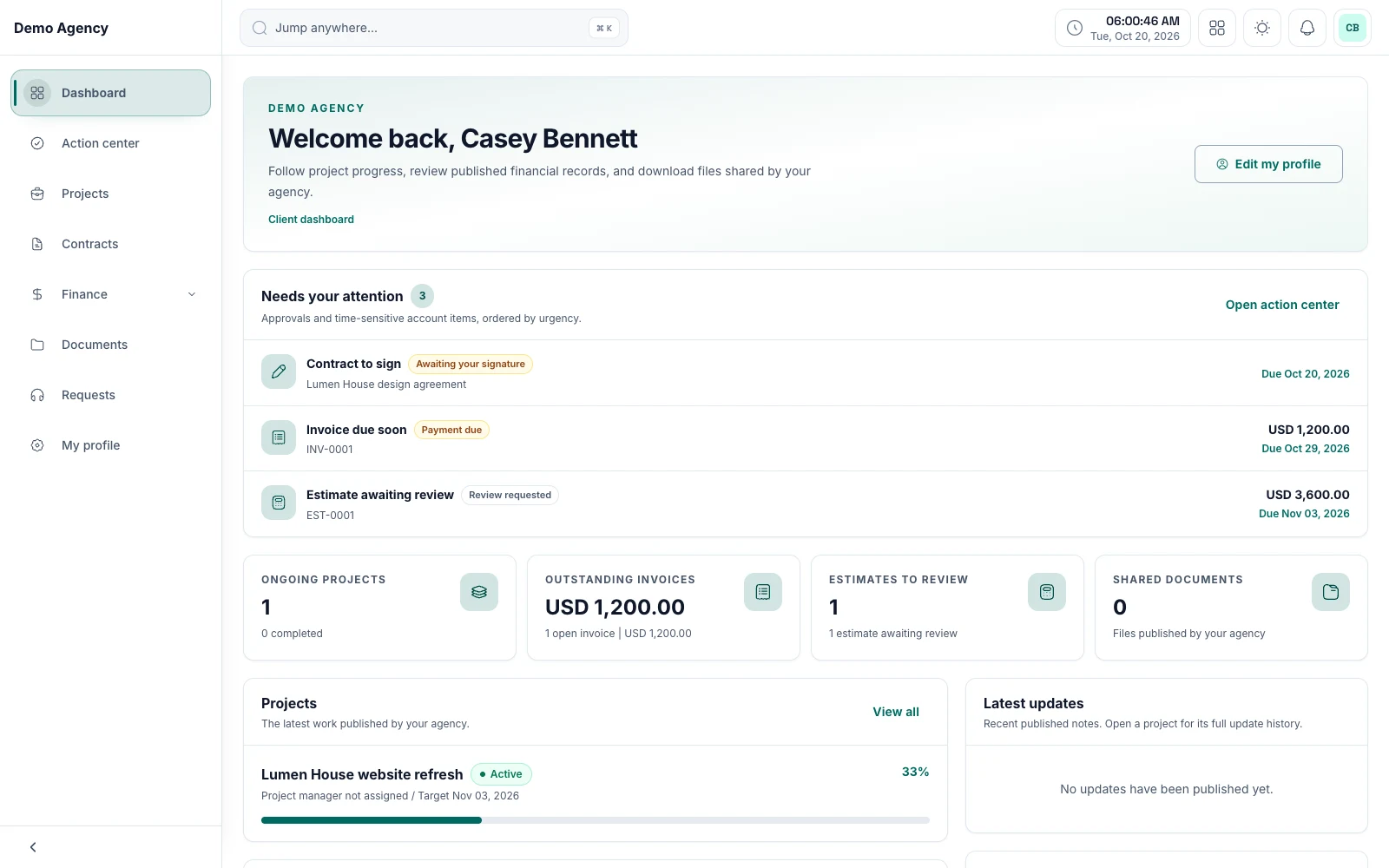
Keep shared work, review requests, and commercial information within reach, with a client experience built around the relationship.
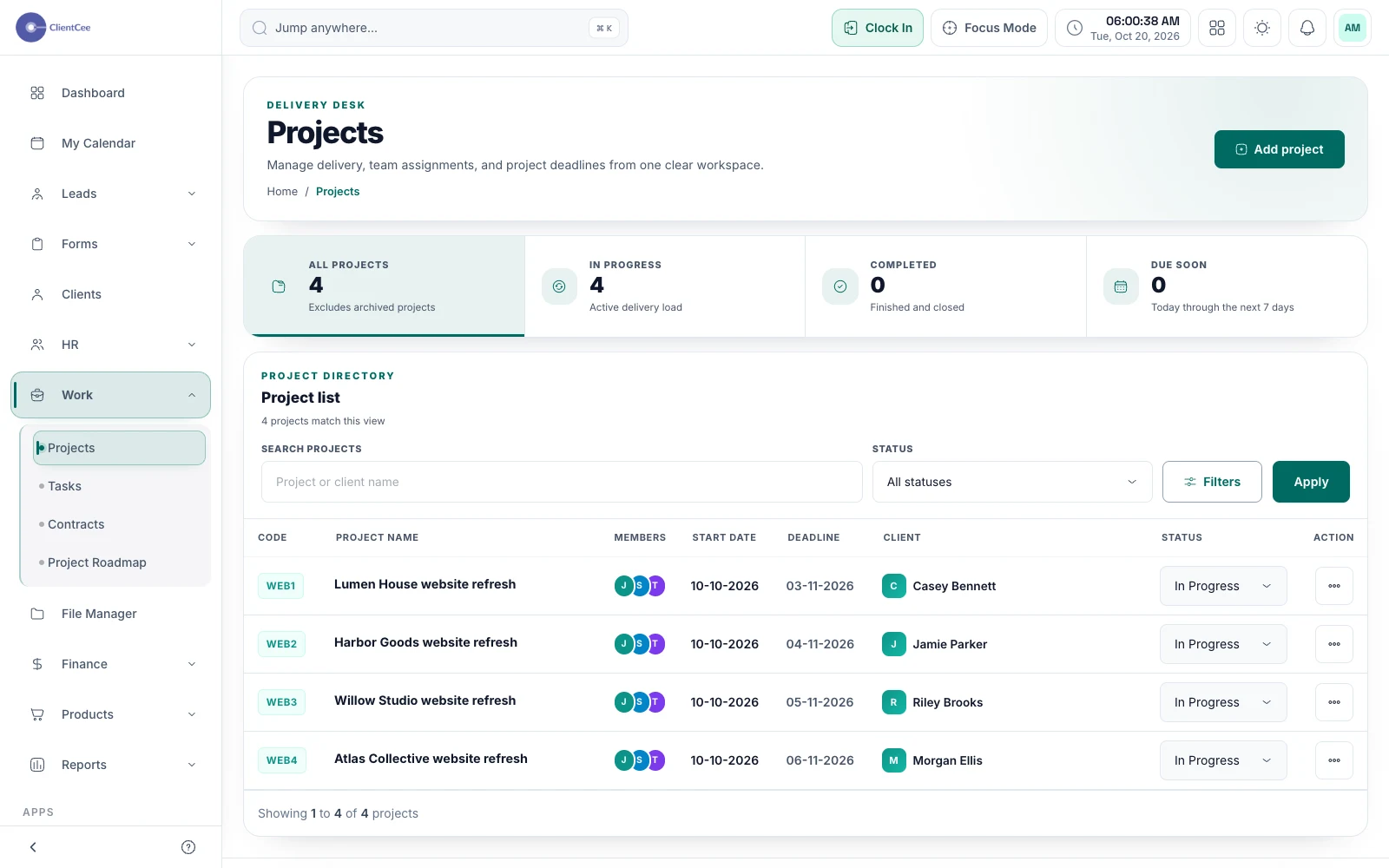
Connect the engagement, the people doing the work, and the tasks that need attention, with a clearer view for your agency and its clients.
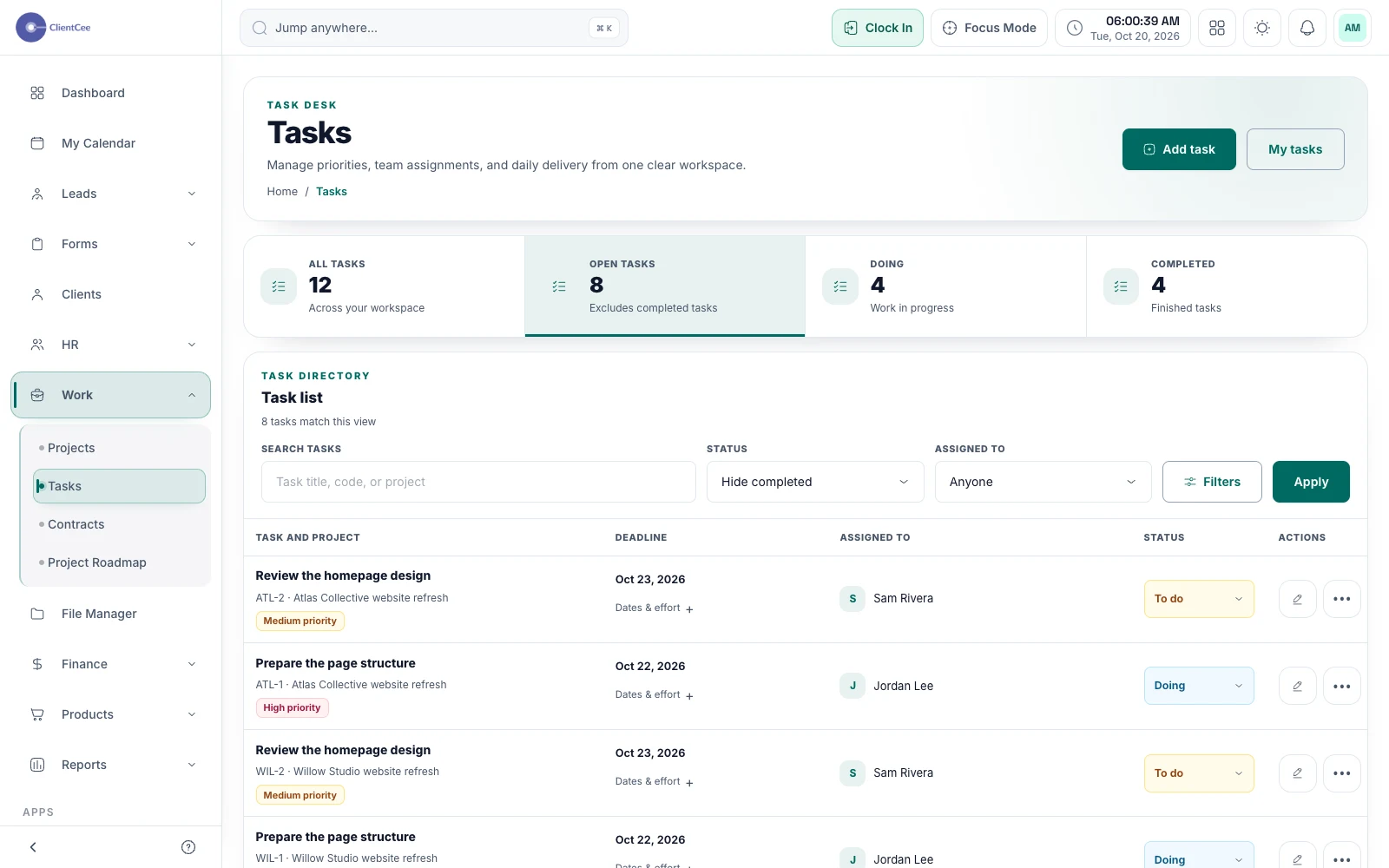
Turn broad project plans into manageable assignments, with subtasks, collaboration, and progress that your team can understand.
Put it into practice
What should an agency client portal include?