Client context at kickoff
Associate the project with the relevant client and organise its delivery details. Keep the engagement understandable to a teammate who was not part of the original sales conversation.
Connect the engagement, the people doing the work, and the tasks that need attention, with a clearer view for your agency and its clients.
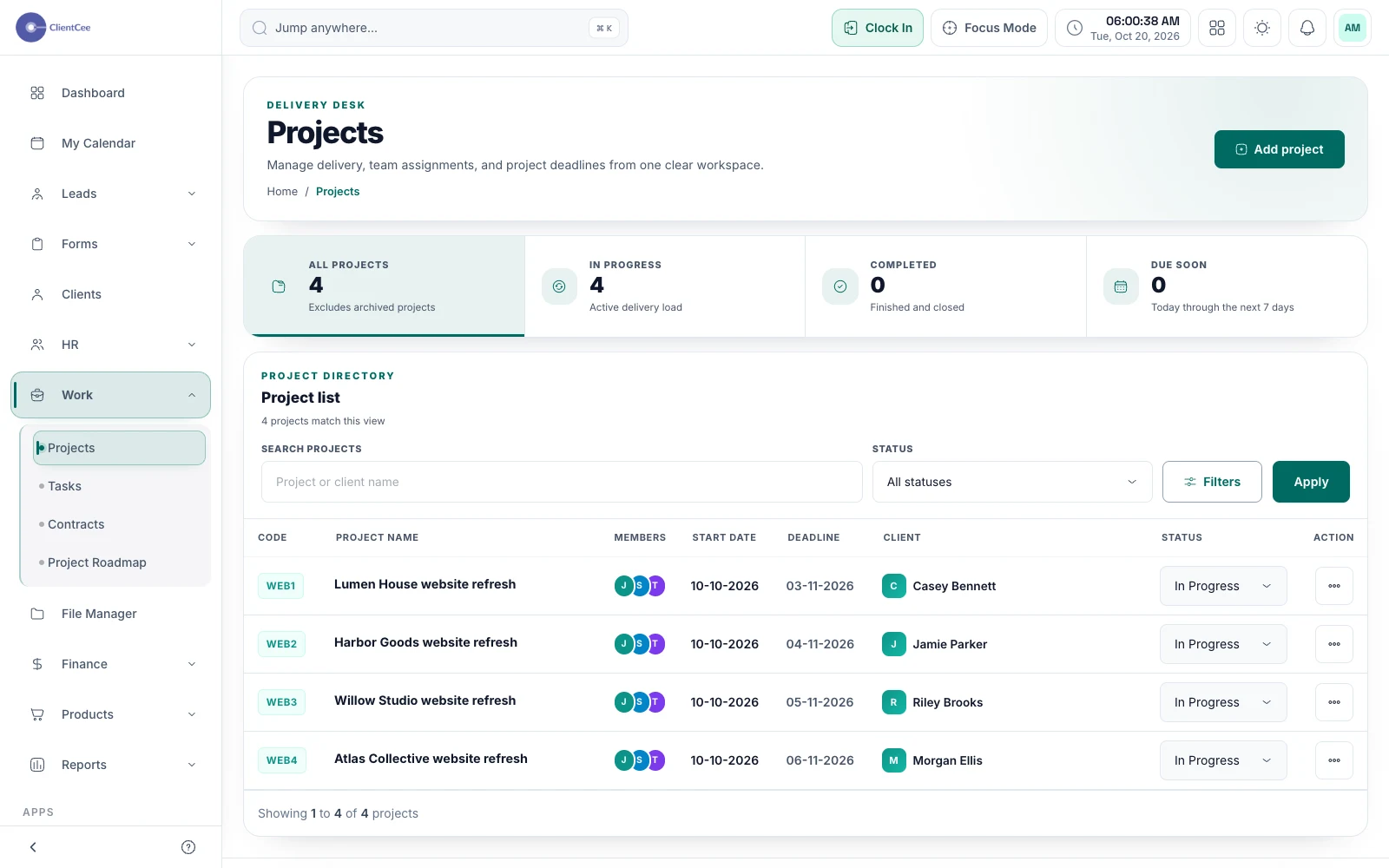
ClientCee's project management brings project records, assigned tasks, team context, and delivery information into the agency workspace. Separate agency, employee, and client experiences help each participant find the information and actions relevant to their role.
Inside the feature
Associate the project with the relevant client and organise its delivery details. Keep the engagement understandable to a teammate who was not part of the original sales conversation.
Use tasks, assignments, due dates, and progress states to organise the work. The project is the wider engagement; each task gives a team member a more specific responsibility.
Project experiences include delivery information and collaboration for the appropriate role. Client-facing project views provide a separate experience for the work and review context shared with the client.
A practical workflow
Confirm the client, project scope, delivery owner, and the information your team needs to begin.
Create meaningful tasks and assign responsibility and due dates to the people doing the work.
Check blockers, client review activity, and the next delivery action before moving the engagement forward.
A designer, account owner, and developer may all contribute to one engagement. A shared project record gives them a place to orient their work. Keep the goal and current decisions clear so that a project does not become a collection of disconnected task names.
A completed deliverable, a recorded client decision, an issued invoice, and a received payment describe different events. Use the project as delivery context while coordinating the commercial handoff through the relevant estimate, invoice, and payment records.
Common questions
A project represents the wider engagement. Tasks describe the work needed to move it forward and support assignments and progress. ClientCee also supports standalone tasks for work that does not need a project.
Yes. ClientCee has agency, employee, and client experiences. Available records and actions depend on the participant's access, relationship to the project, and enabled modules.
No. Delivery status and payment are separate concerns. Use the agreement to determine the billing trigger, review the invoice, and follow the supported payment process.
Keep the work connected
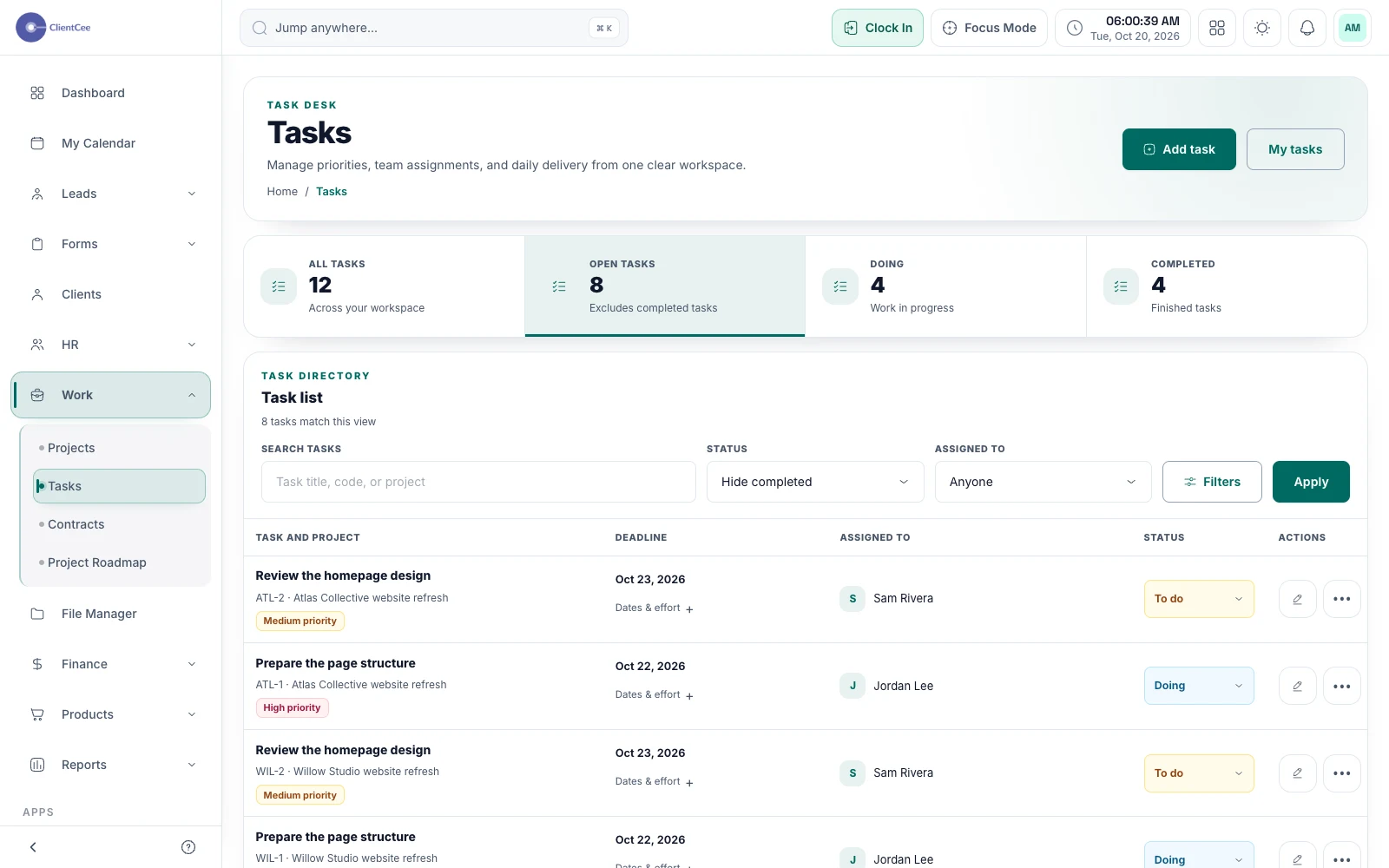
Turn broad project plans into manageable assignments, with subtasks, collaboration, and progress that your team can understand.
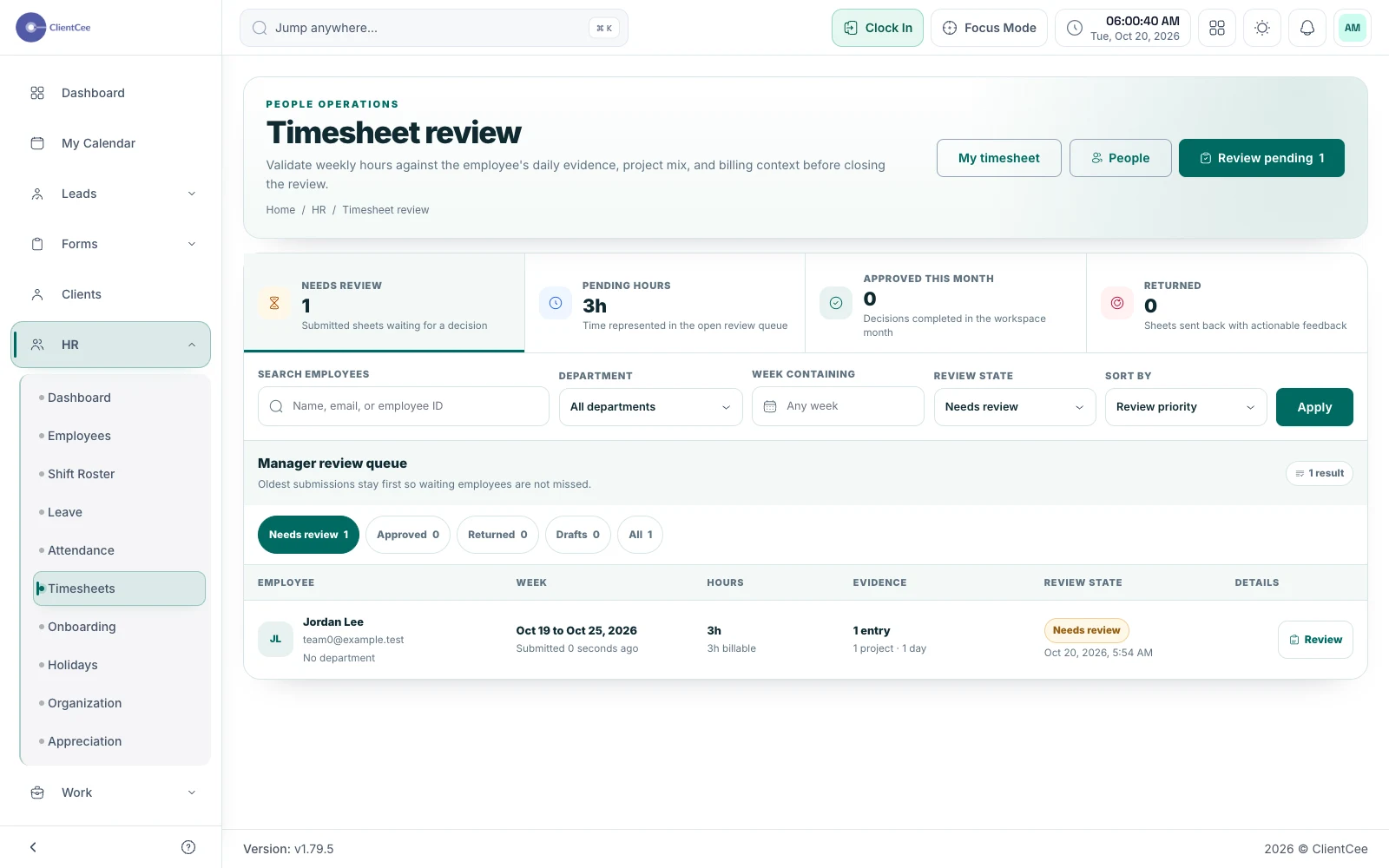
Give the team a place to record effort and give the reviewer enough context to understand it, without confusing a time entry with an invoice.
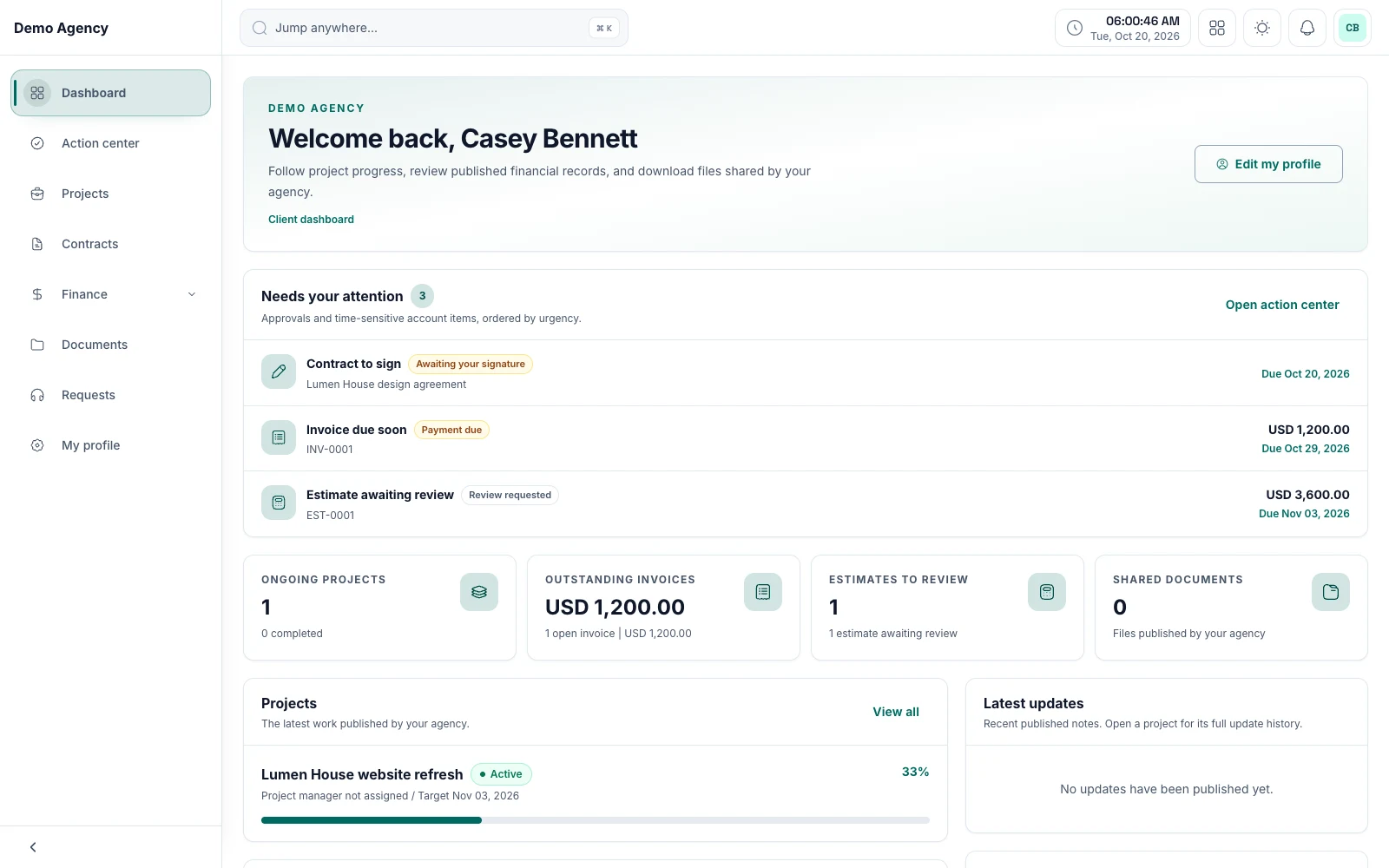
Keep shared work, review requests, and commercial information within reach, with a client experience built around the relationship.
Put it into practice
A client onboarding checklist for agencies From project kickoff to invoice: a clearer agency workflowPractical planning tools
Agency project profitability calculator Agency retainer pricing calculator Agency scope creep calculator