In this guide
The short answer
Choose an agency CRM by testing one real client journey: enquiry, proposal, project, client review, and invoice. Look for clear ownership and connected records at each handoff, then check permissions, migration effort, and the plan your team actually needs.
Your next CRM should make a normal working week easier to run. A long feature list is useful only when those features support the way your agency sells, delivers, and gets paid.
This guide gives you a small, repeatable evaluation process. You can use it whether you are replacing spreadsheets or moving from a sales-focused CRM to a broader agency workspace.
What is a CRM for agencies?
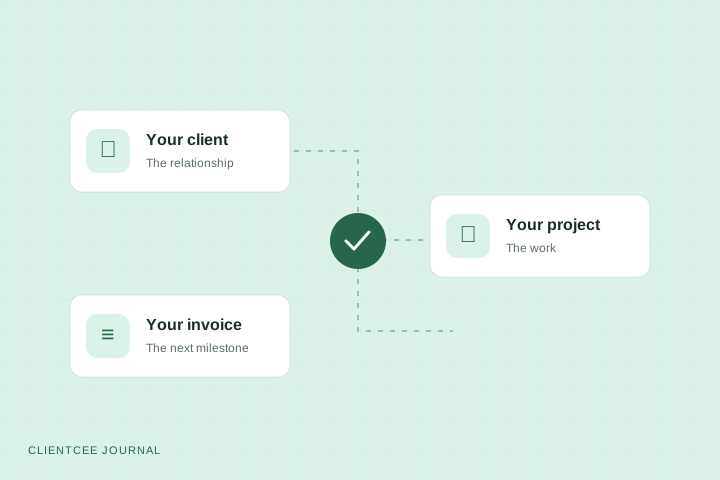
An agency CRM keeps business relationships and their history in one place. A broader agency platform can also connect those relationships to proposals, projects, tasks, invoices, and a client portal. The important distinction is how much of the work continues in the same system after the deal is won.
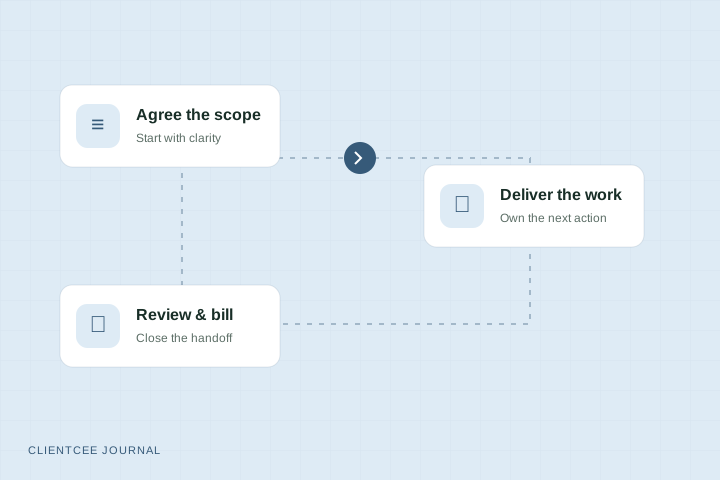
For example, a website project may begin with an enquiry, move through an estimate and agreement, become a delivery project, and end with client review and invoicing. Ask whether each stage retains the client context or requires someone to rebuild it elsewhere.
Start with the handoff that causes the most friction
Write down three recent moments when work stalled. Be specific: a project manager could not find the agreed scope, the client sent feedback in three places, or finance did not know a milestone was ready to bill.
Give each problem an owner and a consequence. This turns a vague request for “better organisation” into an evaluation brief your team can actually use.
| Current problem | Capability to test | Evidence to look for |
|---|---|---|
| Sales context disappears at kickoff | Connected client and project records | Delivery can find the agreed scope without asking sales |
| Feedback has no clear owner | Client review and assigned follow-up | Someone can identify the decision and next action |
| Billing happens late | Visible billing records and milestone handoff | Finance can see what is ready for its checks |
| Staff see too much information | Roles and client access controls | A restricted account sees only the intended records |
Compare six capabilities that affect everyday work
Sales and client history
Check how enquiries, contacts, estimates, and proposals are organised. Can an owner find the latest conversation and the next follow-up? Can delivery find what was agreed? Use a realistic sample rather than a perfectly prepared demonstration account.
Projects and team responsibilities
Create a sample project with two people, several tasks, and a deadline. Check how assignments, due dates, and project context appear for the employee doing the work. An agency owner and an employee need different views of the same engagement.
Client participation
Open a client account and inspect the experience directly. Look for clear review requests, shared files, and billing information. Check what the client cannot see as carefully as what they can. Our client portal guide includes a practical access review.
Billing and financial records
Walk through an estimate, invoice, and payment record using your intended process. Check currencies, required invoice fields, available payment methods, and reporting against your own requirements. Confirm provider availability and any additional charges with the vendor before deciding.
Permissions and data handling
Ask how employee roles, client access, exports, retention, and account closure work. Test a restricted user account. Review the vendor's current policies and agreement rather than assuming a feature name describes its full behaviour.
Adoption and migration
List what you need to bring across: client details, active work, invoice records, documents, and any history your team relies on. Verify supported import and export formats. A clear transition with a small initial dataset is often easier to assess than a rushed move of everything.
Run a real client journey before you choose
Use this evaluation scenario with each shortlisted platform:
- Record a sample enquiry and name its owner.
- Prepare a small scope with a deliverable, a price, and a review point.
- Set up the project and assign its first tasks.
- Share one appropriate item with a test client account.
- Record feedback and identify who acts next.
- Prepare an invoice using the agreed billing arrangement.
- Ask another teammate to find the current status without your help.
Mark each stage works as needed, needs a workaround, or not supported. Record the workaround, not just the score. Five minutes of repeated manual copying can matter more to your team than a rarely used extra feature.
Compare the plan your team will actually use
Check the number of users, storage, module availability, billing cycle, and any provider costs. Identify what changes when you add a teammate or client-facing capability. Keep your own list of must-have features beside the current plan comparison.
For ClientCee, use the current pricing page for plan details. This guide does not reproduce prices because they can change. Ask about any requirement that the comparison does not answer clearly.
Where ClientCee fits
ClientCee brings leads, client management, projects, tasks, invoices, and expenses into an agency CRM, with separate employee and client experiences. That makes it relevant when you want sales, delivery, and billing records within the same workspace.
A shared workspace still needs a process. Decide who creates the project, who requests a client review, and who checks an invoice before sending it. Use the onboarding checklist to define the first handoff, then map the project-to-invoice workflow.
Questions agency owners ask
Is a CRM the same as project management software?
A CRM centres on relationships and sales history. Project management software centres on organising delivery. Some platforms include both. Evaluate the actual connection between the records rather than relying on the product category.
When should an agency replace spreadsheets?
Consider a shared system when your team repeatedly loses context, duplicates data, or struggles to control access. There is no universal team size at which a spreadsheet stops working. Use the frequency and impact of your current problems to make the decision.
Should every team use the same view?
No. Owners need oversight, employees need actionable assignments, and clients need the information shared with them. Connected records and appropriate views are more useful than giving everyone the same dashboard.
Your next step
Choose one recent project and run the seven-step evaluation with your team. Keep the notes. You will finish with a practical requirements document and a clearer basis for comparing any agency CRM, including ClientCee.
Published by ClientCee. See how these guides are prepared.