Build around the information you need
Create forms with an ordered field structure. Keep the questions relevant to the decision your team will make after reading the response.
Collect the information your agency needs, review responses in one place, and move the right enquiries into your lead workflow.
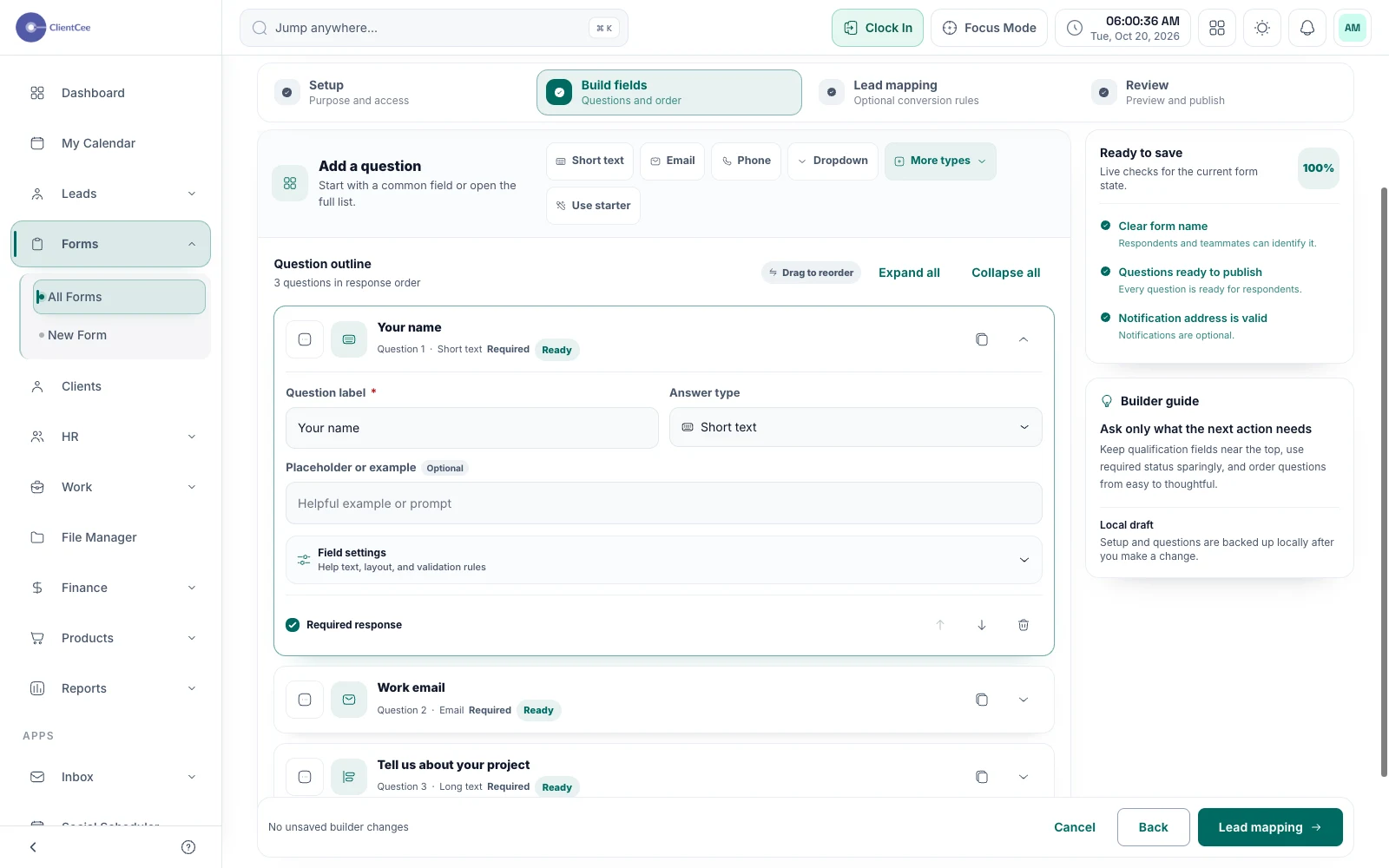
ClientCee's forms tools let agencies create forms and organise their submissions. Supported public and embedded form experiences collect responses, while the submission workflow provides review, export, attachment access, and a convert-to-lead action.
Inside the feature
Create forms with an ordered field structure. Keep the questions relevant to the decision your team will make after reading the response.
Share a public form or embed a published form on an appropriate website. Manage its publication and access through the form settings.
Review submissions, access permitted attachments, and export responses when needed. Convert a relevant enquiry into a lead through the explicit submission action.
A practical workflow
Ask for enough context to assess the request, without collecting information your team will not use.
Test the supported public or embedded experience before sending prospective clients to it.
Decide whether the enquiry needs a reply, more information, or conversion to a lead for follow-up.
An agency enquiry form might ask what service the prospect needs, what they want to achieve, and how to contact them. Those answers help the first conversation start with context. They should support a considered response rather than replace discovery with a rigid qualification assumption.
A published form is only the entry point. Decide who checks submissions and where the next action is recorded. Use the review and conversion controls to distinguish a response that has been read from an opportunity that is actively being worked.
Common questions
ClientCee lets you publish a form for embedding on a website. Use the form's supported publishing controls, then test the result on the intended page.
Yes. The submission workflow provides a convert-to-lead action. Review the submitted information and use the action when the request belongs in your sales process.
The form submission directory includes a CSV export. Check the applicable access permissions and use the export appropriate to your agency's data handling process.
Keep the work connected
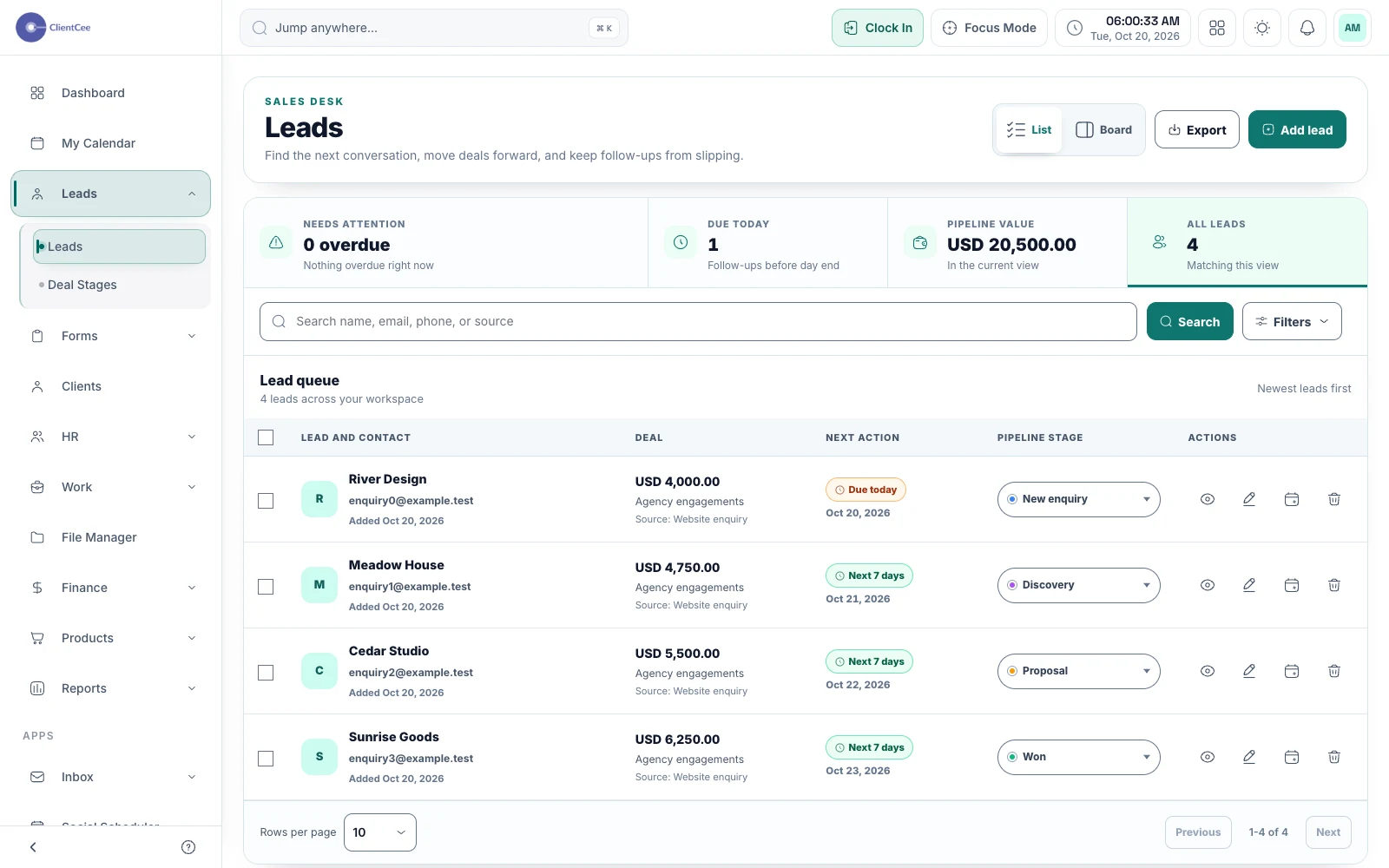
Keep enquiries, pipeline stages, and follow-up dates together, so your next client conversation starts with the right context.
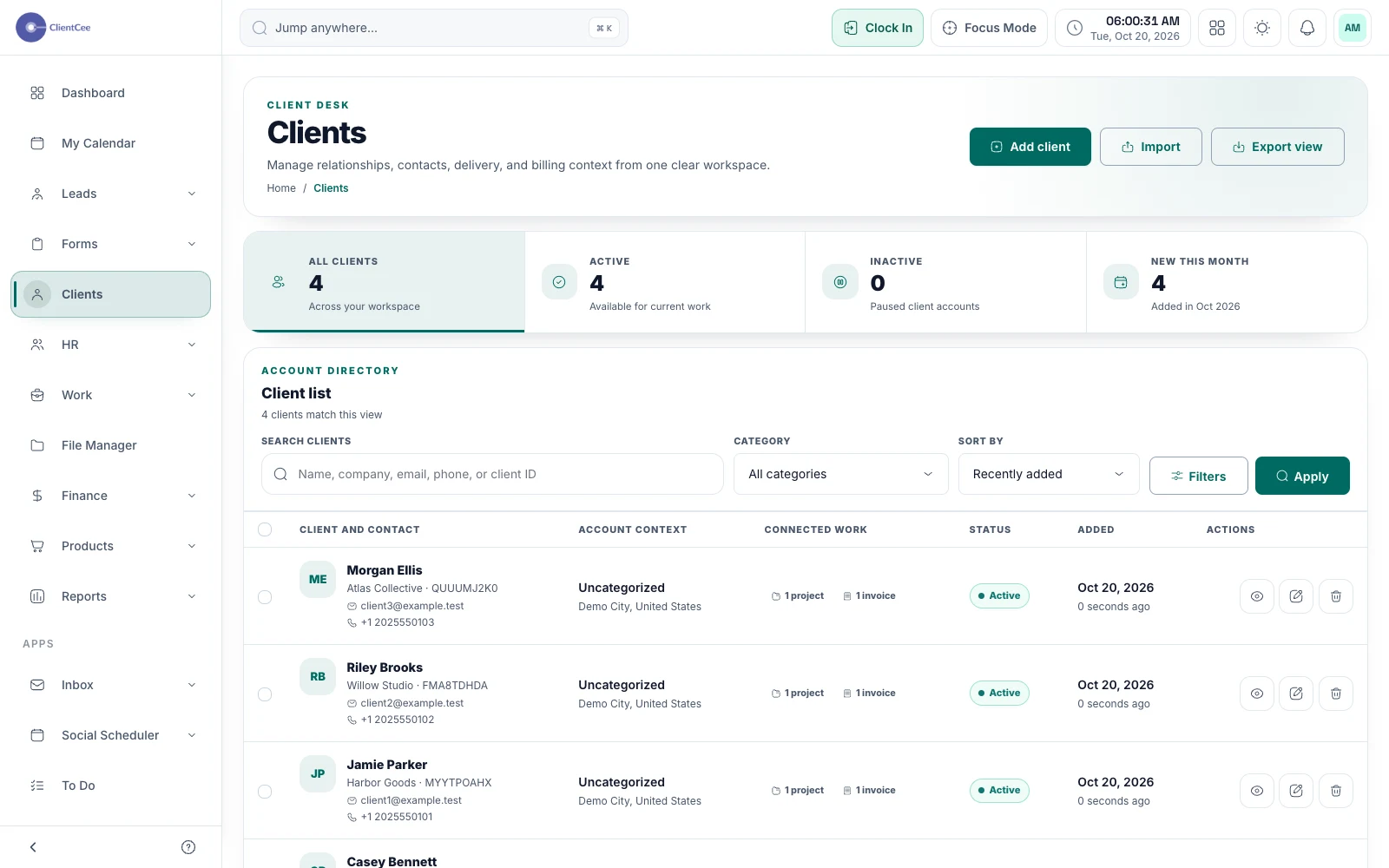
Give your agency a shared place for client information, then follow the relationship into projects, commercial records, and the client portal.
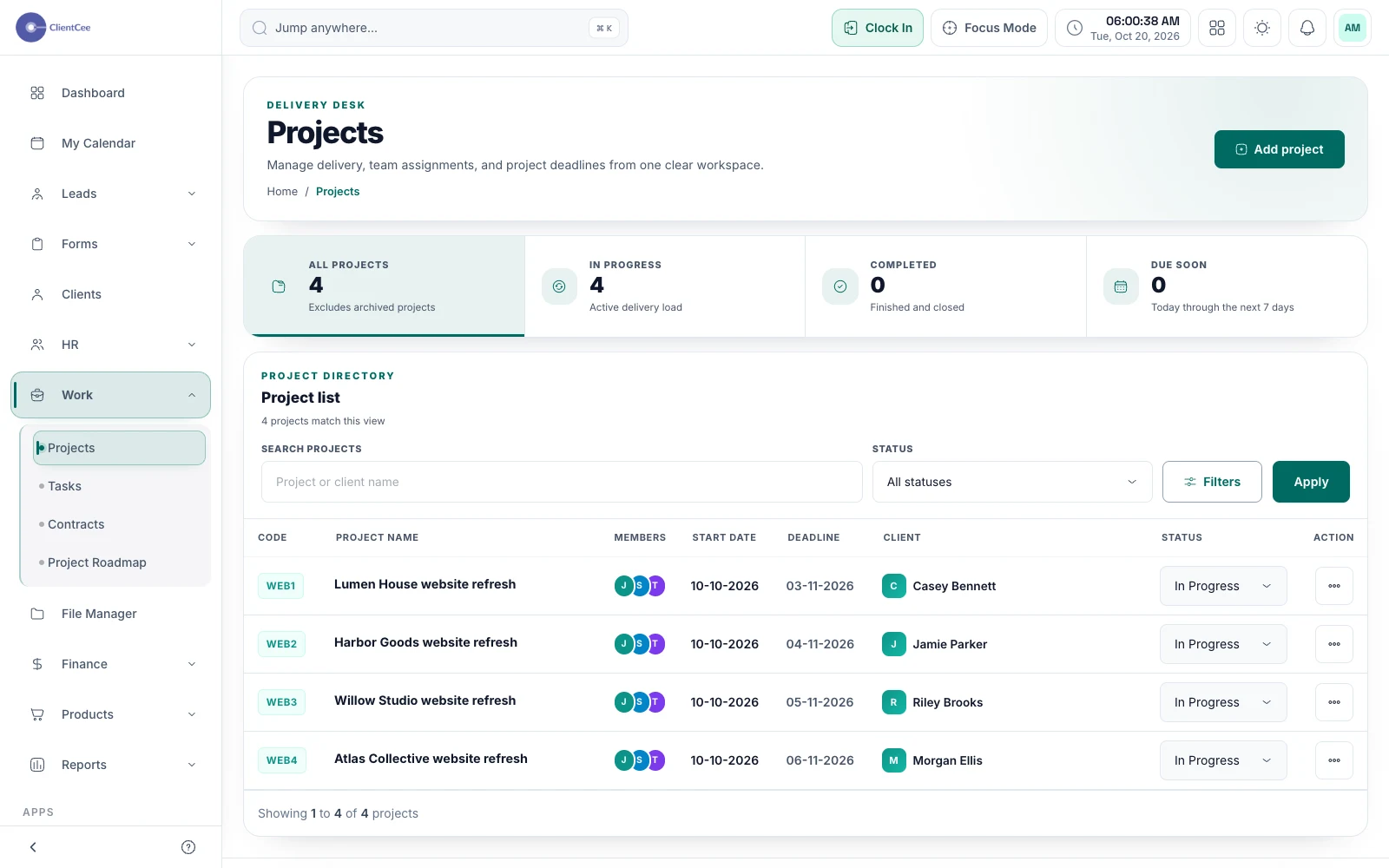
Connect the engagement, the people doing the work, and the tasks that need attention, with a clearer view for your agency and its clients.