Invoices with the right context
Create invoice records with the client and commercial details your engagement needs. Create an invoice from an estimate or duplicate an existing invoice when it fits the engagement, then review the result.
Prepare the invoice, offer the configured payment options, and keep the amount due and payment record visible to the people responsible for billing.
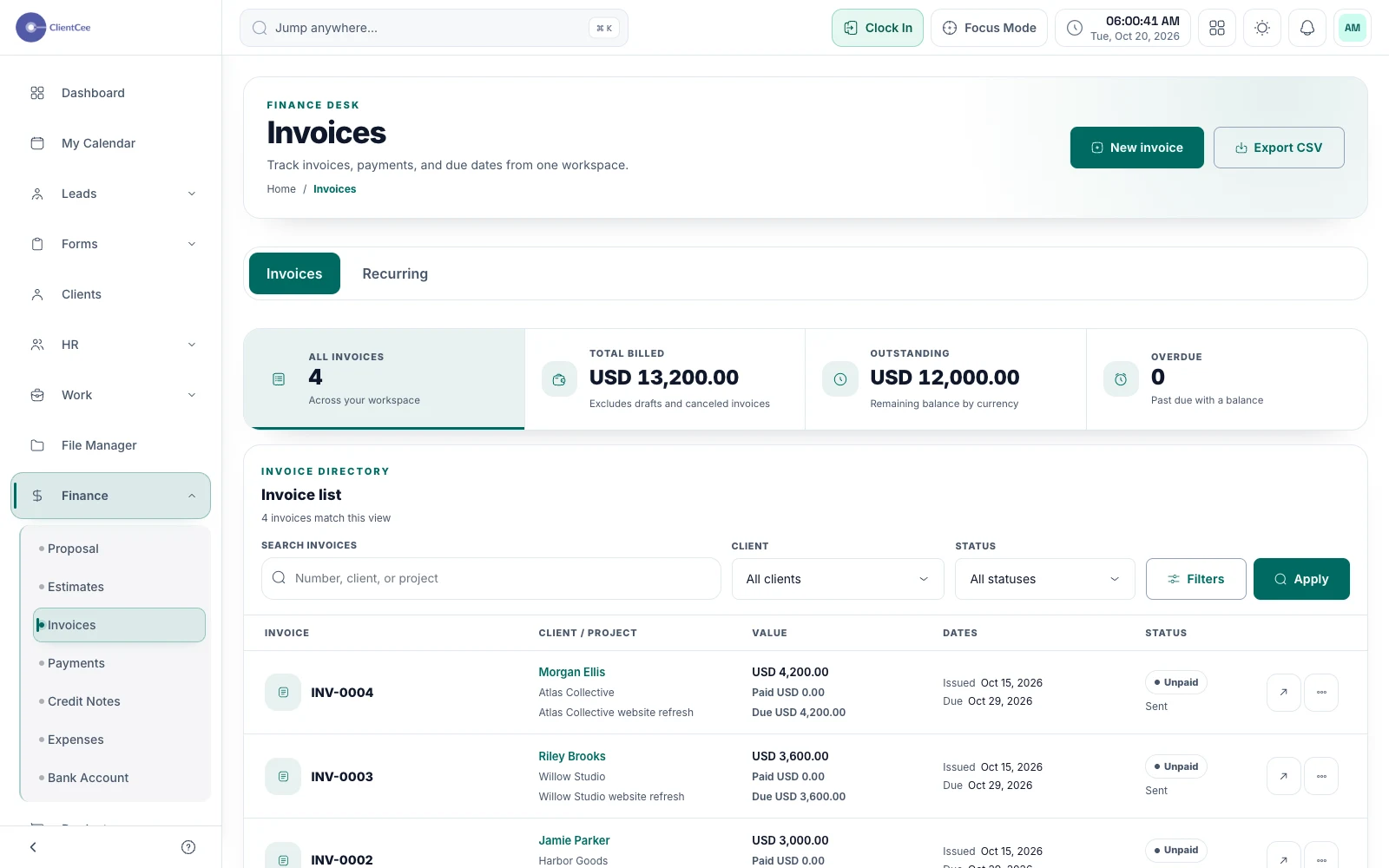
ClientCee's invoicing tools support invoice preparation, PDFs, sharing, reminders, payment records, and supported online payment links. Agencies can manage billing within the CRM, with online collection depending on configured payment providers and invoice eligibility.
Inside the feature
Create invoice records with the client and commercial details your engagement needs. Create an invoice from an estimate or duplicate an existing invoice when it fits the engagement, then review the result.
Send invoices, download PDFs, and send payment reminders. The client panel gives clients access to relevant invoice and billing information.
Generate an invoice payment link when the invoice and provider setup allow it. Record payments and check payment status separately from the fact that an invoice has been issued.
A practical workflow
Use the agreement to confirm what is due, the recipient, and the milestone or schedule that starts the billing step.
Review invoice details before sending the invoice or sharing an eligible payment link.
Review payment status, handle any client question, and use the appropriate reminder or follow-up action.
A project can be delivered while its invoice is still unpaid. Keep those records distinguishable so that your team can answer both delivery and billing questions accurately. Use the payment record to understand settlement rather than assuming that sending an invoice completed the transaction.
When a milestone is ready for billing, pass the finance owner the relevant scope reference, client billing information, and any approved changes. ClientCee provides the commercial records; your agency decides who checks the details and when the invoice should be sent.
Common questions
Clients can pay through an invoice payment link when the agency's provider configuration and the invoice's eligibility allow it. Check your workspace setup and available payment methods.
ClientCee lets you generate and download invoice PDFs. Review the invoice information before sharing the generated document with the client.
No. Sending, payment collection, and recording settlement are different actions. Check the invoice and payment status to understand the amount still outstanding.
Keep the work connected
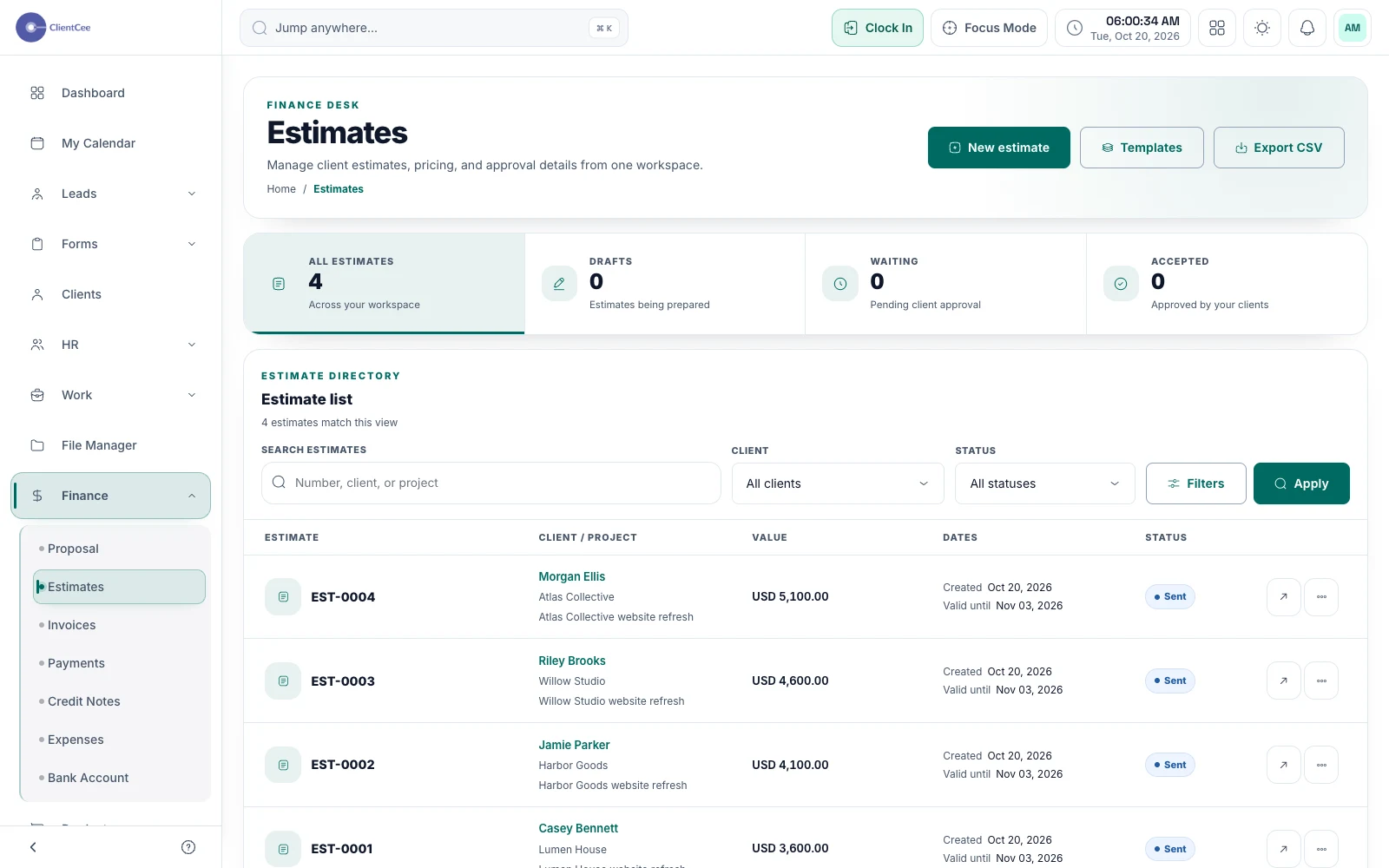
Prepare a clear offer, share it with the client, and keep the decision with the commercial record your team needs next.
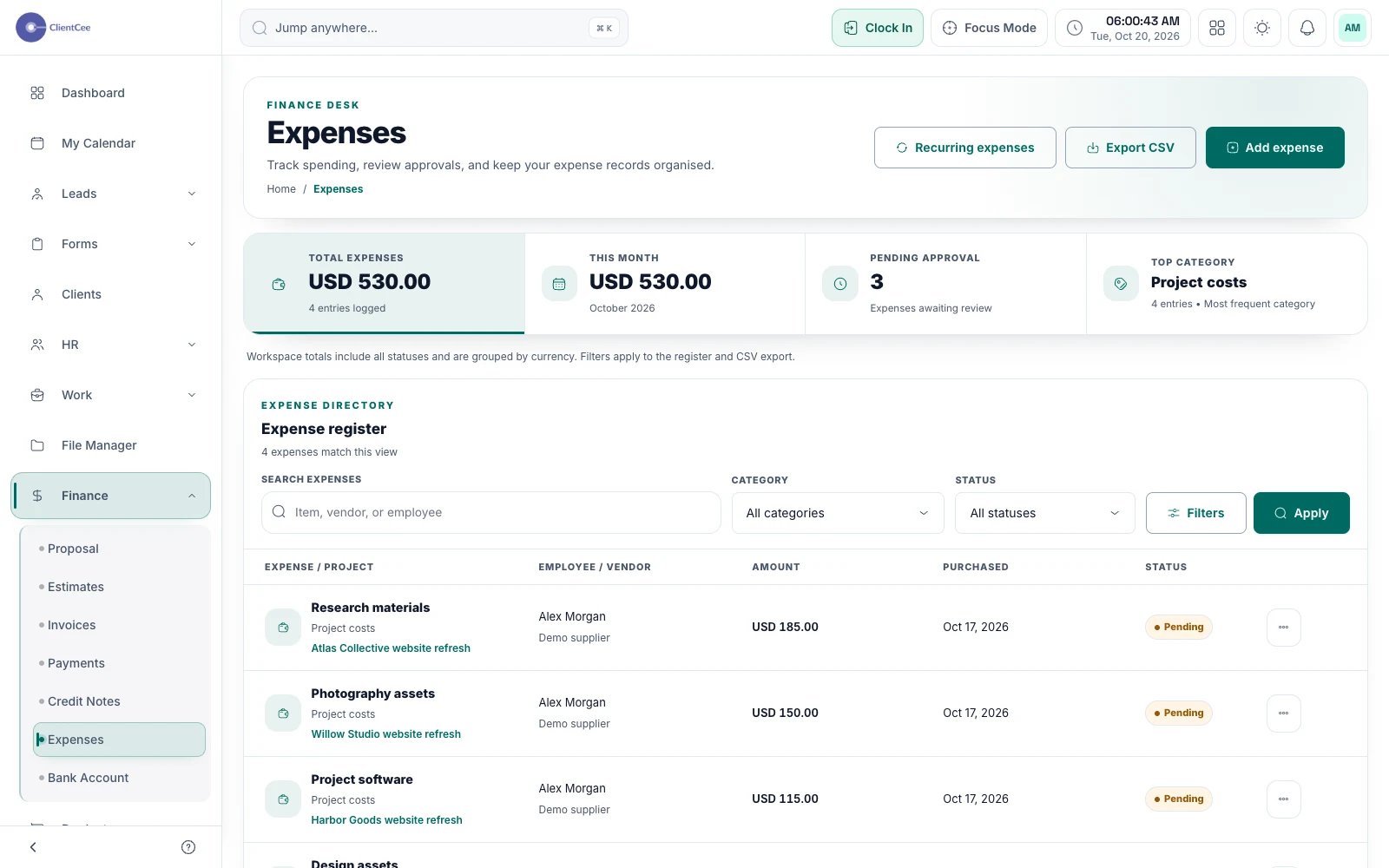
Bring expense records into the same workspace as your client work, so costs have a reference when your team reviews the engagement.
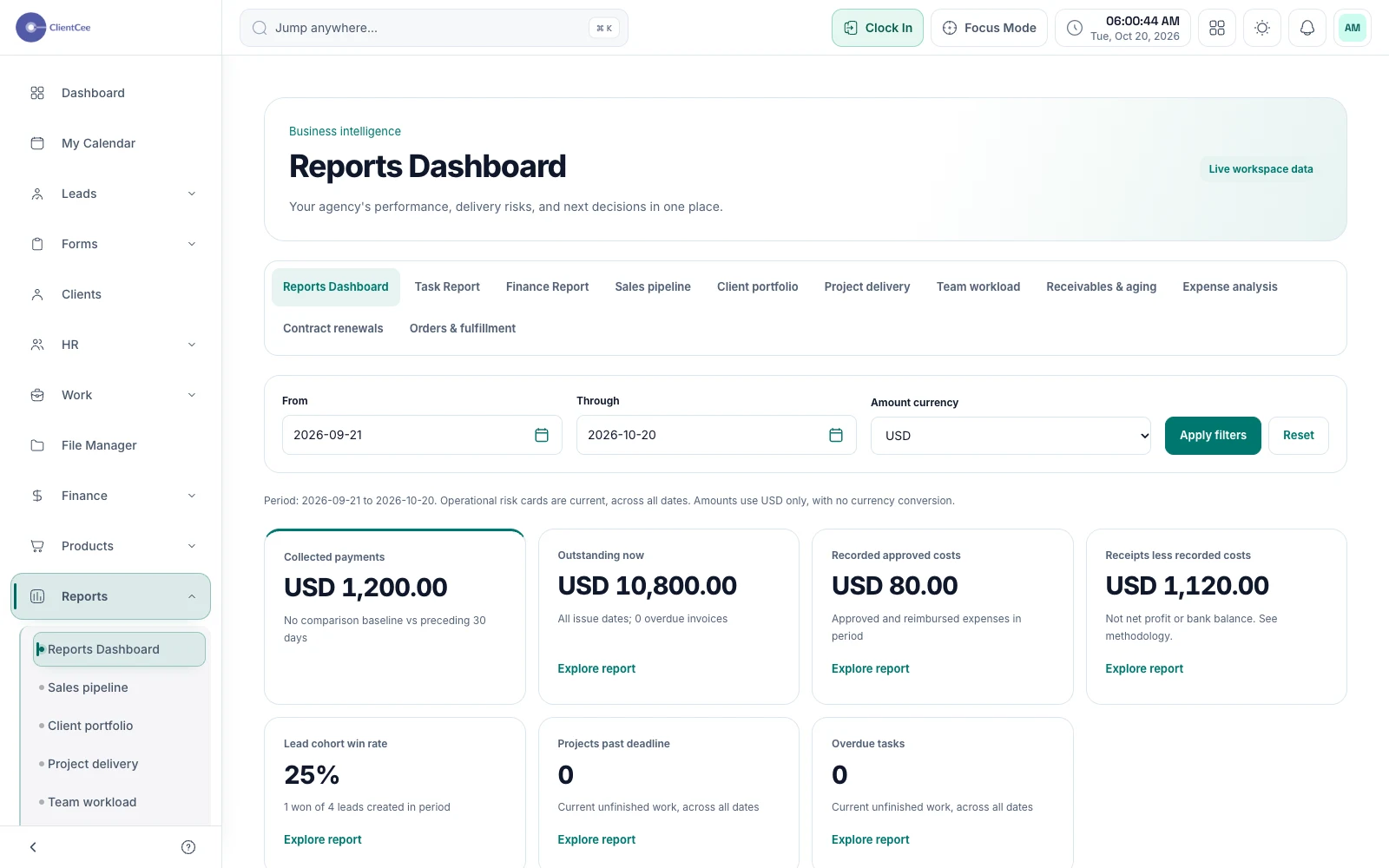
Move from a headline number to the records behind it, with business reports and dashboards built around the agency information in your workspace.
Put it into practice
From project kickoff to invoice: a clearer agency workflow