An agency overview
Use the dashboard to orient the day's review across the information available to your role. Start with a question about the business, then identify the records that need attention.
Move from a headline number to the records behind it, with business reports and dashboards built around the agency information in your workspace.
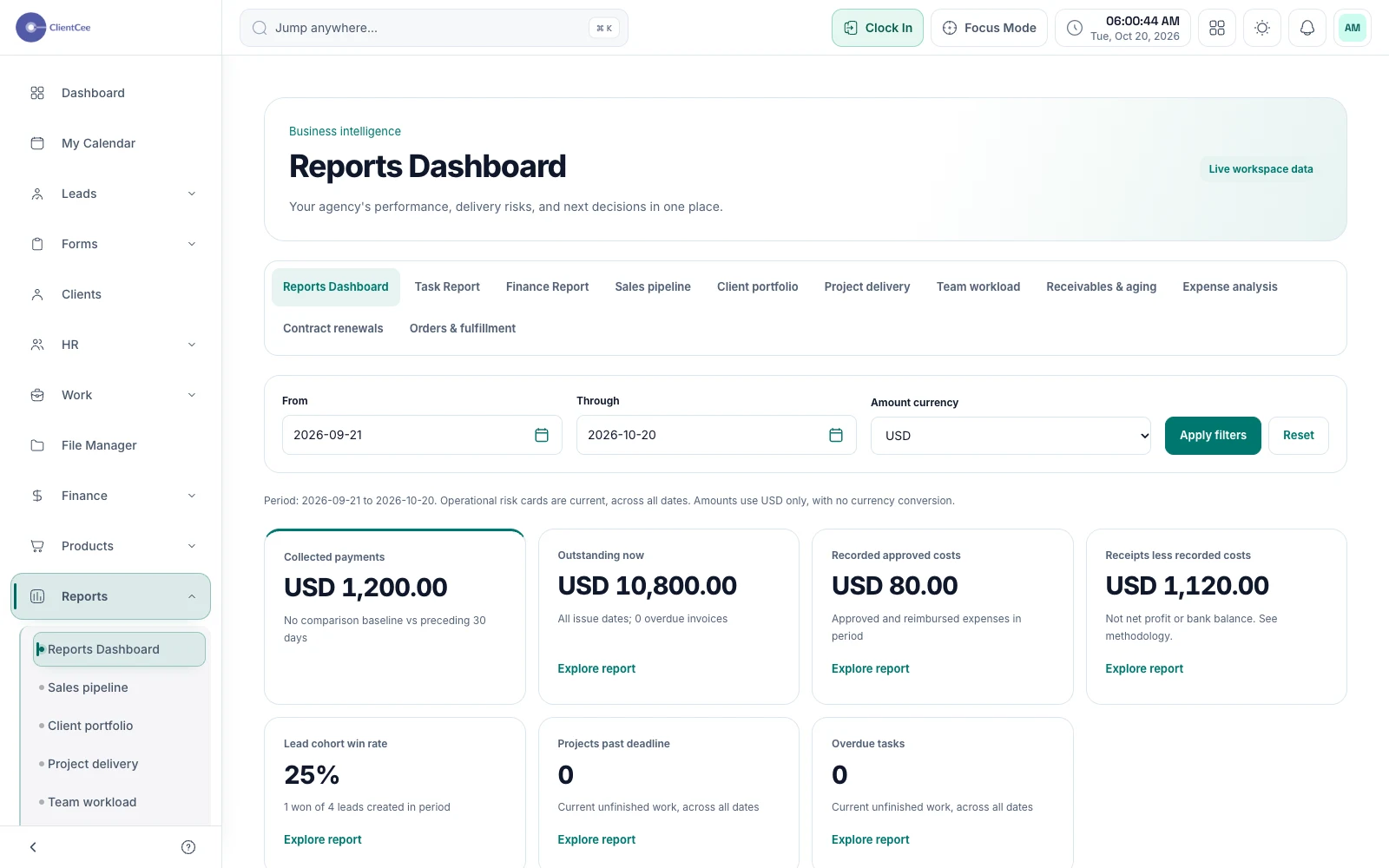
ClientCee provides agency dashboards and reports for reviewing business records, task activity, and finances. Date, currency, and record context help owners investigate the available data, with report sections governed by access and enabled workspace features.
Inside the feature
Use the dashboard to orient the day's review across the information available to your role. Start with a question about the business, then identify the records that need attention.
Review available report sections with date and currency filters. Detail views provide records and breakdowns so a summary can lead to a more specific investigation.
Use dedicated task and finance reports, with exports for reviewing the underlying records. Use the relevant report when you need to review delivery activity or financial records with your team.
A practical workflow
Decide whether you are reviewing delivery activity, commercial records, or a particular business exception.
Choose the applicable period and currency, then open the relevant report or dashboard context.
Look at the underlying records and give an unresolved issue an owner instead of stopping at the total.
An amount may describe invoices, payments, or another commercial record. Those concepts are not interchangeable. Check the report's definition, date range, and currency before using a number in a team discussion or comparing it with another view.
Start with a short set of operating questions: which client decisions are waiting, which delivery items need attention, and which commercial records need follow-up? Use the available reports to investigate the question, then record the next action with the team responsible.
Common questions
The business reports let you choose a date range for your review. Choose the period that matches your review and check the report's own context before comparing totals.
ClientCee lets you export task and finance reports. Available data remains subject to the relevant permissions and report configuration.
No. The agency, employee, and client experiences serve different roles. Report availability and underlying records are controlled through the applicable workspace access rules.
Keep the work connected
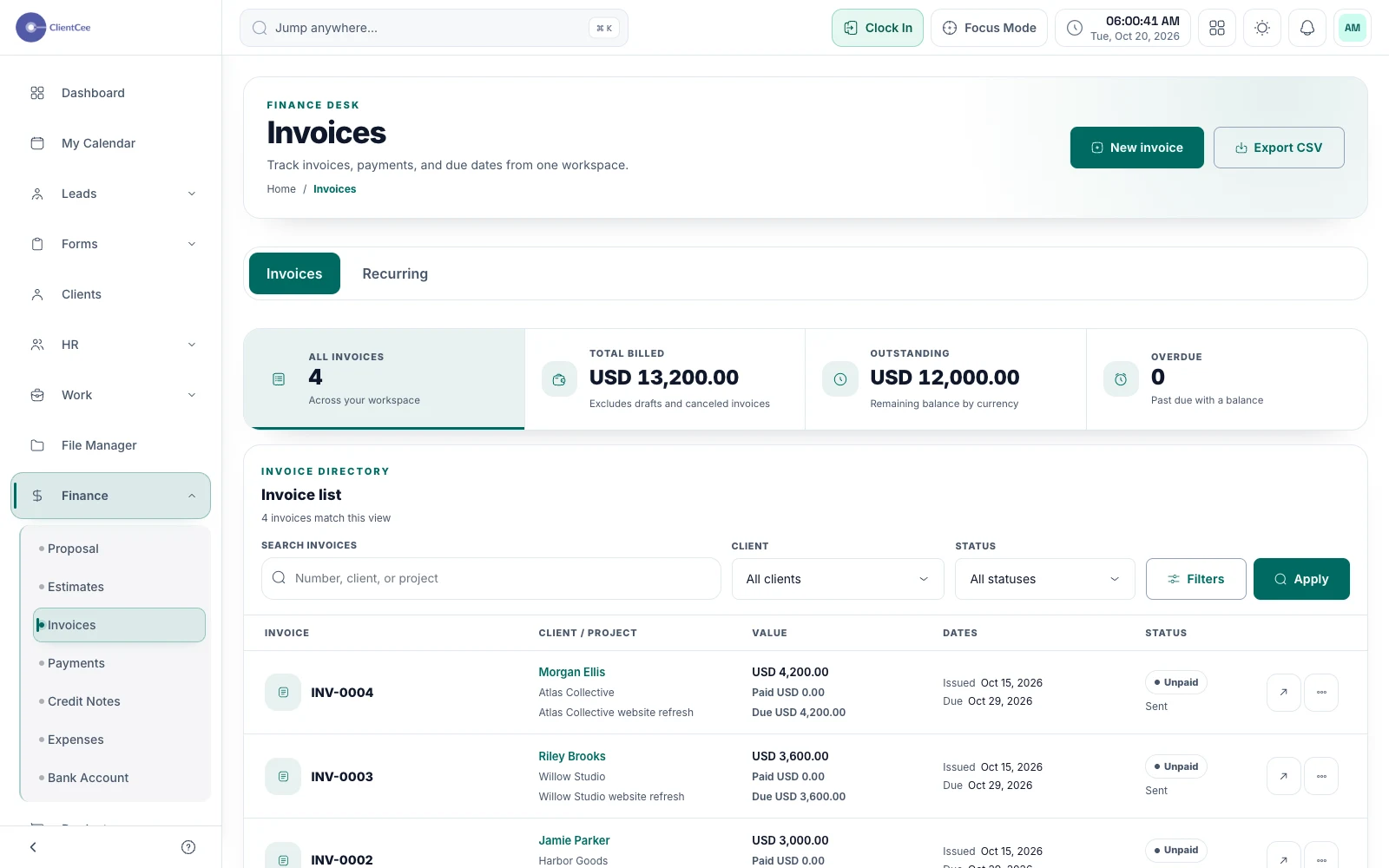
Prepare the invoice, offer the configured payment options, and keep the amount due and payment record visible to the people responsible for billing.
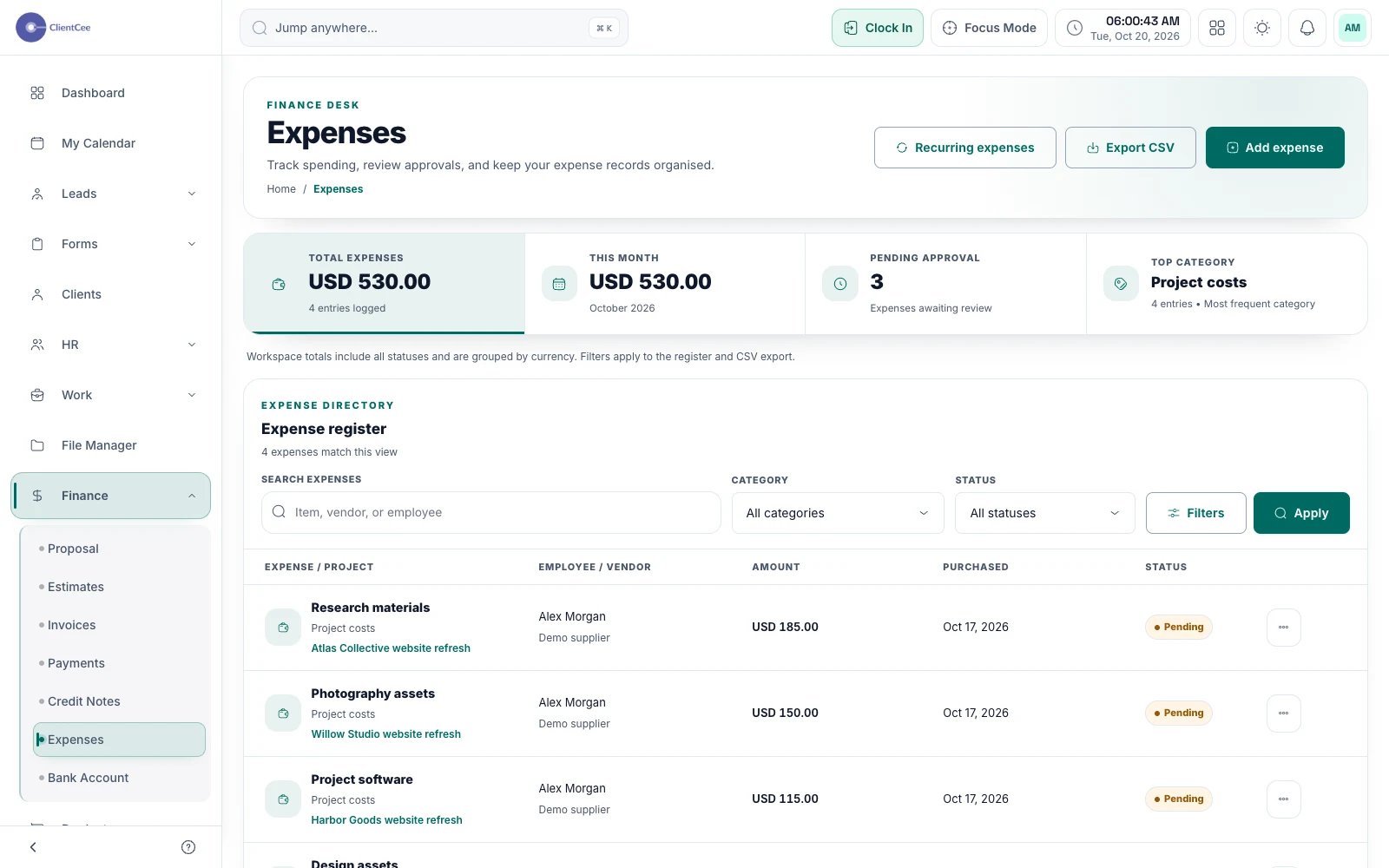
Bring expense records into the same workspace as your client work, so costs have a reference when your team reviews the engagement.
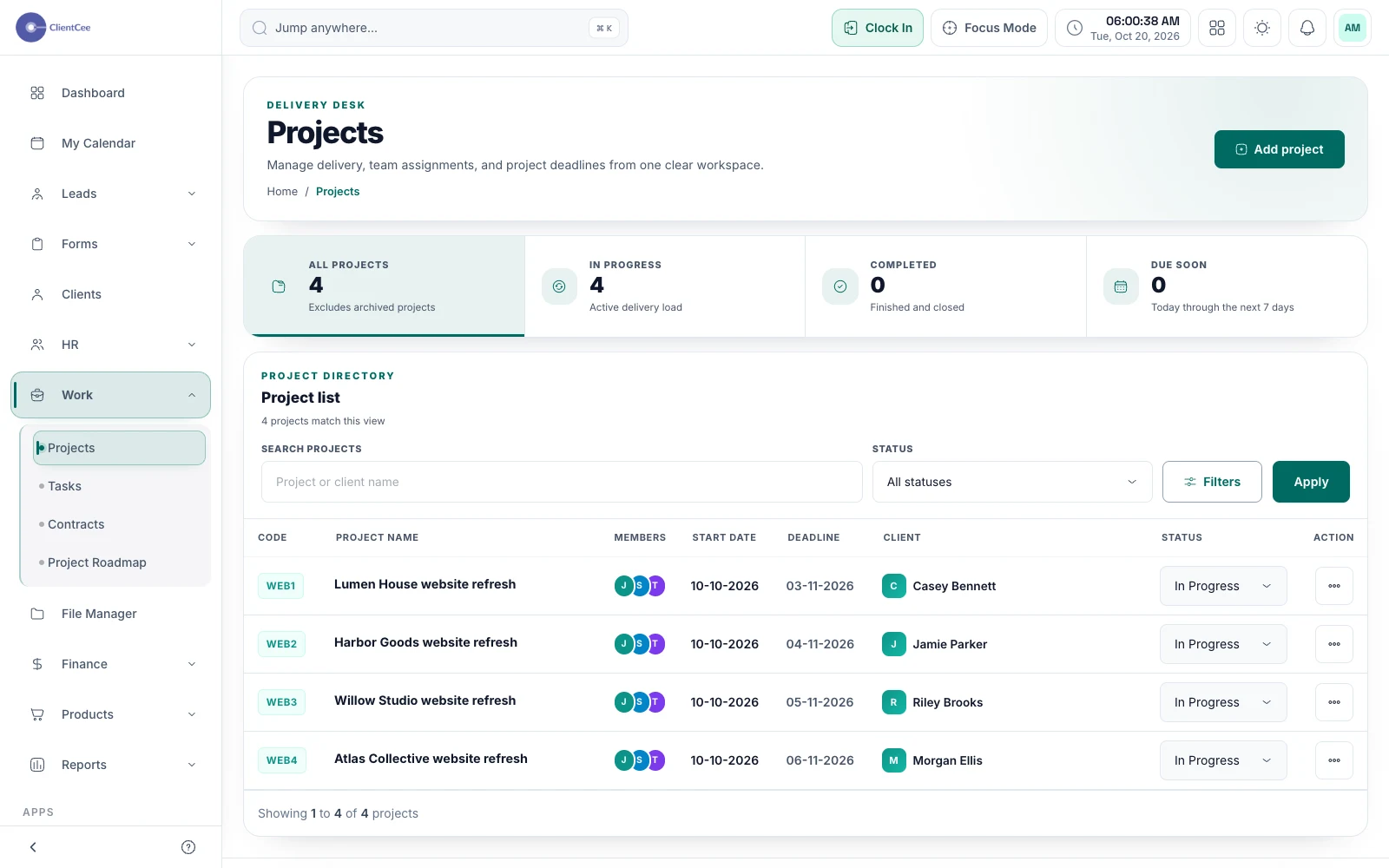
Connect the engagement, the people doing the work, and the tasks that need attention, with a clearer view for your agency and its clients.