Task time with a useful reference
Use the task timer and time records alongside the work being done. The reference helps a reviewer understand what the recorded effort belongs to.
Give the team a place to record effort and give the reviewer enough context to understand it, without confusing a time entry with an invoice.
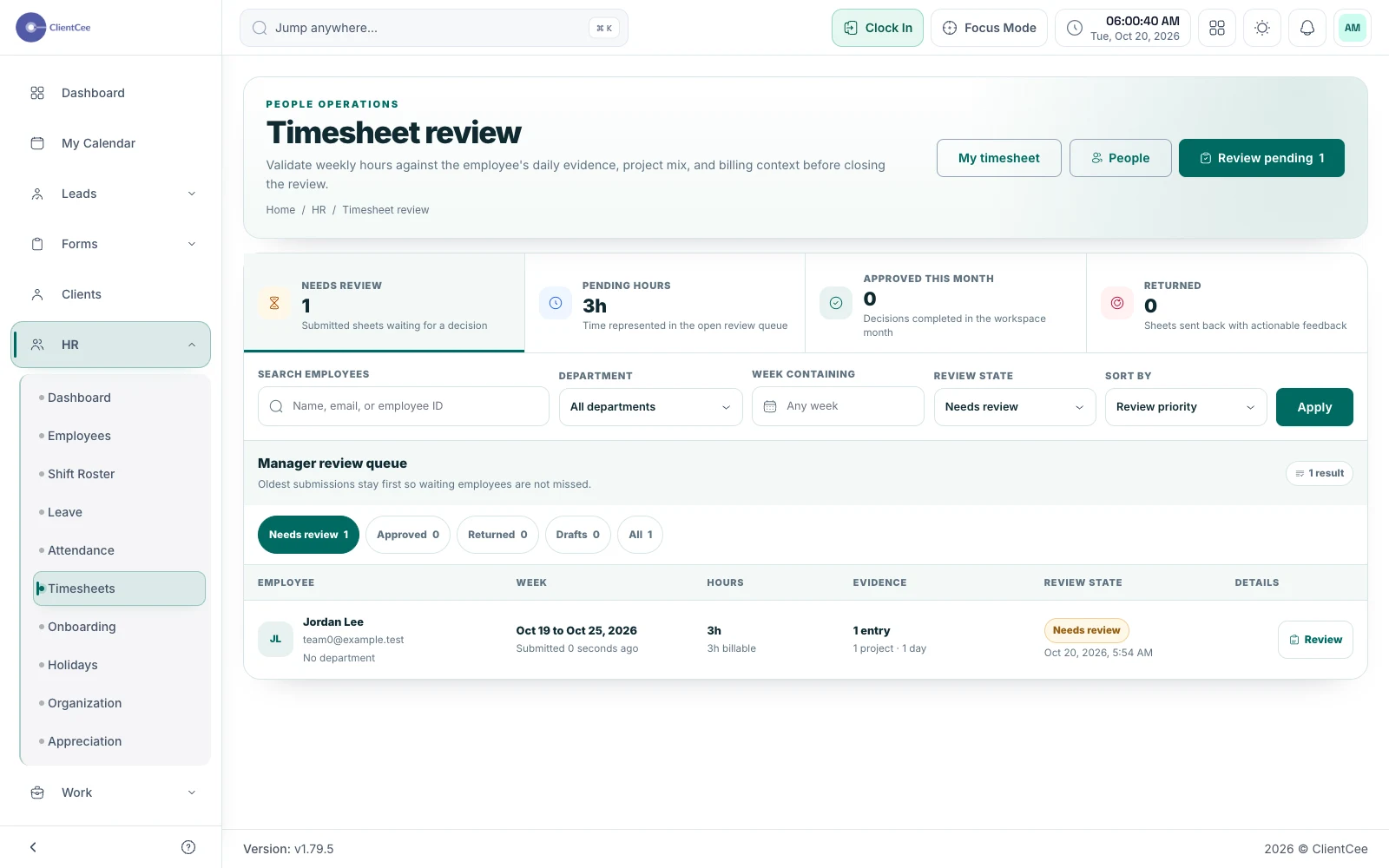
ClientCee provides time logs, a task timer, and employee timesheet workflows for recording work. Agencies can review time in its task and project context, while the timesheet process supports submission and review where enabled.
Inside the feature
Use the task timer and time records alongside the work being done. The reference helps a reviewer understand what the recorded effort belongs to.
Employees can record time through the timesheet workflow, choosing the relevant project and task where required. Keep the entry description understandable to the person reviewing it.
Timesheet submission and agency review help separate a draft record from a reviewed period. Use those states according to the process your agency has agreed.
A practical workflow
Identify the task or project that explains the time your teammate is about to record.
Use the supported timer, time log, or timesheet entry process and add the necessary description.
Resolve missing context or entry questions before using time records for internal review or a billing decision.
A time total alone does not explain an engagement. A record tied to a task such as Homepage wireframe review gives the reviewer a starting point. Agree how your team describes revisions, internal coordination, and client work so that the records are interpreted consistently.
Your agreement determines which work is billable and how it is priced. Review the entries and commercial terms before preparing an invoice. An accurate time record can support that decision without implying that every minute should be charged to the client.
Common questions
ClientCee includes a task timer experience alongside time logging capabilities. Use it with the appropriate task access and confirm your team's recording process before relying on the entries.
The timesheet workflow supports employee submission and agency review. The available actions depend on the current timesheet state and the participant's permissions.
Do not treat time recording as an automatic billing instruction. Your agency needs to review the work and the agreement, then use the supported invoicing process for the correct amount and schedule.
Keep the work connected
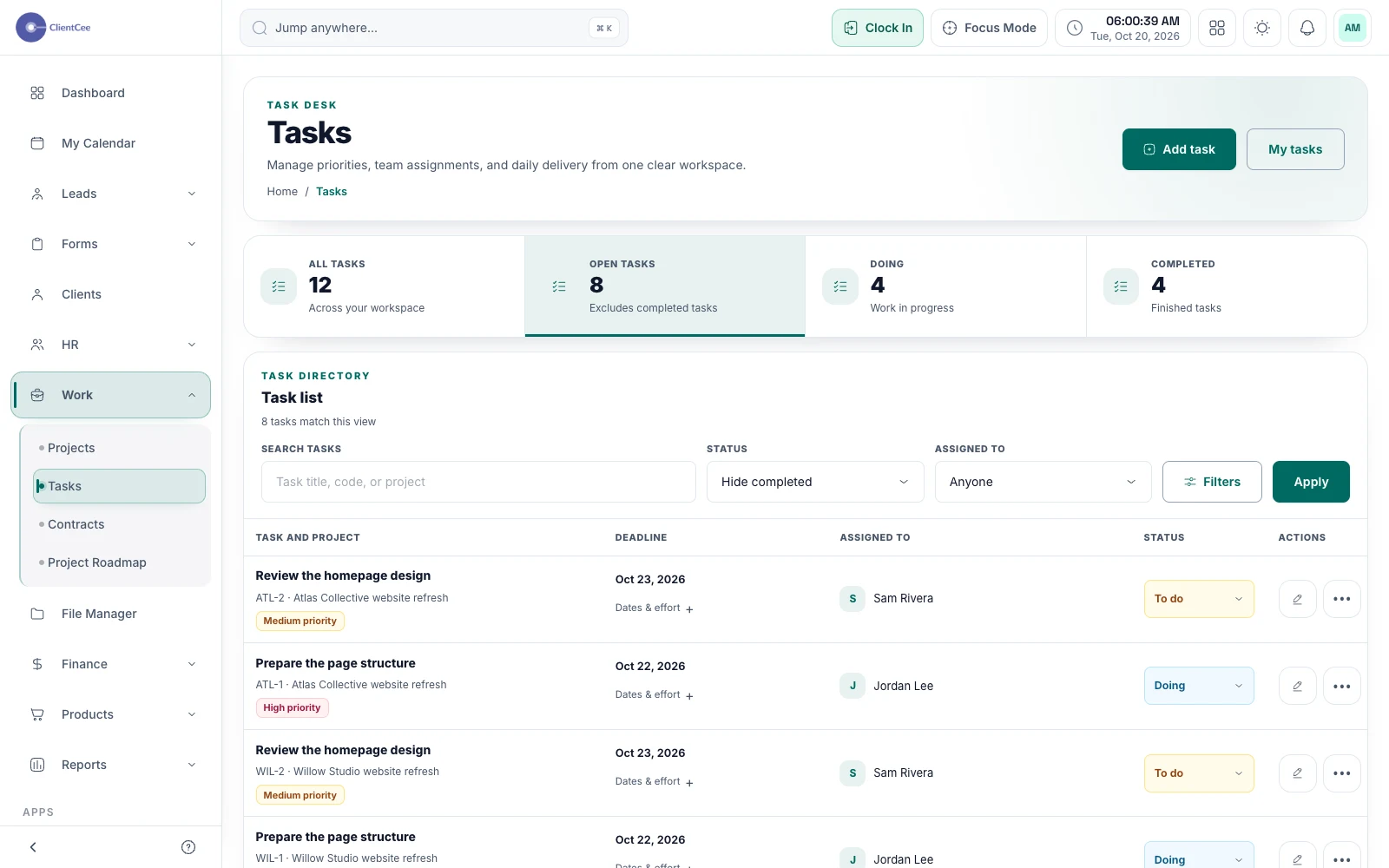
Turn broad project plans into manageable assignments, with subtasks, collaboration, and progress that your team can understand.
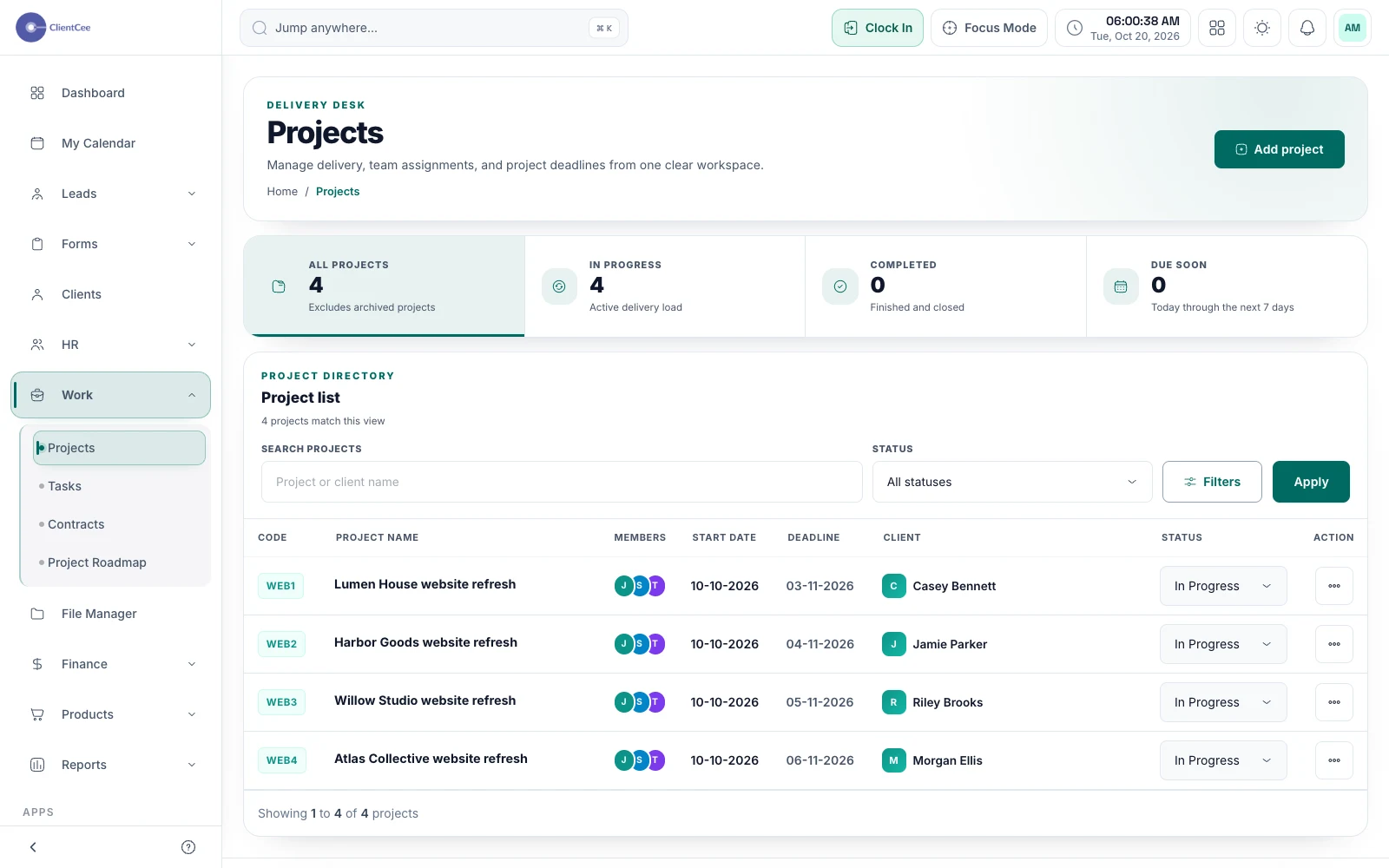
Connect the engagement, the people doing the work, and the tasks that need attention, with a clearer view for your agency and its clients.
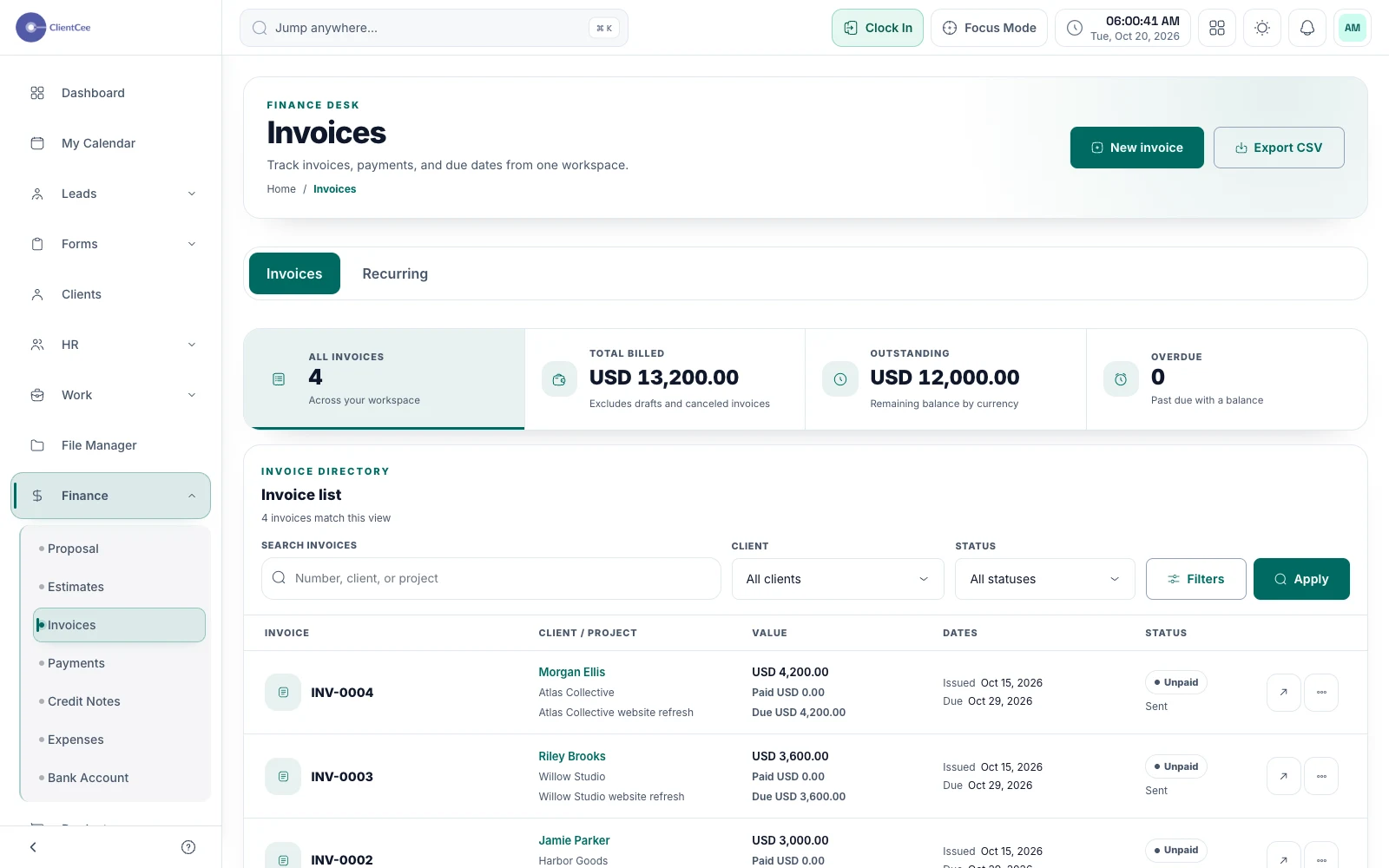
Prepare the invoice, offer the configured payment options, and keep the amount due and payment record visible to the people responsible for billing.
Put it into practice
From project kickoff to invoice: a clearer agency workflow