Coordinate the service around the client
Use ClientCee to manage client context, agency responsibilities, projects, and billing. Advertising platforms remain the place for running campaigns and assessing their native performance.
Bring the business behind your marketing work together, from a new enquiry to assigned campaign tasks, client decisions, and the next invoice.
A CRM for a digital marketing agency should connect the client relationship with the work promised to that client. ClientCee brings leads, estimates, projects, tasks, time records, client access, and invoicing into an agency workspace so owners can coordinate the people and handoffs behind delivery.
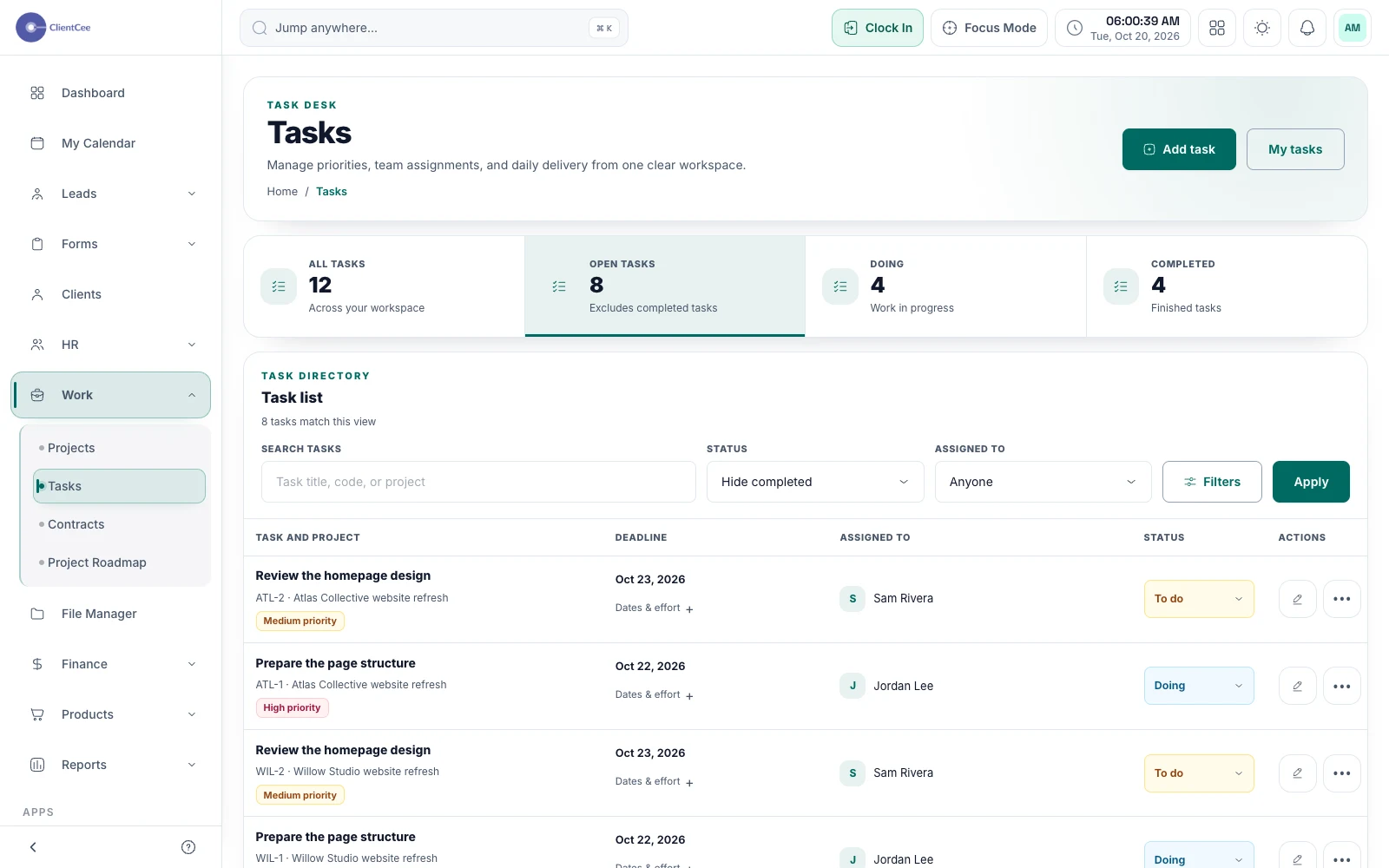
A campaign can involve an account owner, a writer, a designer, and a client decision-maker. When the agreed scope, next task, and approval request live in different conversations, the team spends time reconstructing what should happen next. Start with one engagement, a named owner, and a clear record of the client decision.
A practical agency workflow
Review the enquiry, record the prospect and follow-up, and prepare an estimate around the service you intend to deliver.
Set up the client project and assign tasks for the copy, creative assets, account review, and other agreed work, with an owner and due date for each.
Share the relevant project information or deliverable through the supported client experience. Say which item is ready, what needs a response, and when.
Review task progress and time records alongside the agreed billing trigger. Prepare the invoice and track payment through the separate commercial records.
Use ClientCee to manage client context, agency responsibilities, projects, and billing. Advertising platforms remain the place for running campaigns and assessing their native performance.
Confirm the plan modules, team permissions, client visibility, and billing process. Introduce the workspace with a single campaign before expanding across your client portfolio.
Prepared by ClientCee. Details checked . Examples are illustrative.
This workflow concerns the agency business around a campaign: the enquiry, agreement, work assignments, client actions, and billing. Use your advertising platforms for campaign setup and platform performance.
Yes. Project tasks support assignments, dates, and progress. Choose the project team and check each person’s access before introducing the workflow.
Start with one useful action, such as finding a project update or responding to a deliverable review. Explain what the client will see and who will act on their response.
Put it into practice