A business workspace around production
ClientCee coordinates client and delivery records. Your design and development tools remain responsible for creating and deploying the website itself.
Keep the brief, delivery team, client decisions, and commercial records connected as a website moves from first conversation to handover.
A web design agency CRM should carry the agreed project context from discovery into delivery. ClientCee connects client and lead records, estimates, contracts, projects, assigned tasks, client review actions, and invoices so your team can coordinate a website engagement with clear responsibilities.
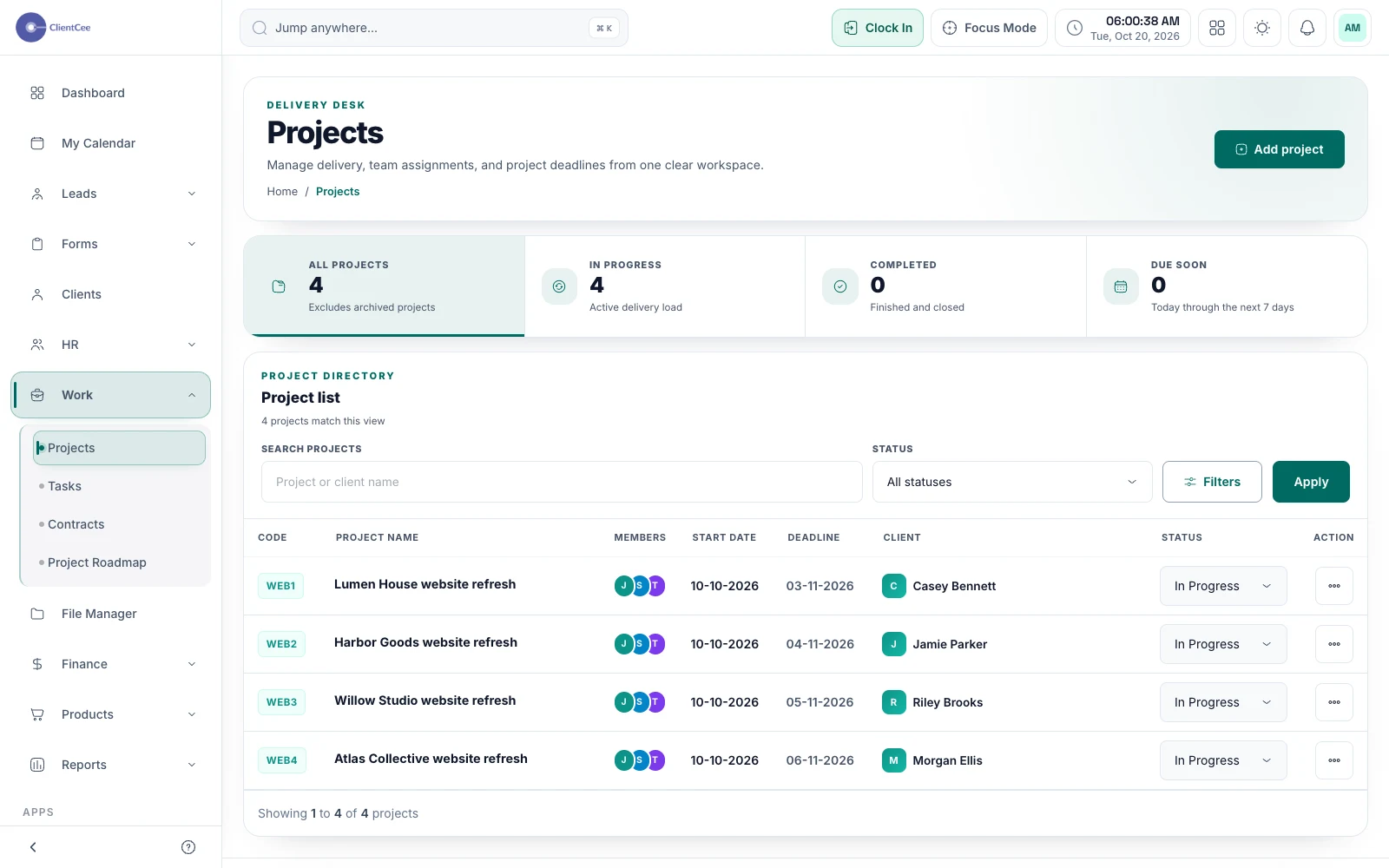
A website project depends on decisions as much as production. The client needs to supply content, someone must approve the design, and the team needs a clear launch condition. Make those dependencies visible before work starts so a finished task does not hide an unresolved client decision.
A practical agency workflow
Use discovery to establish the audience, goals, deliverables, exclusions, and decision-maker. Prepare the estimate and agreement from that understanding.
Create the project, choose its team, and assign discovery, structure, design, build, and review tasks. Record client-supplied dependencies alongside the work.
Share the relevant deliverable and explain the decision requested. Review a new request against the agreed scope before adding it to the schedule.
Check the agreed handover conditions, record the next support responsibility, and review the invoice and payment state separately from project completion.
ClientCee coordinates client and delivery records. Your design and development tools remain responsible for creating and deploying the website itself.
Check client visibility, enabled modules, responsibilities for content and access, and the agreed billing milestones. Test the client-facing review path before kickoff.
Prepared by ClientCee. Details checked . Examples are illustrative.
Projects have their own delivery context and tasks. Use meaningful names, team assignments, and dates so the agency can distinguish work across engagements.
Capture the request, assess its impact, and record the client decision before updating the work. The scope-change template below provides a practical starting point.
Delivery and payment are separate records. Follow your agreement, review the invoice, and use the supported payment process for the amount that is due.
Put it into practice